How AI Anime Image Generators Actually Work: The Tech Behind the Art
A deep dive into how AI anime image generators turn text prompts into anime art. Learn about diffusion models, anime-specific training, and what makes some generators better than others.
You open an AI anime art generator, type "a samurai standing in a field of cherry blossoms at sunset," and thirty seconds later you are looking at a fully rendered anime illustration that never existed before. No artist sat down with a tablet. No one opened Photoshop. A machine read your words and produced an image.
It feels like magic. It is not. Understanding how the technology works will not just satisfy curiosity -- it will make you better at using it. When you understand what the model is doing, you write better prompts, set better expectations, and get better results.
The Foundation: What Is a Diffusion Model?
Almost every modern AI image generator is built on a diffusion model. The core idea is surprisingly intuitive.
Imagine taking a beautiful anime illustration and gradually adding random noise -- like static on an old television. Step by step, the image becomes noisier until it is nothing but pure random pixels. A diffusion model learns to reverse that process. Given a noisy mess, it learns to predict and remove the noise, gradually recovering a clean image.
How Training Works
During training, the model sees millions of images paired with progressively noisier versions. It learns patterns at every noise level:
| Noise Level | What the Model Learns |
|---|---|
| High noise | Broad composition and color |
| Medium noise | Shapes and structures |
| Low noise | Fine details -- eyes, hair strands, fabric textures |
When you generate an image, the model starts with pure random noise and runs the denoising process step by step. Each step makes the image a little clearer. After enough steps, you have a finished illustration.
💡 Tip: Those 20-60 seconds of generation time are not the AI "thinking." They are the model running through dozens of denoising steps, each one refining the image further. More steps generally means higher quality, up to a point.
Why Diffusion Beats GANs
Before diffusion models, the dominant approach was GANs (Generative Adversarial Networks) -- two neural networks pitted against each other. GANs produced impressive results but were notoriously unstable to train and prone to mode collapse (getting stuck generating variations of the same thing).
Diffusion models solved these problems:
- More reliable training
- More diverse outputs
- Better scaling with more data and compute
- Trade-off: slower at inference time (but clever engineering has brought times from minutes to seconds)
The Text Part: How Words Become Visual Instructions
Generating an image from noise is only half the puzzle. The other half is steering generation based on your text prompt.
The Role of Text Encoders
When you type a prompt, it passes through a text encoder -- a separate neural network that converts words into a mathematical representation called an embedding. This embedding captures semantic meaning in a format the image model can use.
The most widely used text encoder is CLIP (Contrastive Language-Image Pre-training), trained on hundreds of millions of image-text pairs. CLIP maps images and descriptions into the same mathematical space, so "red sports car" sits close to actual red sports car images.
How Guidance Works
During generation, the text embedding guides denoising at every step. The model does not denoise randomly -- it denoises in the direction of your prompt:
- Start with random noise
- At each step, ask: "Does this partially denoised image match the text embedding?"
- Adjust accordingly
- Repeat until clean image emerges
Why Anime-Specific Models Exist
A general-purpose AI image generator and an anime-specific generator are fundamentally different tools, even with the same underlying architecture.
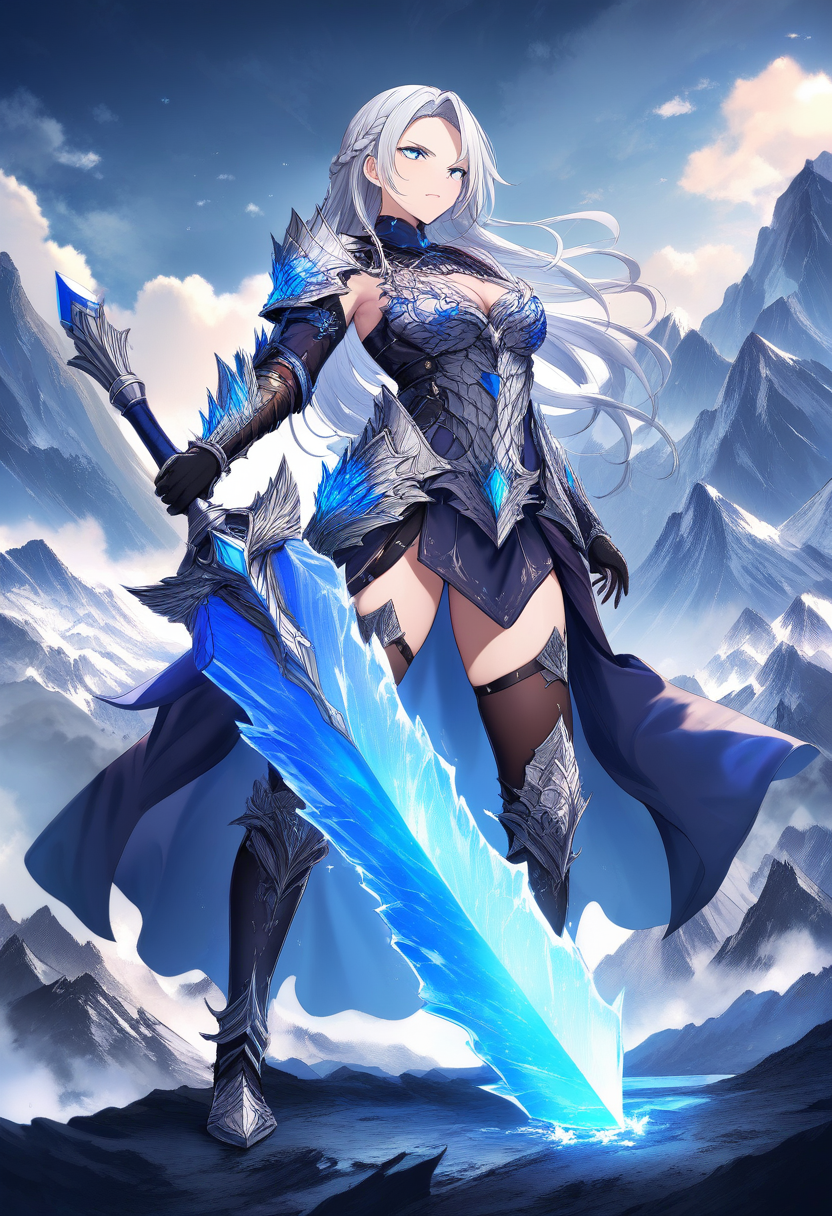
General models treat anime as one of many possible styles. Anime-specific models are either trained from scratch on curated anime datasets or fine-tuned from general models. The difference in output quality is dramatic.
What Anime Models Learn That General Models Miss
| Feature | General Model | Anime-Specific Model |
|---|---|---|
| Eye rendering | Makes eyes bigger | Learns specific highlight patterns, pupil shapes, color gradients by sub-style |
| Hair physics | Generic flowing hair | Distinct clumps and strands with style-appropriate shading conventions |
| Color and shading | Photorealistic lighting | Flat shading with distinct shadow edges and cell-shading conventions |
| Proportions | Anatomically correct | Deliberately non-realistic (larger heads, longer legs) as intentional style |
| Composition | Standard photography rules | Manga paneling and anime cinematography patterns |
Animagine and the Anime Model Landscape
Among anime-specific models, Animagine has become a standout. It uses Danbooru-style tagging -- a comprehensive descriptive system developed by the anime art community over many years.
Instead of natural language prompts, you can use precise tags like:
1girl, silver_hair, long_hair, red_eyes, school_uniform, cherry_blossoms, windThis tagging system lets you control details that natural language struggles to specify.
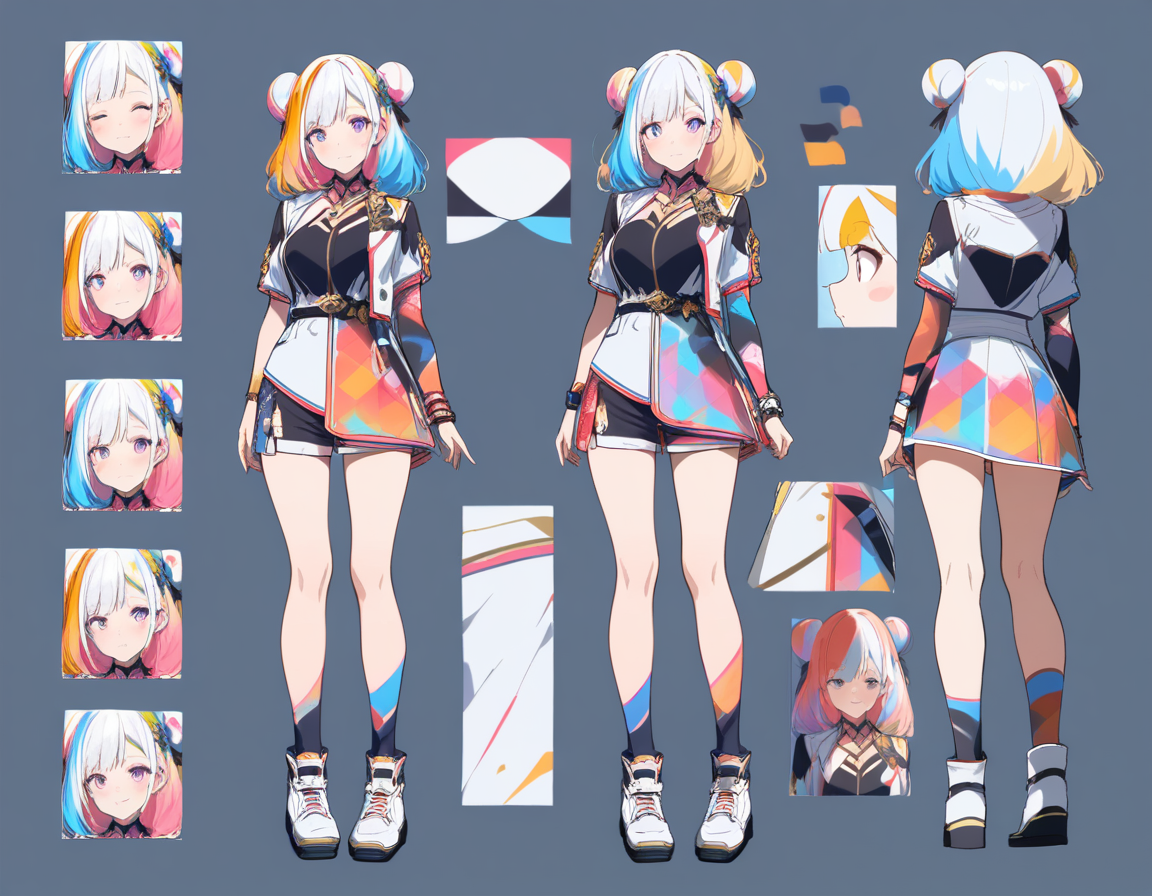
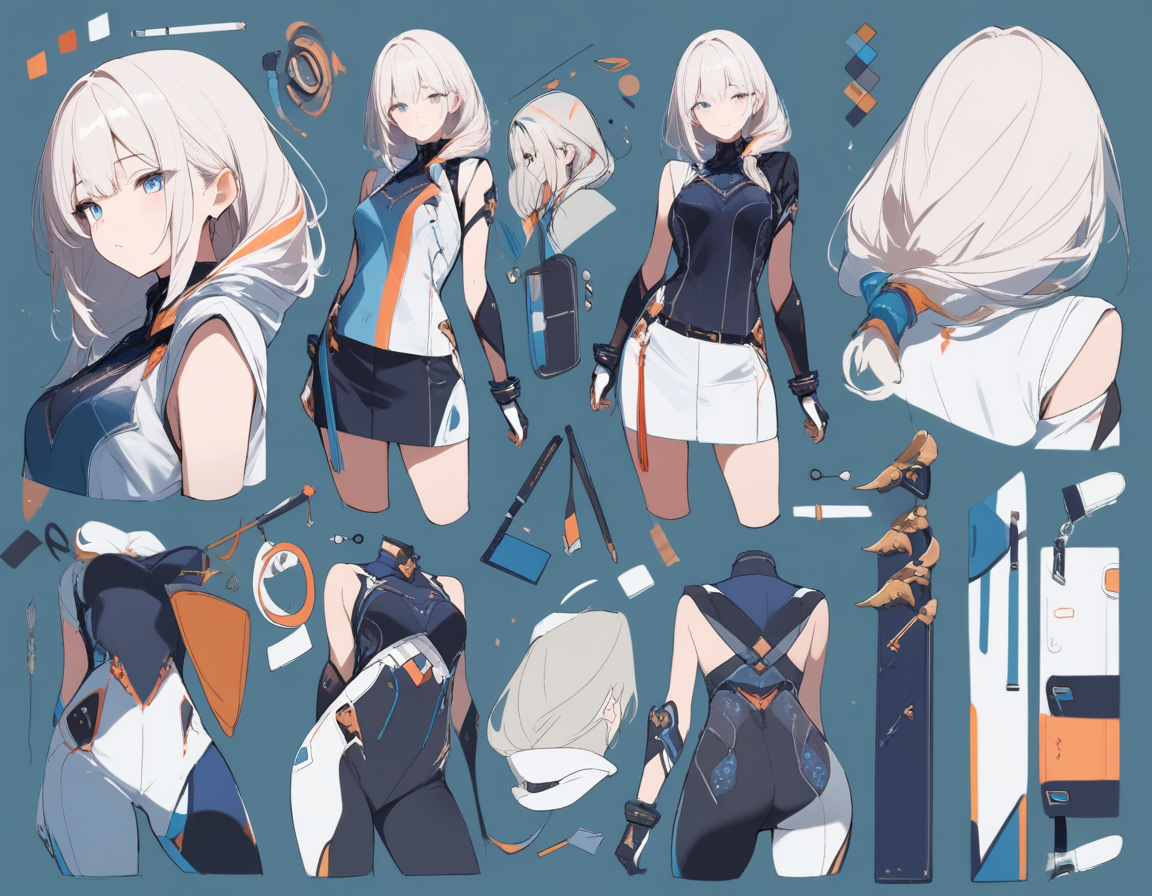
💡 Tip: Oniichan uses Animagine for character reference art generation during the outline phase. When the system generates character sheets, those references serve as visual anchors throughout the entire manga generation process, keeping characters consistent from the first page to the last.
The Full Pipeline: From Prompt to Finished Image
Understanding individual components is useful, but seeing how they connect reveals why some generators produce consistently better results.
The Six Steps
-
Prompt processing -- Your text is parsed, cleaned, and potentially enriched. Good generators expand shorthand, add quality-boosting tokens, and route to appropriate model variants.
-
Text encoding -- Processed prompt goes through the text encoder, producing the guiding embedding. Some systems use multiple encoders simultaneously.
-
Noise initialization -- Random noise is created using a seed value. Same prompt + same seed = same image. Different seeds = different results.
-
Iterative denoising -- The diffusion model runs denoising steps guided by the text embedding:
- Early steps establish composition and major shapes
- Middle steps define structures, faces, and clothing
- Late steps add fine details, texture, and sharpness
-
Upscaling and post-processing -- Super-resolution models increase detail, face-correction models fix issues, color adjustment matches style.
-
Output delivery -- Finished image encoded and delivered.
What Makes a Good AI Anime Generator
Now that you understand the technology, you can evaluate generators with informed criteria.
Model Quality and Specialization
The most important factor. Is it trained specifically on anime art? How large and curated was the training dataset? A model trained on millions of carefully tagged, high-quality anime illustrations will outperform one trained on a smaller or noisier dataset.
Prompt Understanding
A good generator understands what you mean, not just what you said. "Tsundere girl with twin tails" should produce the expected anime conventions -- slight blush, averted gaze, crossed arms.
Terms like "ahoge," "zettai ryouiki," "heterochromia," and "side ponytail" should produce exactly what anime fans expect. This is where anime-specific training pays off.
Consistency and Control
| Feature | Single Image Generator | Manga Creation Platform (Oniichan) |
|---|---|---|
| Single good image | Yes | Yes |
| Same character across images | Requires workarounds | Built-in character reference system |
| Style control | Prompt-dependent | Consistent across project |
| Composition control | Limited | Panel layout selection |
| Sequential context | None | Previous page awareness |
Speed and Accessibility
The technology can be brilliant, but if it takes five minutes per image or requires understanding sampling methods, most creators will bounce. Good generators abstract the complexity away.
How Oniichan Uses This Technology
Oniichan is not just an image generator -- it is a manga creation platform. The platform uses multiple AI models at different stages:
| Stage | Model | Purpose |
|---|---|---|
| Outline creation | Animagine pipeline | Character and world reference art for visual identity |
| Full page generation | Proprietary pipeline | Complete manga pages with panels, characters, backgrounds |
| Page/panel editing | Targeted editing models | Modify specific regions while preserving everything else |
This multi-model approach is deliberate. No single model excels at everything. Using specialized models for each task produces better results than forcing one model to do it all.
The Limits of Current Technology
Being honest about limitations sets realistic expectations:
- Hands and fingers -- Still the most famous weakness. Anime styling helps (simplified hands), but you will occasionally get anatomical impossibilities
- Text and lettering -- AI models are generally bad at generating readable text within images
- Complex multi-character scenes -- Two characters interacting is manageable; five distinct characters in specific poses pushes the limits
- Exact pose control -- General pose guidance works ("arms crossed," "sitting"), but very specific poses need pose-to-image conditioning
- Consistency without references -- Without reference images, generating the same character twice from text alone is nearly impossible
Where the Technology Is Heading
AI anime image generation is improving fast. Models released in 2026 are dramatically better than 2024, and the pace shows no signs of slowing.
Expect:
- Better hand rendering
- More reliable multi-character scenes
- Improved consistency without explicit references
- Faster generation speeds
- Higher resolution output
The gap between "AI anime art" and "professional anime art" is narrowing every month. The best time to start learning these tools is now, while the technology is good enough to produce impressive work but early enough that skill with AI-assisted creation is still a differentiator. For a practical comparison of what is available today, see our roundup of the best AI tools for anime fans.
Start Creating
Understanding the technology is valuable, but it is no substitute for hands-on experience. If you are just getting started, our AI anime art for beginners guide covers everything from your first prompt to creating full manga pages. The nuances of prompting, the feel for what works, the instinct for when to regenerate versus edit -- these come from practice.
Oniichan gives you the full pipeline in one place: character creation, manga outlining, page generation, and editing. The technology described here runs under the hood, optimized and abstracted so you can focus on what matters -- telling your story.
Start creating your anime art now and see the technology in action.
Ready to create your own character?
Turn your OC ideas into polished anime character art with consistent designs. No drawing skills needed.