How to Create Anime Characters with AI: From Concept to Finished OC
A step-by-step guide to creating original anime characters using AI. Learn how to design consistent OCs, build character reference sheets, and save them to a reusable library.
Why AI Changed Character Creation Forever
Designing an original character used to require either serious drawing skills or serious money. You could spend hours sketching, erasing, and re-sketching trying to get a character to look right. Or you could commission an artist and wait weeks for turnarounds.
AI anime character generators have demolished that wall. In 2026, you can go from a vague idea -- "a quiet librarian with silver hair who secretly fights demons at night" -- to a fully realized character with reference sheets, multiple poses, and consistent visual identity in under ten minutes.
But here is the thing most people get wrong: the tool is only as good as the input. Typing "cool anime character" into an AI character creator will give you a generic result. Understanding how to describe characters, what details matter, and how to refine AI output is what separates forgettable designs from characters that feel alive.
This guide covers the complete process, from initial concept to a finished OC you can use across projects.
Step 1: Define Your Character Before You Touch Any AI
This is the step everyone skips, and it is the step that matters most.
Before opening any OC generator or character creation tool, spend five minutes answering these questions:
Who is this character? Not what they look like -- who they are. A scrappy street kid who picked up magic by accident? A retired general who runs a bakery? A transfer student hiding a curse? Their personality and backstory should inform every visual decision you make.
What is their role? Main protagonist? Antagonist? Comic relief side character? The role affects visual design language. Protagonists typically have distinctive, eye-catching designs. Antagonists often have sharper, more angular features. Side characters need to be recognizable without overshadowing the leads.
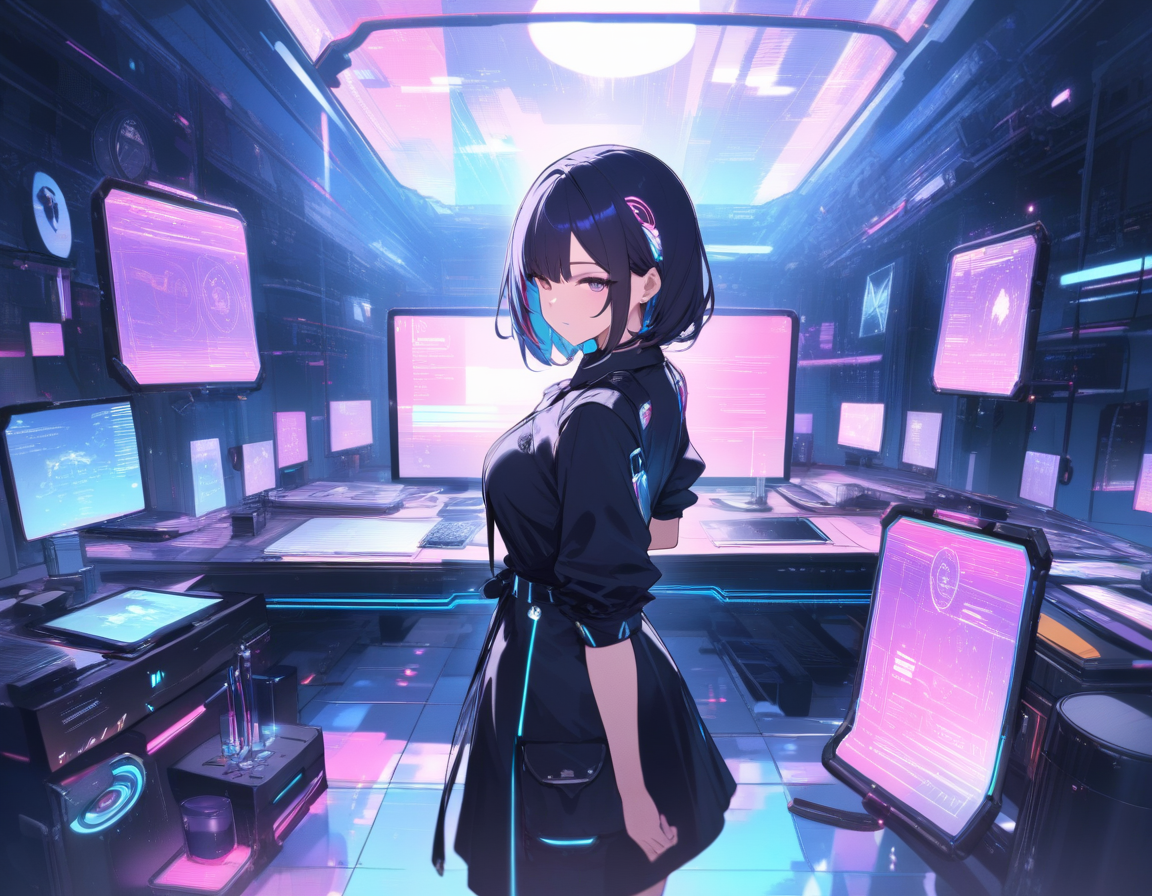
What world do they live in? A character's setting determines what they wear, what technology they carry, and what visual conventions apply. A fantasy swordsman looks different from a cyberpunk hacker, even if both are "cool anime guys with dark hair."
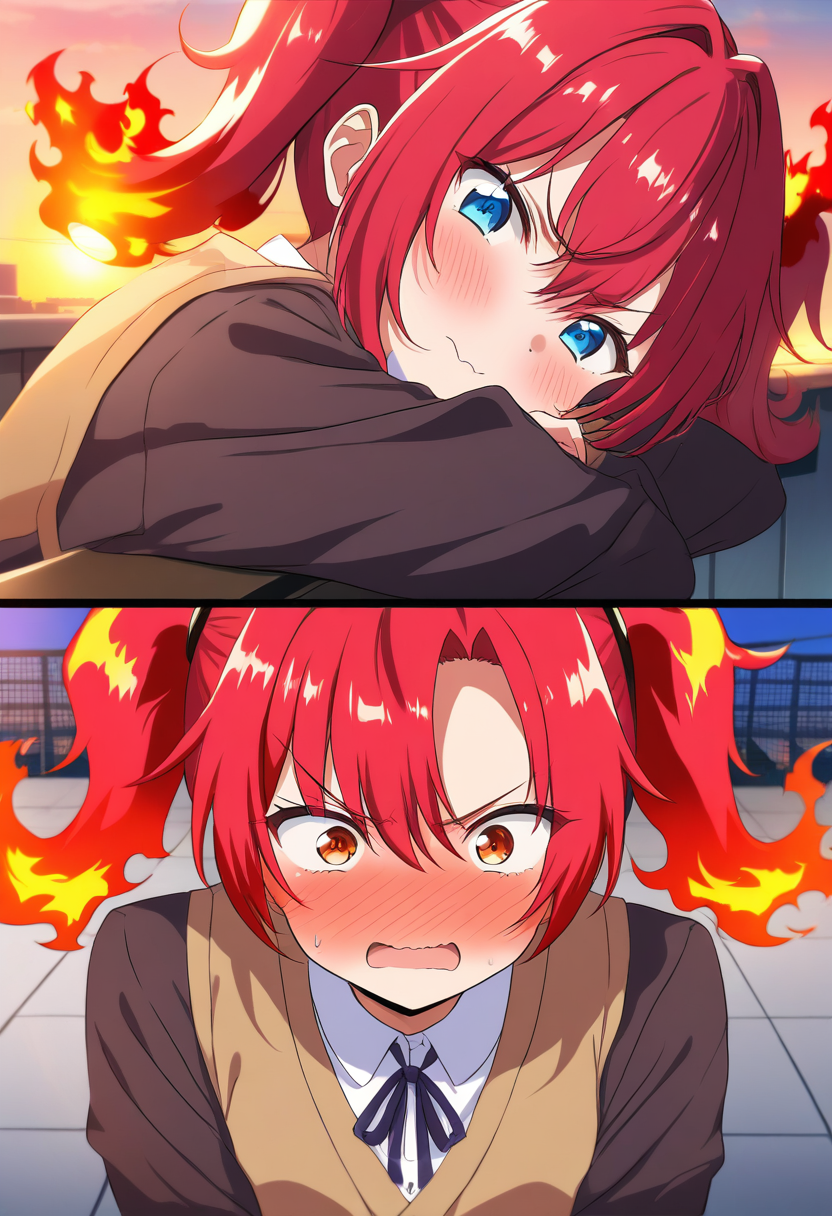
What makes them visually distinct? Every memorable anime character has at least one visual hook. Naruto's orange jumpsuit and whisker marks. Gojo's blindfold. Zero Two's horns. Pick one or two distinctive features that make your character instantly recognizable even in silhouette.
💡 Tip: Write your answers down as bullet points. Having this reference in front of you while prompting will dramatically improve your results.
Step 2: Craft Your Character Prompt
Now you are ready to describe your character to the AI. This is where the magic happens, and where most people leave quality on the table.
The Four Layers of a Good Character Prompt
A strong character prompt has four layers:
1. Physical description. Start with the basics: gender presentation, approximate age, build, height impression. Then get specific about hair (color, length, style), eyes (color, shape, any distinctive features), and skin tone. Be precise. "Blue hair" gives you a random shade of blue. "Deep navy blue hair, shoulder-length, messy with side-swept bangs" gives you a character.
2. Outfit and accessories. Describe what they wear from top to bottom. Include materials and colors. "A worn leather jacket over a white button-up, dark fitted pants, and scuffed combat boots" paints a clearer picture than "casual clothes." Mention accessories: glasses, jewelry, weapons, bags, badges.
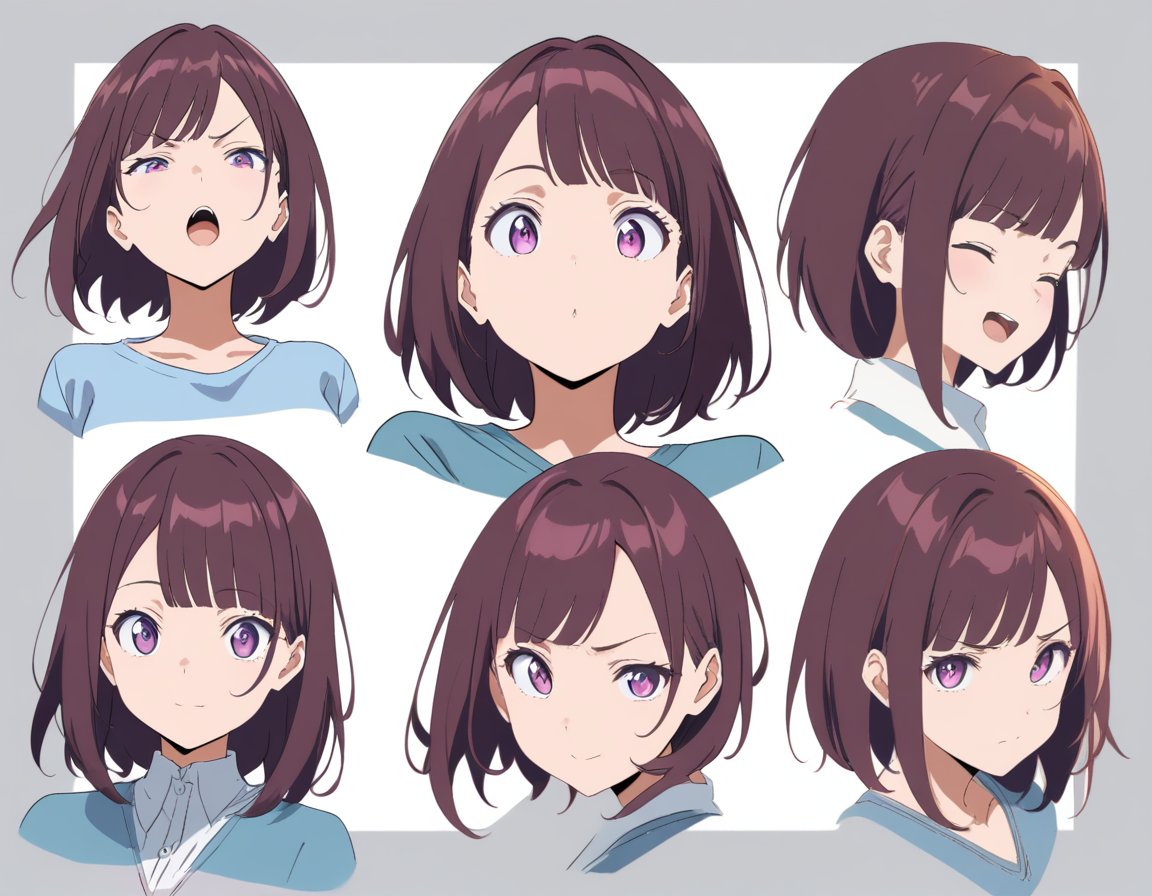
3. Expression and pose. The default AI character pose is a front-facing neutral expression, which is fine for reference sheets but boring for everything else. Specify an expression that matches their personality. A confident smirk. A gentle, tired smile. A sharp glare. Pair it with a pose: arms crossed, leaning against a wall, mid-stride, hand on hip.
4. Style and mood. Guide the overall aesthetic. "Warm color palette, soft lighting, shoujo manga style" produces a fundamentally different result from "high contrast, dark shadows, seinen aesthetic." Match the style to the character's story.
Example Prompt Breakdown
Here is a weak prompt and a strong prompt for the same character concept:
Weak: "Anime girl with red hair and a sword"
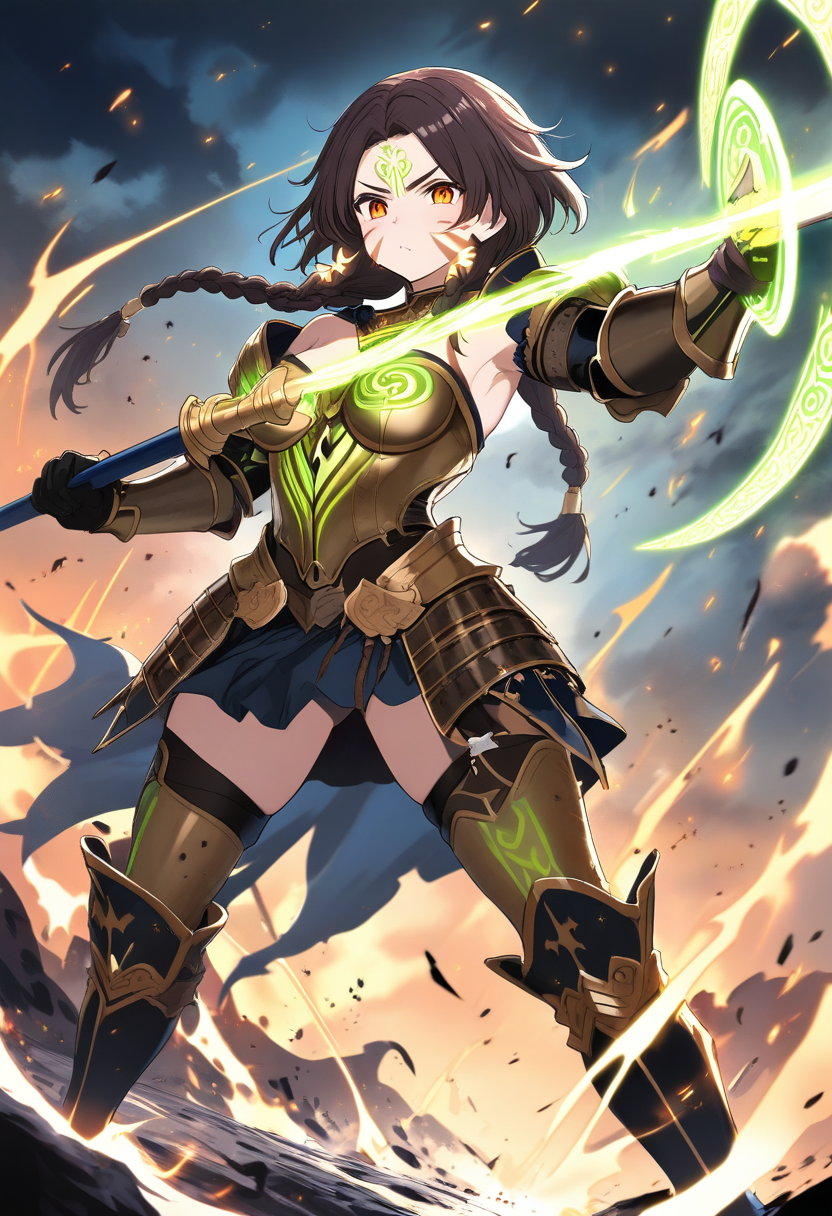
Strong: "A tall young woman in her early 20s with deep crimson hair tied in a high ponytail, sharp amber eyes, and a thin scar across her nose bridge. She wears a sleeveless black tactical vest over a dark red long-sleeve shirt, fitted dark pants with reinforced knee guards, and heavy boots. A katana with a black and gold tsuba is strapped across her back. Her expression is calm and focused, standing in a relaxed ready stance. Clean anime art style with warm lighting."
⚠️ Note: The strong prompt gives the AI enough specificity to produce a distinctive character while leaving room for natural details. It does not micromanage every pixel -- it describes the important elements clearly and lets the AI handle the rest.
Step 3: Generate and Evaluate Variants
With your prompt ready, it is time to generate. Most AI anime character generators, including Oniichan's character creator, produce multiple variants from a single prompt. This is by design -- seeing several takes helps you identify what works.
When evaluating variants, check for these four things:
- Does the design match the personality you defined in Step 1? A gentle healer should not look like an edgy assassin unless that contrast is intentional.
- Is the character visually distinctive? Cover the hair and outfit -- can you still tell characters apart from face structure and proportions alone?
- Would this design work across multiple contexts? Imagine the character in an action scene, a quiet conversation, and a comedic moment. Does the design hold up?
- Are the distinctive features clear? That scar, that unique eye color, that signature accessory -- are they prominently visible?
Do not settle for "good enough" on the first generation. Regenerate with adjusted prompts if nothing quite hits. Sometimes adding a single detail ("visible battle scars on her arms" or "soft, round face shape") transforms a generic design into a character.
Step 4: Build a Character Reference Sheet
A single image of your character is a starting point. A character reference sheet is what makes them usable across an entire project.
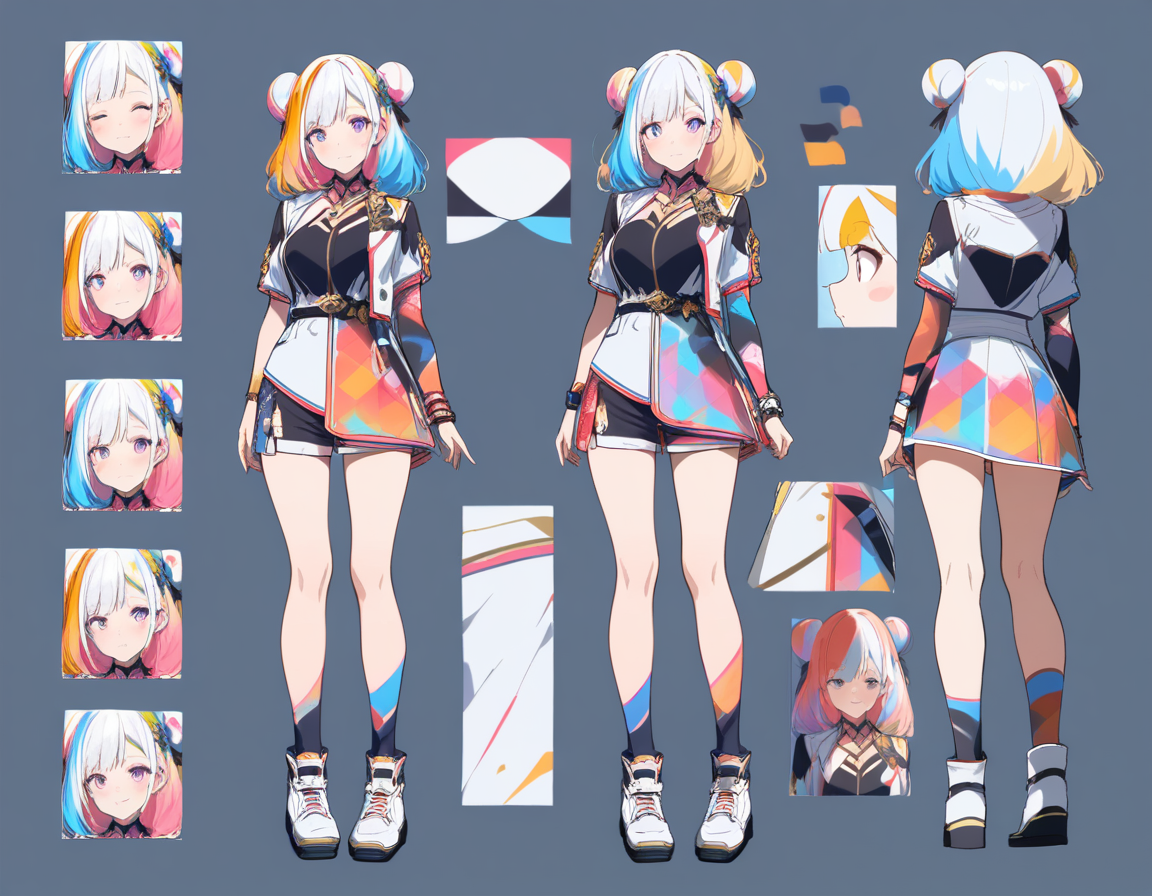
Reference sheets typically show your character from multiple angles (front, side, three-quarter view) with consistent proportions and outfit details. Our article on why character reference sheets matter goes deeper into how they work in both traditional and AI manga production. They serve as the visual anchor that keeps a character looking like themselves whether they appear on page 1 or page 100.
Oniichan generates character reference sheets automatically during the outline phase of manga creation. These reference images are then used as visual anchors for every page where that character appears. But even outside of manga projects, having a reference sheet for your OC is valuable for commissions, role-playing, fan art references, or just keeping your own designs consistent.
💡 Tip: The key to a good reference sheet is consistency within the sheet itself. All views should show the same proportions, the same outfit details, the same color palette. If your character's jacket has three buckles in the front view but two in the side view, the sheet is creating confusion rather than resolving it.
Step 5: Save to Your Character Library
One of the most underrated features in modern AI character tools is the ability to save characters for reuse. If you design a character you love, you should not have to re-describe them from scratch every time you want to use them.
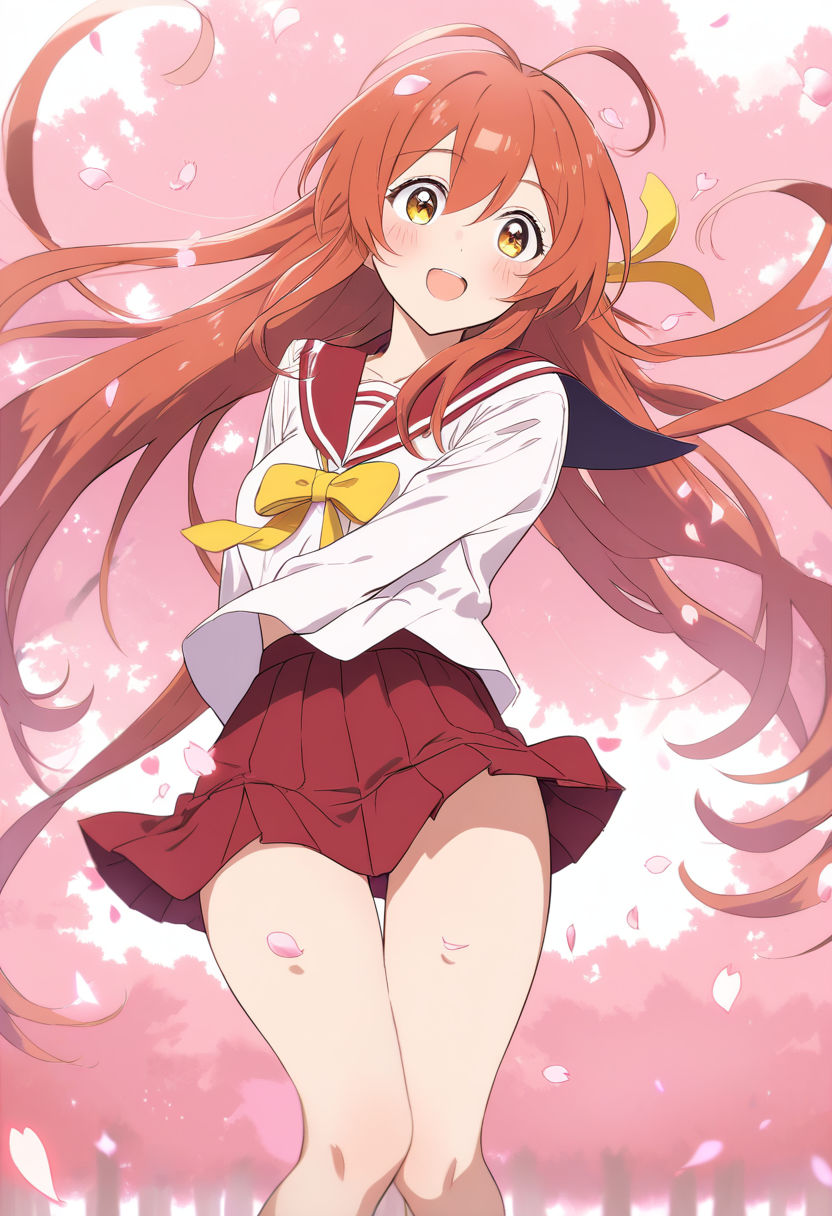
Oniichan's character library lets you save generated characters with their visual references and descriptions. When you start a new manga project, you can pull characters directly from your library rather than regenerating them.
This also enables something powerful: building an ensemble cast over time. You can design your protagonist this week, their rival next week, and the mentor character the week after. When you are ready to bring them all together in a story, every character is already defined and visually locked in.
Tips for Better AI Character Generation
After generating thousands of characters, here are the patterns that consistently produce better results:
Be Specific About What Matters, Vague About What Does Not
You do not need to describe every thread of clothing. Focus your specificity on the details that make this character unique. If the character's defining feature is their eyes, spend three sentences on the eyes and one sentence on the outfit. If it is an elaborate costume design, flip that ratio. The AI fills in unstated details with reasonable defaults.
Use Contrast Within the Design
Characters that read well have internal contrast. A dark outfit with one bright accent color. A tough exterior with a soft expression. A small frame carrying an oversized weapon. Contrast creates visual interest and implies narrative depth. When prompting, build these contrasts in deliberately.
Reference Specific Art Styles When Relevant
"Anime style" is vague. If you have a specific aesthetic in mind, name it. "In the style of 90s shoujo manga with soft watercolor tones" gives different results than "modern shonen art style with bold linework." You can reference specific visual conventions without naming copyrighted characters.
Think About Silhouette
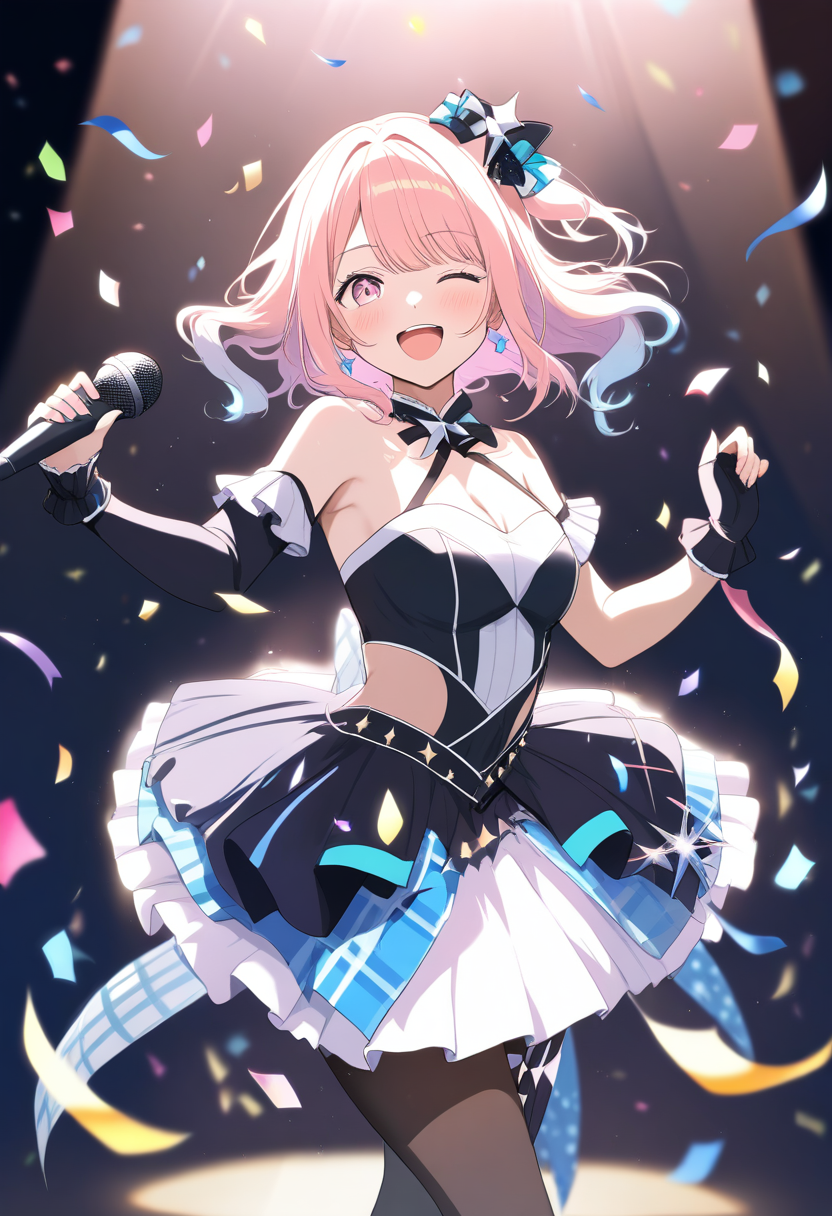
Professional character designers obsess over silhouette -- whether a character is recognizable from their outline alone. When designing your OC, include at least one element that breaks the standard human silhouette: an unusual hairstyle, a flowing cape, oversized accessories, a distinctive weapon, or an exaggerated proportional feature.
Iterate In One Direction
A common mistake is generating a variant, seeing something you like in variant 3, something else in variant 7, and trying to merge them in the next prompt. This usually produces something that is neither.
Instead, pick the best overall variant and iterate from there. "Like the previous generation but with shorter hair and a warmer color palette" is more effective than trying to describe a hybrid of multiple generations.
Franchise OC Creation
One of the most popular uses for AI character generators is creating original characters within existing franchises. Oniichan has dedicated tools for this across dozens of popular series:
| Franchise | OC Maker | Key Design Elements |
|---|---|---|
| Naruto | Naruto OC Maker | Headbands, jutsu, clan markings |
| My Hero Academia | MHA OC Maker | Quirks, hero costumes |
| One Piece | One Piece OC Maker | Devil Fruits, pirate crews |
| Jujutsu Kaisen | JJK OC Maker | Cursed techniques, domains |
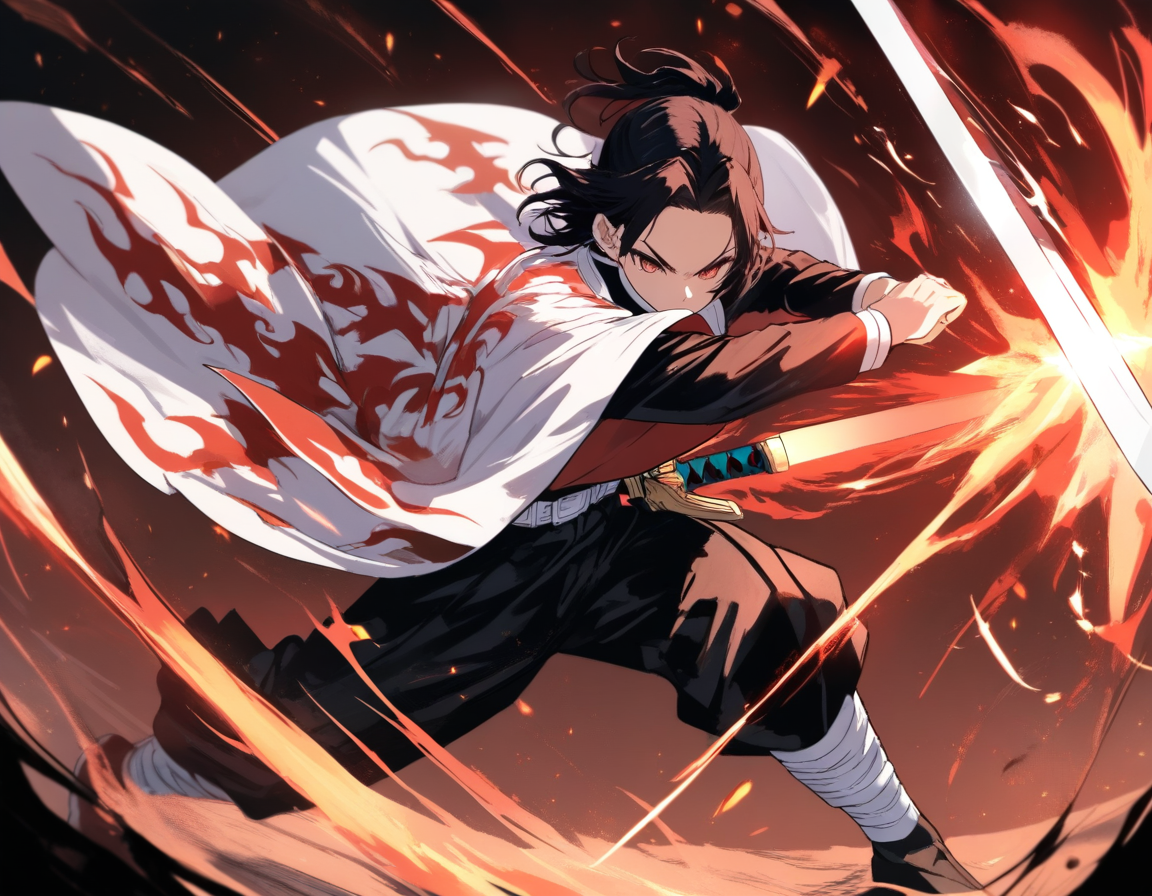
| Demon Slayer | Demon Slayer OC Maker | Breathing styles, nichirin blades |
| Genshin Impact | Genshin OC Maker | Visions, regional aesthetics |
| Honkai Star Rail | HSR OC Maker | Paths, cosmic elements |
Each franchise has distinctive visual language. Mentioning these conventions in your prompt helps the AI generate characters that feel like they belong in that world. You will find dedicated OC generators for all of these franchises and many more on Oniichan.
From Single Character to Full Story
Once you have a character you love, the natural next step is putting them into action. This is where standalone character generators hit a wall and integrated tools shine.
With Oniichan, a character you designed in the character creator can go directly into a manga project. The workflow looks like this:
- Design your characters using the character creator
- Save them to your library for reuse
- Start a new manga project with those characters
- Generate an outline that builds on their personalities and relationships
- Render pages where those characters look exactly like the references you established
No re-prompting, no re-describing, no hoping the AI remembers what your character looks like. The reference images and descriptions follow the character through the entire pipeline.
Common Mistakes to Avoid
Overloading the prompt. If your prompt is 500 words long, the AI is going to deprioritize some of those details. Keep it focused on what matters most.
Ignoring color harmony. A character with red hair, green eyes, blue outfit, yellow accessories, and purple boots is not distinctive -- they are a visual mess. Pick a cohesive color palette of 2-3 main colors with one accent.
Designing in isolation. If your character exists in a cast, design them with the other characters in mind. The ensemble should have visual variety -- different heights, color palettes, silhouettes, and energy levels.
Skipping the backstory. Even if no one else sees it, knowing why your character has that scar, wears that pendant, or keeps their hair long will make your prompts more intentional and the resulting designs more cohesive.
Never editing. The first generation is a draft. Use editing tools to refine details. Oniichan's character detail editor lets you adjust specific aspects without starting from scratch. A few rounds of targeted edits usually produce better results than dozens of full regenerations.
Ready to Create Your First Character?
The best way to learn AI character creation is to do it. Open Oniichan's AI character creator, describe a character you have been thinking about, and see what comes out.
If you already have an OC concept from a specific franchise, head to the OC generator and pick your series -- our franchise OC makers roundup covers every supported universe. And if you are ready to go beyond a single character and tell a story, the AI manga generator is waiting. Your character deserves more than a portrait -- give them a world, a conflict, and a story worth reading.
Ready to create your own character?
Turn your OC ideas into polished anime character art with consistent designs. No drawing skills needed.