How Oniichan Maintains Character Consistency Across AI-Generated Manga Pages
A deep dive into how Oniichan solves the hardest problem in AI manga generation: keeping characters looking the same from page to page. Learn about character reference sheets, reusable libraries, and world bibles.
If you have ever tried to create a comic or manga using AI image generators, you have hit the wall. The first page looks incredible. Your protagonist has distinctive features, a memorable outfit, expressive eyes. You feel like you are about to create something special.
Then you generate page two. And the character is... different. The hair is a slightly different shade. The outfit has changed proportions. The face shape shifted. By page five, it is not even clear that the same character is supposed to be appearing across pages.
This is the consistency problem, and it is the single biggest barrier between AI image generation as a novelty and AI image generation as a real storytelling tool. Generating one beautiful image is easy. Generating twenty images where the same characters appear and look like themselves in every single one is extraordinarily hard.
Oniichan was built from the ground up to solve this problem. This is how we did it.
Why Consistency Is So Hard for AI
To understand our solution, it helps to understand why the problem exists in the first place.
Standard AI image generators are stateless. Every image is generated independently. When you type a prompt like "a red-haired samurai girl with a scar over her left eye," the model interprets that prompt fresh every time. It does not remember what the character looked like in the last image you generated. It has no concept of "the same character" at all.
This means that every generation is a roll of the dice. The model will produce something that matches your text description, but the specific visual interpretation -- the exact shade of red, the precise face shape, the way the scar curves, the proportions of the outfit -- will vary with each generation.
For single images, this is fine. For sequential storytelling, it is a dealbreaker.
Tip: If you are currently working with generic AI image generators, try writing extremely detailed character descriptions and saving them as reusable templates. This helps somewhat, but it will not match a purpose-built system like Oniichan's.
Common Workarounds (and Why They Fail)
Some people try to work around this by writing extremely detailed prompts and using the same seed value. This helps somewhat, but it is fragile. Change the pose, the camera angle, or the scene composition, and the character drifts. Add a second character and the model starts blending their features. Put three characters in a scene and consistency collapses entirely.
Others try img2img approaches, feeding previous outputs back in. This preserves some visual continuity but introduces its own problems: poses become stiff, compositions become repetitive, and the "memory" of the character is really just pixel-level similarity to the last image rather than a true understanding of who the character is.
None of these approaches scale to a full manga. A manga is not five images -- it is twenty, fifty, a hundred pages, each with different compositions, angles, expressions, and character interactions. You need a system that understands characters as persistent entities, not as one-off prompt interpretations.
Oniichan's Three-Layer Consistency System
Oniichan uses three interlocking systems to maintain character consistency across an entire manga project: character reference sheets, the reusable character library, and the world bible. Each layer addresses a different aspect of the consistency problem, and together they create a level of visual coherence that prompt-only approaches cannot match.
Layer 1: Character Reference Sheets
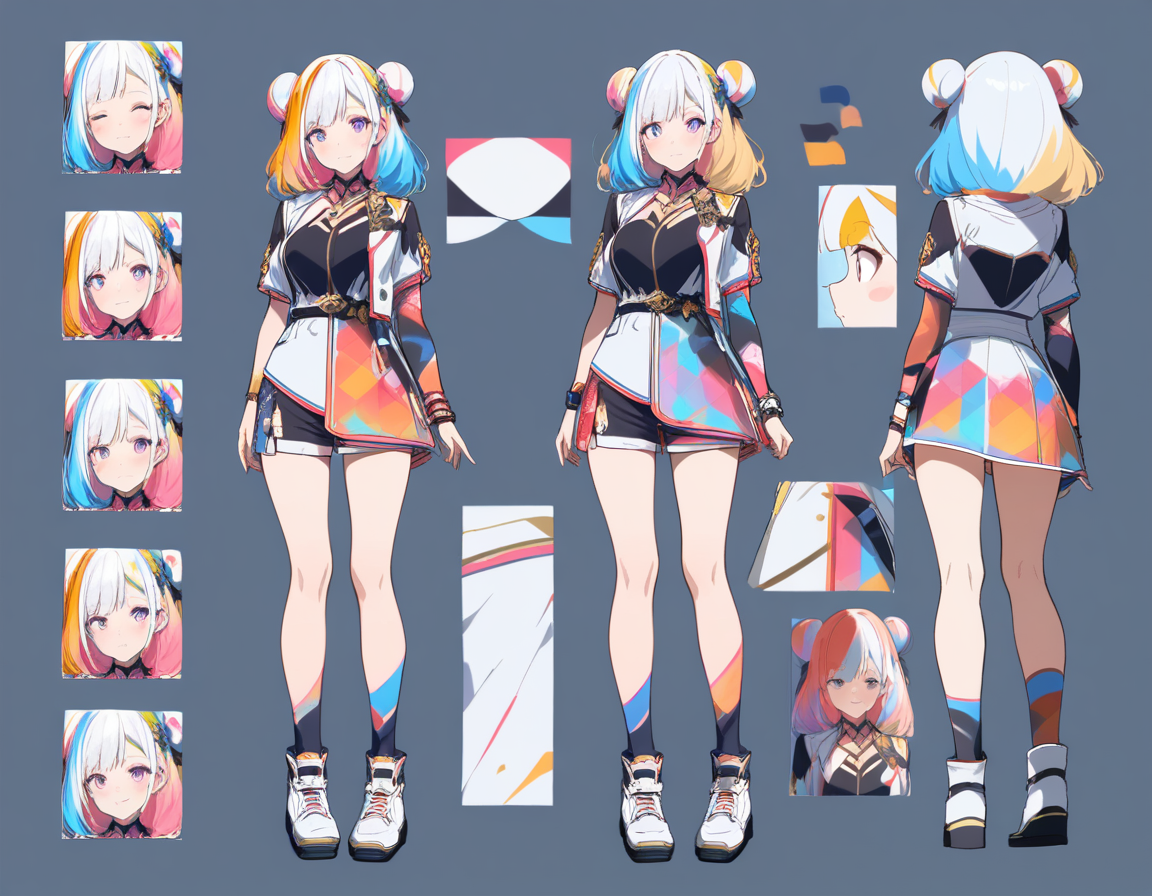
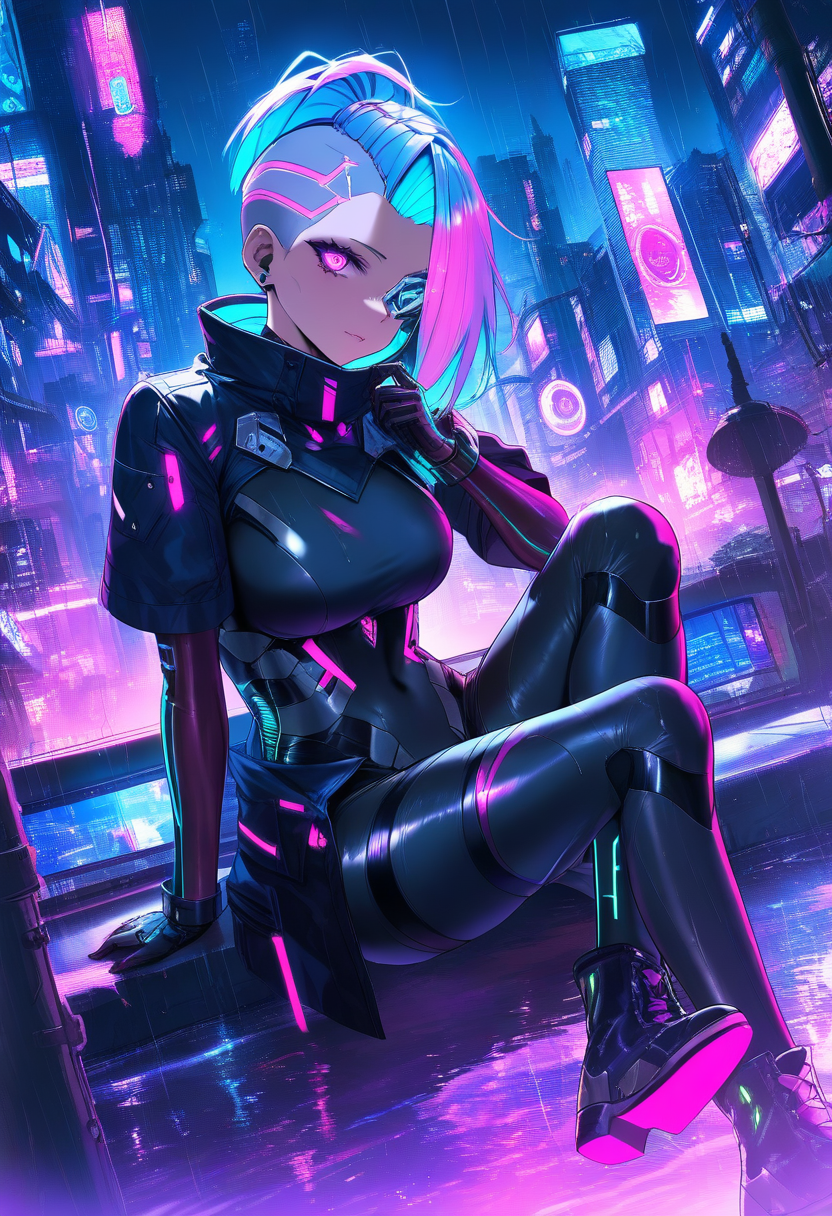
When you create a manga project in Oniichan and generate your outline, the system does not immediately jump to rendering pages. First, it generates character reference sheets -- dedicated images that establish what each character looks like.
These reference sheets are not just generic portraits. They are specifically designed to capture the visual identity of each character in a way that the page generation system can reference later. Think of them as the model sheets that animation studios create before producing a single frame of animation.
The reference sheet captures:
- Face and body proportions -- The fundamental structure that makes a character recognizable
- Color palette -- The specific colors of hair, eyes, skin, and clothing that define the character's visual signature
- Key distinguishing features -- Scars, accessories, unique clothing elements, hairstyle details
- Overall aesthetic -- The visual mood and style of the character that should persist across different scenes
When page generation begins, these reference sheets are fed into the generation pipeline as visual context. The AI is not just working from a text description anymore -- it has a concrete visual reference for what each character should look like.
Layer 2: The Reusable Character Library
Reference sheets solve the consistency problem within a single project. But what about across projects? If you create a character you love in one manga, you should be able to use them in another without starting from scratch.
Oniichan's character library is a persistent collection of characters that you can save, manage, and deploy across any project. When you save a character, you are not just saving an image -- you are saving the character's complete visual identity, including their reference images, descriptions, and tags.
The library system supports several powerful workflows:
| Feature | What It Does | Why It Matters |
|---|---|---|
| Multiple versions | Store different versions of a character (outfit changes, redesigns) | Experiment freely without losing previous designs |
| Character detail editing | Edit a saved character's image directly | Refine specific details while preserving overall design |
| Cross-project deployment | Pull characters from your library into any new project | Characters carry their visual identity everywhere |
| Version switching | Switch which character version is active | Use the right look for the right story |
This is a fundamental shift from how most AI image tools work. Instead of treating every generation as independent, Oniichan treats characters as persistent assets that exist across your entire creative portfolio.
Layer 3: The World Bible
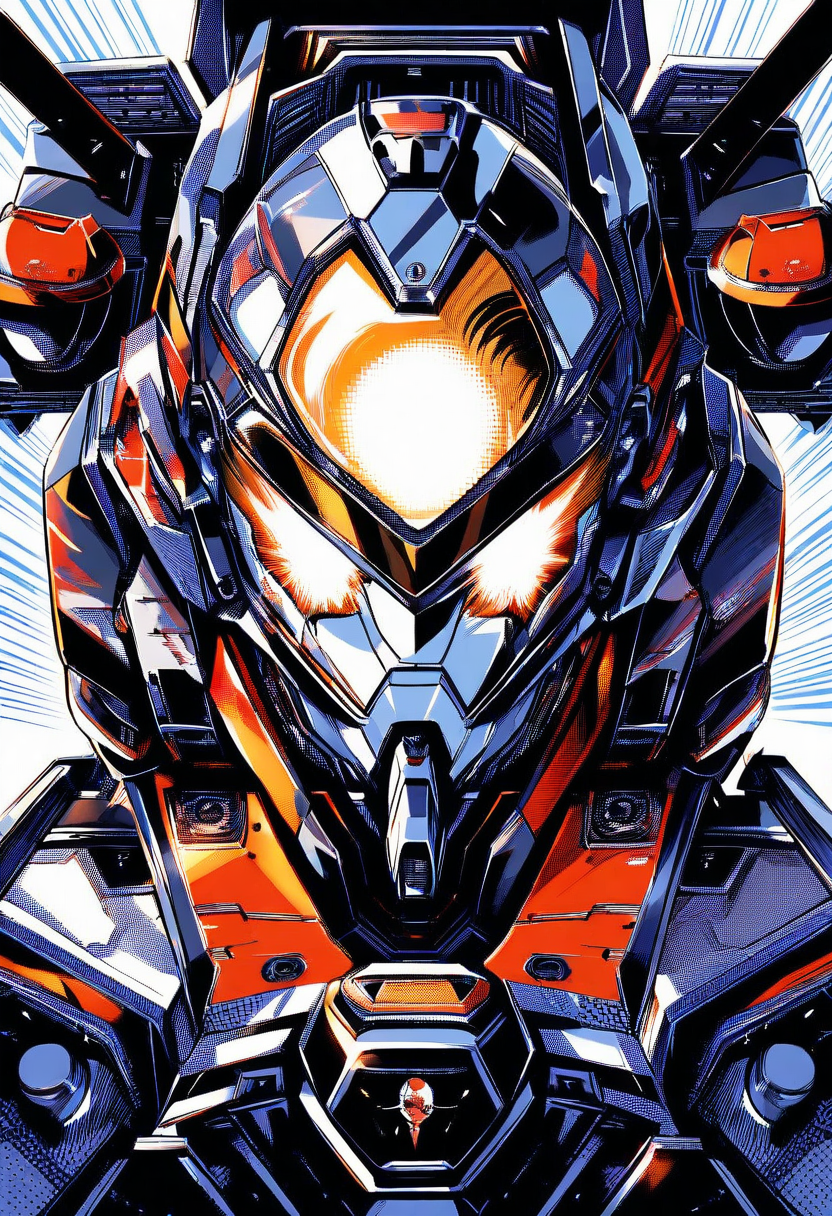
Characters do not exist in isolation. They exist in a world, and that world has its own visual identity that needs to stay consistent. The lighting, the architecture, the color grading, the overall aesthetic -- all of these contribute to whether a manga feels cohesive or disjointed.
Oniichan's world bible is a structured document generated alongside your outline that captures the visual and narrative identity of your manga's setting. It includes:
- World description -- The overall tone, genre, and visual style of the manga
- World reference image -- A generated image that establishes the look and feel of the setting
- Character descriptions -- Detailed text descriptions of each character that complement the visual references
- Setting details -- Recurring locations, time period, atmospheric qualities, and other environmental factors
Tip: Write your world bible descriptions with visual specificity. Instead of "a dark fantasy world," try "a gothic fantasy world with perpetual twilight, crumbling stone architecture covered in moss, and amber lantern light as the primary illumination." The more visual detail you provide, the more consistent your pages will be.
The world bible prevents tonal drift -- when two pages have perfectly consistent character art but still feel disconnected because one has warm, soft lighting and the other has cold, harsh shadows for no narrative reason.
How It All Comes Together in the Pipeline
When you generate a manga page in Oniichan, all three consistency layers work together in a single pipeline:
-
The outline provides scene context. The system knows what is happening on this page, what happened on the previous page, and what is coming next. This narrative awareness prevents jarring visual transitions.
-
Character reference sheets provide visual anchors. Every character in the scene is referenced against their established visual identity, not just a text description.
-
The world bible provides global context. The overall aesthetic, tone, and setting details inform the generation to maintain cohesion with every other page.
-
The previous page provides local continuity. When available, the immediately preceding page image is used as additional context to ensure smooth visual transitions between consecutive pages.
Comparing Approaches: Why Prompt-Only Tools Fall Short
To appreciate what this system accomplishes, it is worth comparing it to the alternatives.
| Approach | Consistency | Ease of Use | Multi-Character Support | Full Manga Capability |
|---|---|---|---|---|
| Generic AI generators (Midjourney, DALL-E) | Low -- every image is a new interpretation | Easy for single images | Poor -- characters blend together | Not built for it |
| ControlNet / IP-Adapter | Medium -- requires manual setup | High technical barrier | Moderate with effort | Rigid, manual pipeline |
| Oniichan's integrated system | High -- reference sheets + library + world bible | Automatic and built-in | Strong -- each character has separate references | Purpose-built for manga |
Generic AI Image Generators
Tools like Midjourney, DALL-E, or Stable Diffusion generate beautiful individual images. But they have no concept of character persistence. Every image is a new interpretation. For single illustrations, these tools are excellent. For sequential storytelling, they require an enormous amount of manual effort.
ControlNet and IP-Adapter Approaches
More advanced workflows using ControlNet or IP-Adapter can improve consistency by providing pose references and style references. This is a step in the right direction, but it is a manual, technical process that requires significant knowledge of the underlying tools. These workflows also tend to be rigid and struggle with dynamic scenes.
Oniichan's Integrated Approach
Oniichan handles all of this automatically. You describe your manga, the system generates the reference materials, and then it uses those materials consistently throughout the project. The system is also designed for the specific demands of manga -- panels, speech bubble areas, dramatic angles, close-ups and wide shots in sequence.
The Role of Editing in Maintaining Consistency
No automated system is perfect, and there will be times when a generated page needs adjustment. Oniichan's editing tools are designed with consistency in mind.
Three Levels of Editing Control
Page editing lets you regenerate or modify an individual page while maintaining the reference context. If a character's hair color shifted slightly on one page, you can edit just that page and the system will re-reference the character sheet to correct it.
Panel editing goes more granular, letting you modify individual panels within a page. If everything on the page looks great except one panel where a character's outfit is wrong, you can fix just that panel without regenerating the entire page. Our complete guide to AI panel editing covers all three editing levels in detail.
Character detail editing lets you refine the reference sheets themselves. If you realize mid-project that a character's design needs a tweak, you can update their reference image in the character library and that updated reference will be used for all subsequent page generations.
Why Consistency Matters for Storytelling
This might all sound like a technical exercise, but the stakes are fundamentally creative. Character consistency is not a nice-to-have feature -- it is a prerequisite for effective visual storytelling.
When a character's appearance shifts between panels, it breaks immersion. The reader's brain, which is remarkably good at detecting faces and tracking identity, raises a flag every time something looks off. Even subtle inconsistencies -- a slightly different jaw shape, a shifted hairline, an outfit detail that appears and disappears -- create a low-level cognitive friction that pulls the reader out of the story.
Consistent characters, on the other hand, build familiarity and emotional connection. For more on why reference sheets are the foundation of this consistency, see our guide to anime character reference sheets. The reader learns to recognize characters at a glance, which means they can process panels faster, follow conversations more easily, and invest more deeply in the story. This is not speculation -- it is the reason that professional manga studios invest heavily in model sheets and character guides before production begins.
Try It Yourself
The best way to understand how Oniichan's consistency system works is to see it in action.
- Create a new manga project -- describe your characters and world, and generate a multi-page story
- Watch your characters maintain their identity from the first page to the last
- Save characters to your library and try using them across multiple projects
- See how the same character can appear in different stories, settings, and compositions while staying recognizably themselves
Consistency is the bridge between AI-generated images and AI-generated stories. Oniichan builds that bridge so you can focus on what matters: telling your story.
Ready to create your own character?
Turn your OC ideas into polished anime character art with consistent designs. No drawing skills needed.