How to Write Prompts for AI Manga Generation
A comprehensive guide to writing effective prompts for AI manga and anime art generation. Learn character description techniques, scene composition tips, art style keywords, and panel layout instructions.
The difference between AI manga output that looks like a generic anime wallpaper and output that looks like a page from a real manga comes down almost entirely to how you write your prompt. The AI model is powerful, but it is working from your words. Vague input produces vague output. Specific, structured input produces pages that feel intentional, composed, and stylistically coherent.
This guide covers the core principles of prompting for manga-style AI generation, with techniques that work across different tools but are specifically tuned for Oniichan's generation pipeline.
Why Manga Prompts Are Different from General AI Art Prompts
If you have used general-purpose AI image generators, you have probably developed a prompting style that works for single illustrations. Manga prompts need more than that because manga is not illustration --- it is sequential visual storytelling.
A manga page has to communicate:
- Who is in the scene (character consistency across panels)
- What is happening (action, dialogue context, emotional beats)
- How it looks (art style, line weight, tone/screentone choices)
- Where the camera is (composition, angle, distance)
- When in the story this occurs (continuity with previous and following pages)
Part 1: Character Description
Characters are the backbone of manga. Getting your character descriptions right is the highest-leverage prompting skill you can develop.
The Anatomy of a Good Character Description
A strong character prompt follows a consistent order. Think of it as a camera slowly zooming in:
- Demographics and build: age range, gender, body type, height impression
- Hair: style, length, color, distinctive features (bangs, accessories)
- Face: eye shape and color, expression, distinctive facial features
- Clothing: outfit description from top to bottom
- Accessories and props: items they carry or wear
- Pose and body language: what they are physically doing
Bad vs Good: Character Prompts
| Aspect | Weak Prompt | Strong Prompt |
|---|---|---|
| Specificity | "An anime girl with blue hair holding a sword" | "A tall, athletic young woman in her early twenties with chin-length messy dark blue hair and sharp amber eyes" |
| Outfit | (not specified) | "A battered black military coat over a white undershirt, combat boots and fingerless gloves" |
| Personality cues | (none) | "Her expression is calm but alert, with a slight frown" |
| Distinguishing features | (none) | "A thin scar running from her left eyebrow to her cheekbone" |
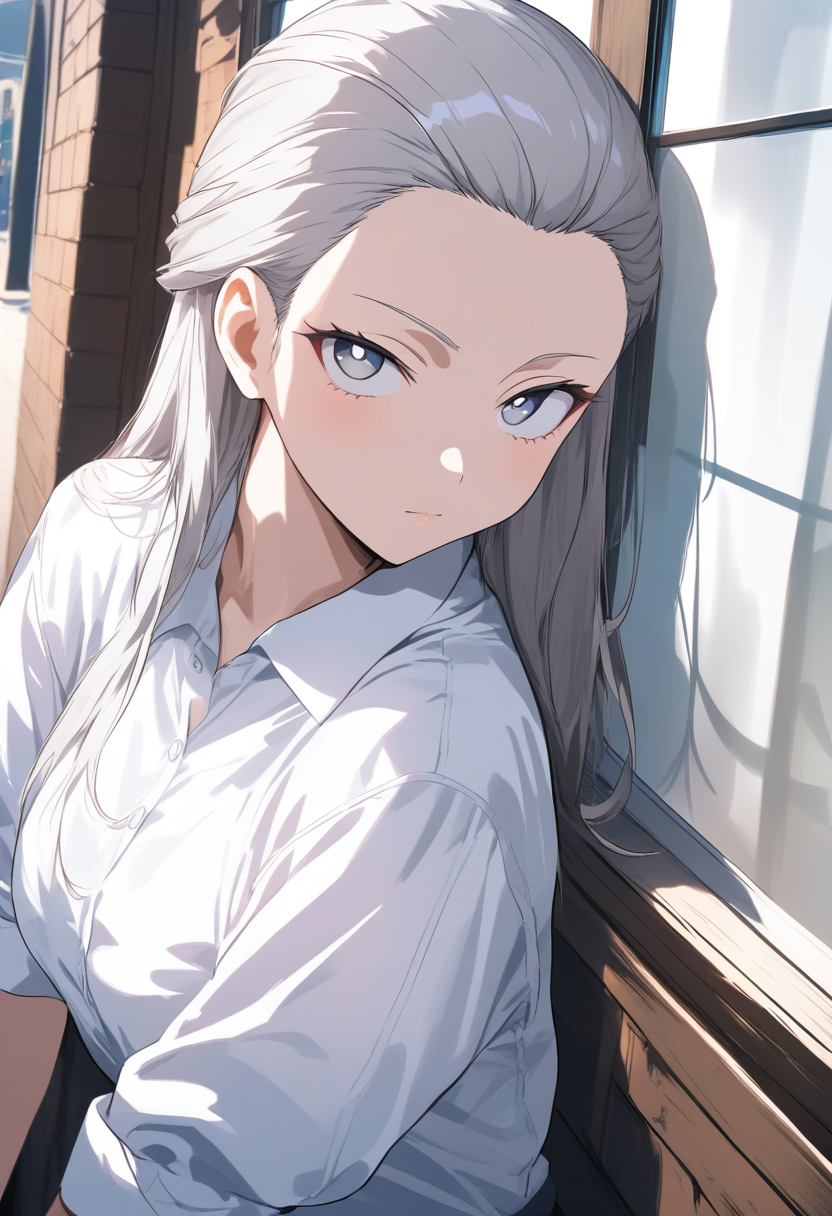
The strong prompt gives the AI specific visual anchors at every level of detail. The result will look like a designed character rather than a random generation.
Character Consistency Across Pages
One of the biggest challenges in AI manga is keeping characters looking the same across multiple pages. Here are techniques that help:
Create a reference description and reuse it. Write your character description once, carefully, and paste it into every prompt where that character appears. Consistency comes from consistent input.
Anchor on unusual features. Generic features (brown hair, brown eyes) are hard for AI to lock onto. Unusual features --- a facial scar, heterochromia, a distinctive hairstyle, an eyepatch --- act as anchors that the AI can consistently reproduce.
Use Oniichan's character reference system. When you generate character reference art through Oniichan's outline flow, those reference images become visual anchors for subsequent page generation. This is the single most effective technique for character consistency. We break down the entire system in our article on how Oniichan maintains character consistency.
Name your characters in prompts. Consistently associating a name with a description helps maintain coherence. "Yuki, the blue-haired swordswoman with the scarred left eye" is a stronger anchor than describing features each time.
Tip: The more unusual and specific your character's visual features are, the easier it is for AI to maintain consistency. Give every character at least one highly distinctive visual element that sets them apart.
Part 2: Scene Composition
Manga panels are not random snapshots. Every panel has a camera angle, a framing choice, and a compositional intent.
Camera Distance
Specify how much of the scene the "camera" captures:
| Distance | What It Shows | Best For |
|---|---|---|
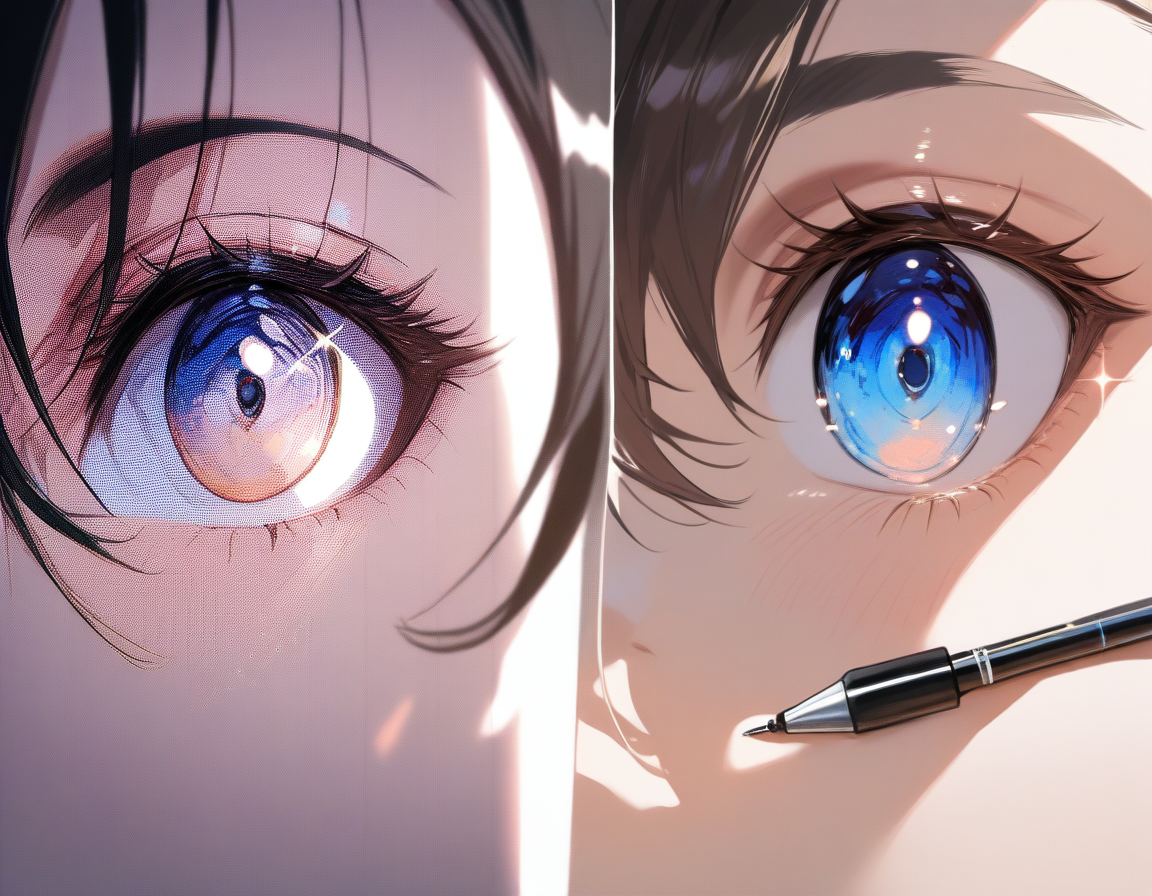
| Extreme close-up | Just the eyes, a hand, a small detail | Emotional intensity, highlighting objects |
| Close-up | Head and shoulders | Dialogue, emotional reactions |
| Medium shot | Waist up | Body language during conversation |
| Full body | Complete character in frame | Action poses, introductions, outfit reveals |
| Wide/establishing | Character small in larger environment | Scene transitions, showing scale |
Camera Angle
The angle you describe changes the emotional read of a panel:
- Eye level: neutral, conversational
- Low angle (looking up): makes them look powerful, imposing, heroic
- High angle (looking down): makes them look vulnerable, small, overwhelmed
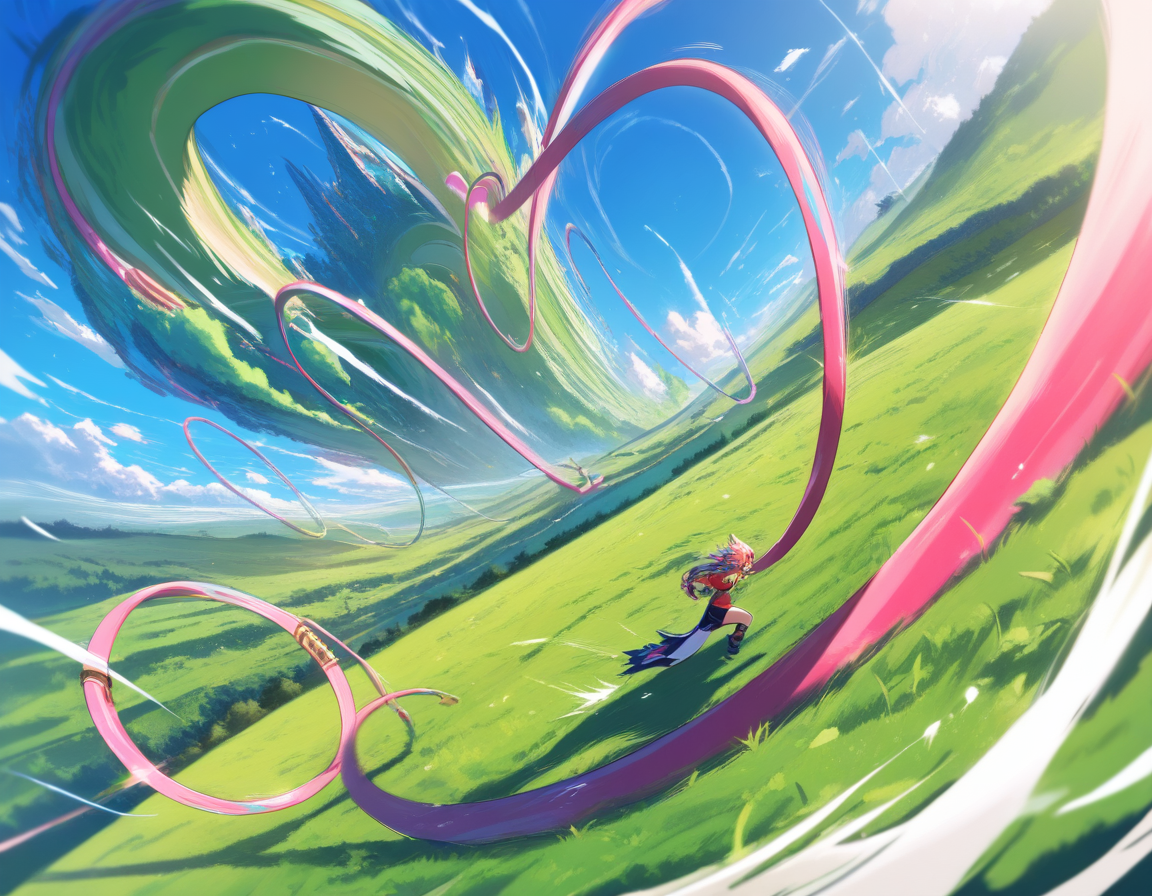
- Dutch angle (tilted): creates unease, tension, dynamic energy
- Over-the-shoulder: places viewer in conversation, creates spatial relationships
- Bird's eye: looking straight down, good for layout or surveillance feeling
Example prompt using both:
"Low angle shot looking up at the villain standing on top of a staircase, their coat billowing, with dramatic backlighting creating a silhouette effect."
Panel Composition Tips
- Rule of thirds: describe where in the frame your subject is for tension and direction
- Foreground elements: mention objects in front to create depth ("seen through a rain-streaked window")
- Negative space: intentional emptiness is powerful ("the character small in the bottom right corner, the rest is empty white space")
- Overlapping elements: "the character's hand reaching toward the viewer, breaking the panel border" is a classic manga technique
Part 3: Art Style Keywords
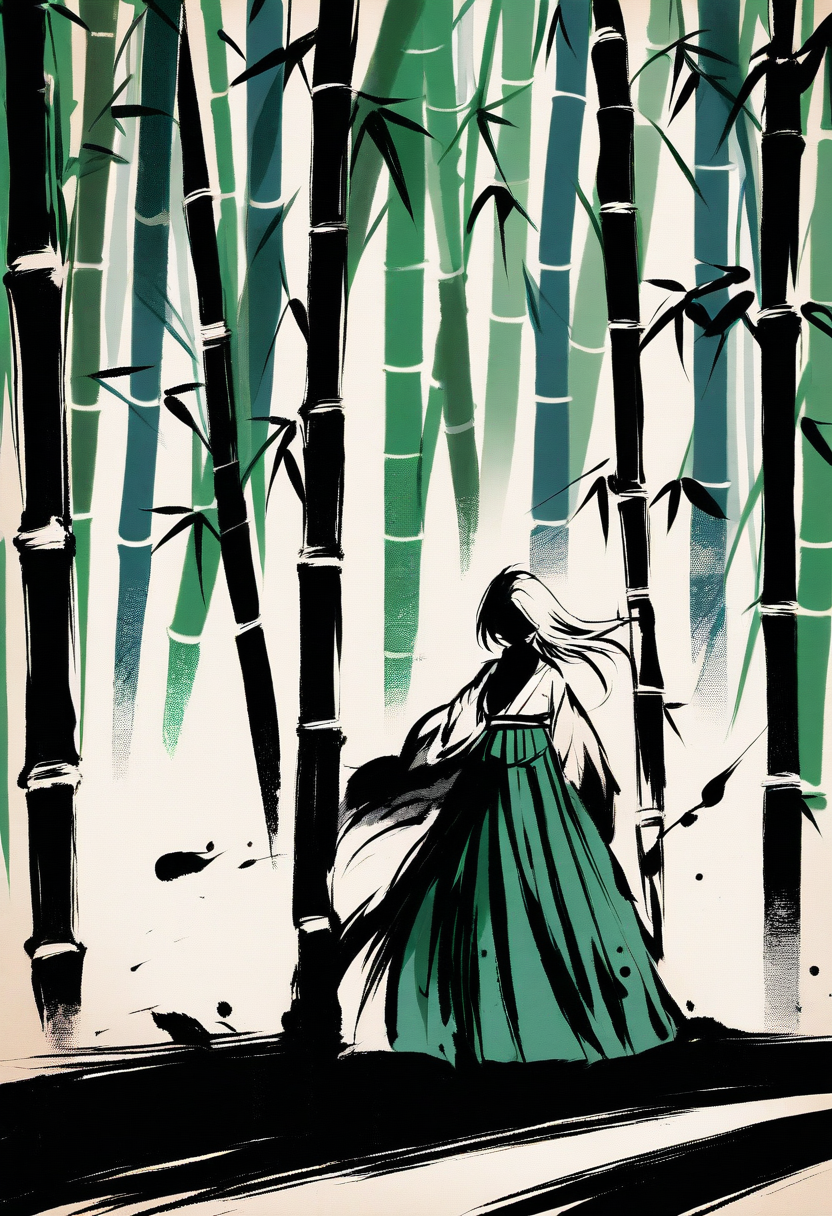
The words you use to describe your desired art style have an outsized effect on the output.
Manga-Specific Style Terms
| Style | Visual Characteristics | Reference Series |
|---|---|---|
| Shonen manga | Bold lines, dynamic action, speed lines, dramatic expressions | Naruto, My Hero Academia, Dragon Ball |
| Shojo manga | Softer lines, floral backgrounds, emphasis on eyes and emotion | Fruits Basket, Sailor Moon |
| Seinen manga | Realistic proportions, detailed backgrounds, visual complexity | Berserk, Vagabond, Vinland Saga |
| Josei manga | Realistic but stylized, focus on fashion and body language | Nana, Paradise Kiss |
| Chibi | Exaggerated small bodies, large heads | Comedic or cute moments |
Technical Art Terms That Improve Output
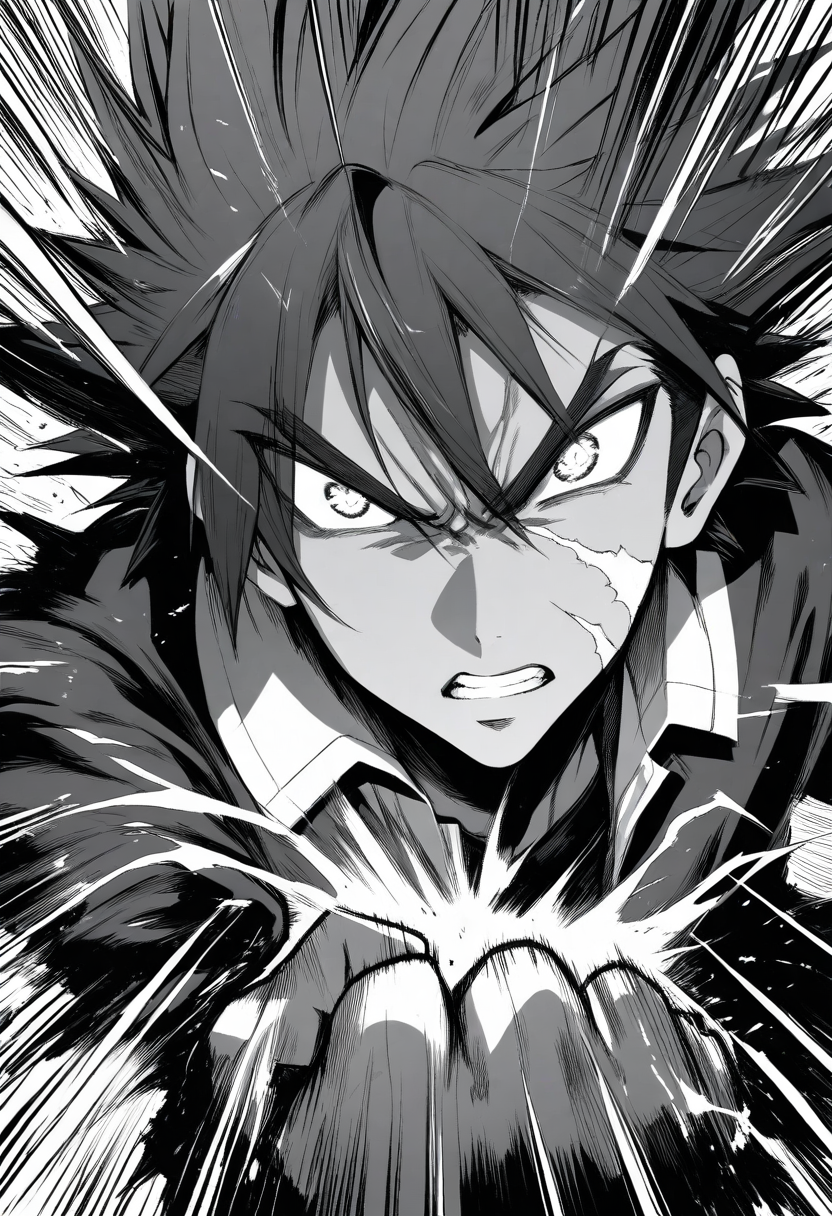
- Screentone/halftone: dot-pattern shading for black and white manga
- Speed lines/motion lines: radiating lines indicating movement or impact
- Impact frame: burst background emphasizing a dramatic moment
- Cross-hatching: traditional pen-and-ink shading
- Clean lineart: crisp, confident line work without sketchy edges
- High contrast black and white: strong shadows with minimal gray tones
Color vs Black and White
Specify which you want explicitly:
- "Black and white manga page with screentone shading" for traditional manga
- "Full color manga page with cel shading" for colored manga style
- "Limited color palette, mostly black and white with red as accent" for stylistic emphasis
Tip: If you do not specify, most AI generators default to full color. Always include explicit color/BW direction if you want a traditional manga aesthetic.
Part 4: Panel Layout Instructions
For full page generation, how you describe the panel layout matters. Giving clear layout direction helps the AI make better compositional choices.
Describing Panel Flow
Manga reads right-to-left in Japanese format and left-to-right in Western format. Specify which convention you want, then describe panels in reading order.
Example layout description:
"A manga page with four panels. Top panel is a wide horizontal establishing shot of the school rooftop. Second panel on the left shows a close-up of the protagonist's surprised face. Third panel on the right shows what they are looking at: a girl standing at the rooftop fence with her back turned. Bottom panel spans the full width, showing the protagonist taking a step forward with a determined expression."
Common Manga Layout Patterns
For a deep dive into all eight layout types and when to use each one, check out our manga panel layouts guide.
- Grid layout (2x2, 2x3): equal-sized panels, steady pacing, good for dialogue
- Widescreen panels: horizontal panels stacked, cinematic feel, good for landscapes
- Tall vertical panels: sense of height, falling, or dramatic reveals
- Full-page spread: one image filling the page, maximum impact
- Irregular/dynamic layout: panels at angles, overlapping, for action sequences
- L-shaped panel: large panel with smaller panels filling remaining space
Pacing Through Layout
| Layout Choice | Pacing Effect | Best For |
|---|---|---|
| Many small panels | Slower, beat-by-beat | Tense conversations, step-by-step action |
| Few large panels | Faster, sweeping | Dramatic pauses, large-scale action |
| Varied panel sizes | Visual rhythm | Guiding attention to the largest (most important) panel |
Part 5: Common Mistakes and How to Fix Them
Mistake 1: Overloading the Prompt
Problem: Cramming every possible detail into one massive prompt.
Why it fails: The AI tries to include everything and produces a cluttered, unfocused image.
Fix: Prioritize. A manga panel communicates one primary idea. Your prompt should too.
Before: "A beautiful anime girl with long flowing silver hair and crystal blue eyes wearing an elaborate gothic lolita dress with black lace and red ribbons standing in a dark Victorian mansion with chandeliers and candles during a thunderstorm while holding a mysterious ancient book with glowing runes and a black cat sitting at her feet..."
After: "Close-up of a silver-haired young woman in a gothic lolita dress, holding an ancient book with faintly glowing pages. Her expression is wide-eyed with fear and fascination. Dark background with candlelight reflecting in her blue eyes. Black and white manga style with dramatic shadows."
Mistake 2: Being Too Vague About Action
Problem: "Two characters fighting"
Fix: Describe the specific frozen moment. Manga captures instants of action, not general states.
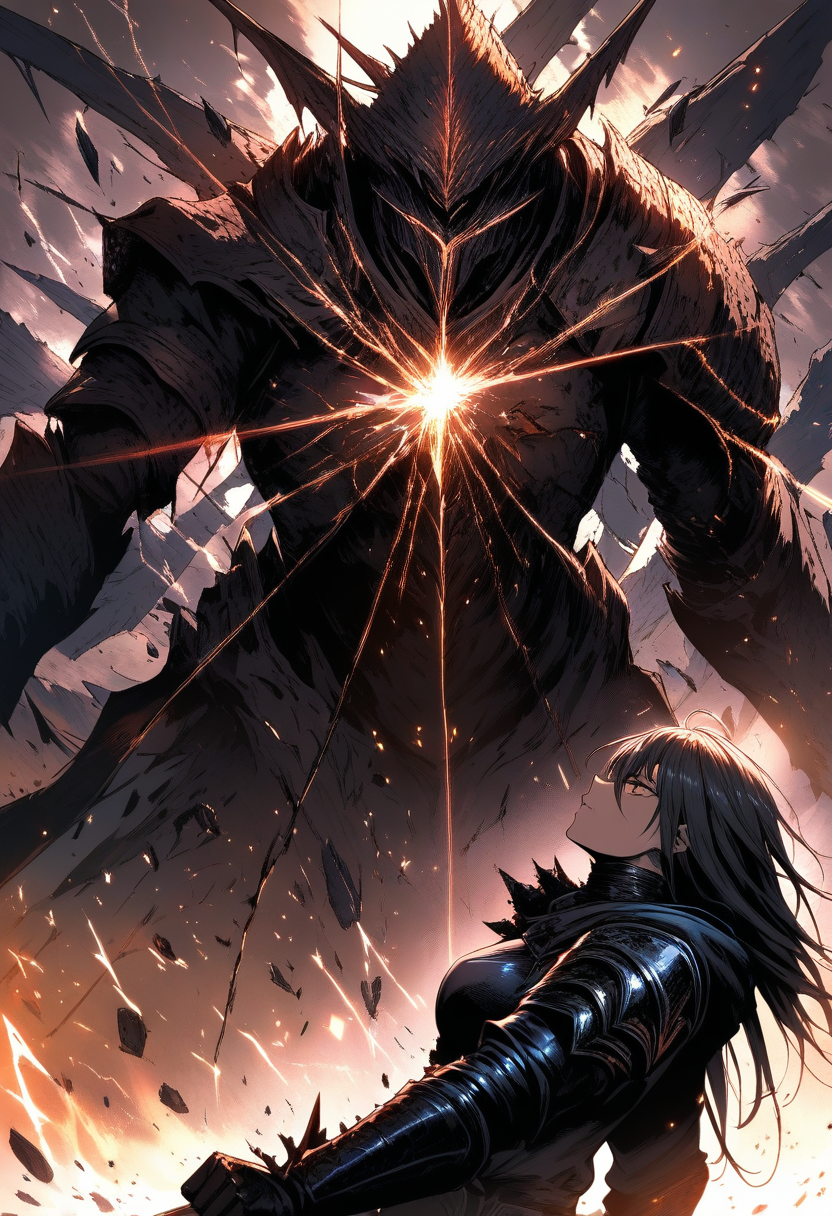
Fixed: "The protagonist throws a spinning kick aimed at the villain's head. The villain leans back to dodge, their coat sweeping through the air. Speed lines radiate from the point of impact. Dynamic low angle shot, shonen manga style."
Mistake 3: Ignoring Emotion and Expression
Problem: "A character sitting at a desk in a classroom"
Fix: Emotion is the core of manga. Every panel exists to make the reader feel something.
Fixed: "A student slumped at a desk by the window in an empty classroom after school. Late afternoon golden light streams in. Their chin rests on their hand, staring out the window with a melancholy, distant expression. Soft manga lineart with gentle screentone shading."
Mistake 4: Not Specifying Manga Style
Problem: Writing a detailed scene but not indicating manga-style output.
Fix: Always include explicit style direction: "manga style," "anime art," "black and white manga page," or "in the style of shonen manga."
Mistake 5: Forgetting Continuity
Problem: Generating multiple pages without maintaining consistent descriptions.
Fix: Maintain a style guide in your prompts. Reuse character description text. Reference the same art style keywords. Use Oniichan's world bible and character reference features.
Part 6: Oniichan-Specific Tips
Oniichan's manga generation pipeline handles many prompting challenges automatically, but understanding the system helps you get more from it.
Outline-First Workflow
Oniichan generates a structured outline and world bible before any images are created. The outline text for each page becomes part of the generation context. Write your outline scenes with visual specificity.
| Vague Outline | Specific Outline |
|---|---|
| "They meet at the cafe" | "Yuki and Hana sit across from each other at a small window-side table in a cozy cafe. Yuki leans forward intensely while Hana leans back, stirring her coffee and avoiding eye contact. Warm afternoon light, slightly tense atmosphere." |
Character Reference Art
When you generate character reference art during the outline phase, those images become the visual ground truth. Invest time in getting your reference art right --- every subsequent page will benefit.
Page and Panel Editing
When writing edit prompts, be specific about what to change and what to preserve:
- "Change the character's expression from neutral to angry, keep everything else the same"
- "Add rain to the background of this panel"
- "Make the character's hair longer to match the reference"
World Bible as Persistent Context
Your world bible is carried through the entire generation process. Detailed world bible entries improve every page because they give the AI ongoing context about your manga's visual identity. Think of it as a persistent system prompt for your visual generation.
Quick Reference: Prompt Template
[Camera distance and angle]: [Description of what is happening]

Characters: [Character descriptions with distinguishing features]

Environment: [Setting details relevant to this panel/page]

Mood/Atmosphere: [Emotional tone, lighting, weather]

Style: [Manga style, line weight, color/BW, specific techniques]

Layout: [Panel arrangement if generating a full page]
Filled example:
Medium shot, slight low angle: Yuki draws her katana in a single
fluid motion, the blade catching moonlight as it clears the scabbard.

Characters: Yuki - tall, athletic young woman with chin-length messy
dark blue hair, sharp amber eyes, thin scar from left eyebrow to
cheekbone. Battered black military coat over white undershirt.

Environment: Ancient stone temple courtyard at night, cracked
flagstones, overgrown with moss. Full moon through bare branches.

Mood: Tense calm before violence. Cold blue moonlight, deep shadows.

Style: Seinen manga, detailed lineart, high contrast black and white
with screentone shading. Clean but slightly rough line quality.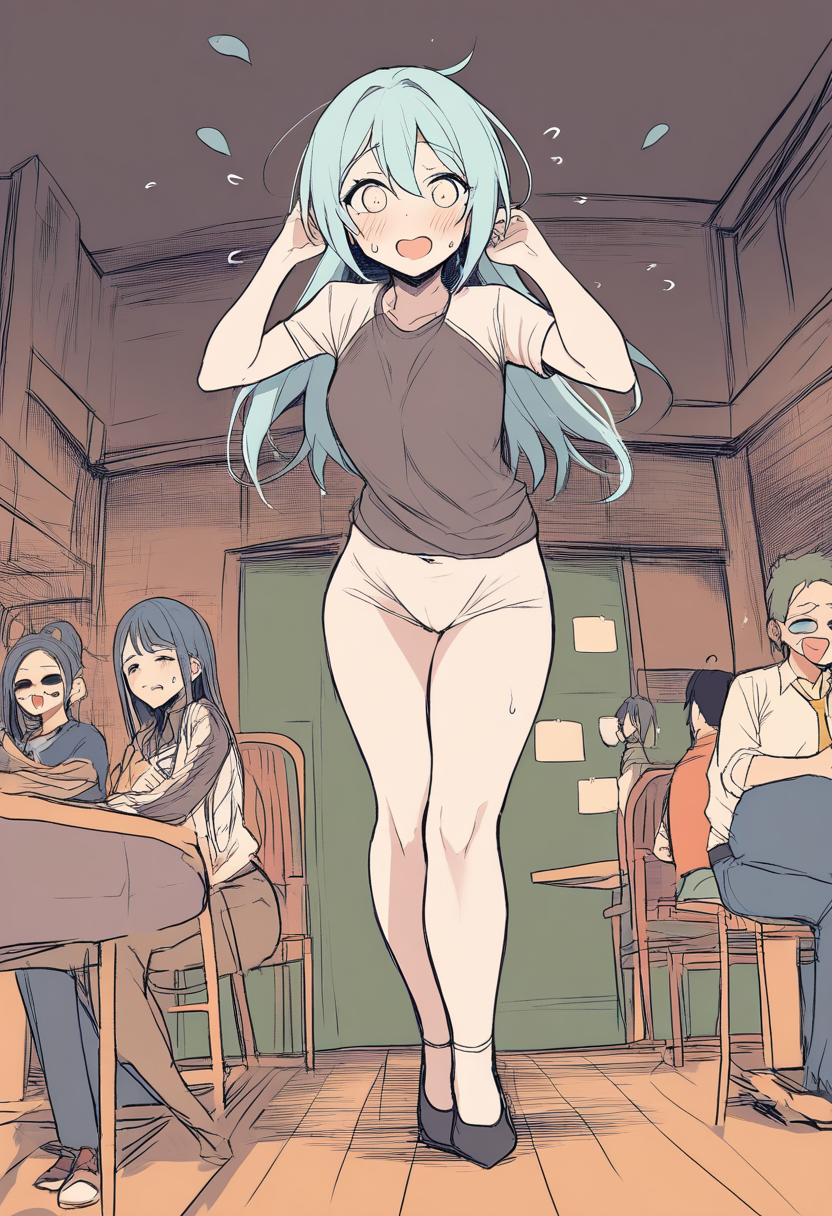
Start Creating
The best way to improve your AI manga prompts is to generate, review, adjust, and generate again. Every manga project teaches you what works and what does not for your specific artistic vision.
Oniichan's pipeline handles a lot of the heavy lifting --- world bible context, character references, outline continuity --- so you can focus on the creative direction rather than fighting the tools.
- Start with a strong outline with visual specificity
- Invest in good character references during the outline phase
- Write scene descriptions with the visual specificity of a director framing a shot
- Use the prompt template above as your starting structure
- Iterate --- no one writes a perfect prompt on the first try
Try Oniichan now and see what your prompts can create.
Ready to create your own character?
Turn your OC ideas into polished anime character art with consistent designs. No drawing skills needed.