Best AI Manga Generators in 2026: A Detailed Comparison
We compared every major AI manga generator and AI comic generator on the market. Here's what actually works for creating consistent, full-length manga with AI in 2026.
The State of AI Manga Generation in 2026
If you searched "AI manga generator" a year ago, you mostly got glorified image generators with an anime filter slapped on top. You could generate a single cool-looking panel, sure, but try making a second panel with the same character and suddenly your protagonist has different hair, a new eye color, and apparently switched outfits between scenes.
Things have changed. The AI manga creation space has matured significantly, and there are now tools purpose-built for sequential art rather than single images. But the gap between what these tools promise and what they actually deliver is still wide enough to drive a mecha through.
We spent weeks testing every notable AI manga maker and AI comic generator available right now. This is what we found, what actually matters when choosing a tool, and where Oniichan fits into the picture.
What Makes a Good AI Manga Generator
Before jumping into the comparison, it helps to understand what separates a real manga creation tool from a regular AI image generator. There are five things that matter:
1. Character consistency. This is the single biggest challenge in AI manga. Your main character needs to look like the same person across every page and every panel. Hair color, eye shape, outfit details, facial structure -- all of it needs to stay locked in. Most tools fail here completely.
2. Sequential storytelling support. Manga is not a collection of random images. Each page exists in context with the pages before and after it. A good tool understands narrative flow, scene transitions, and visual continuity between pages.
3. Panel layout control. Manga has distinctive layout conventions. Dynamic action sequences use slanted panels. Quiet dialogue scenes use clean grids. You need control over how panels are arranged, not just what goes inside them. Our manga panel layouts guide covers the eight fundamental layout patterns in detail.
4. Editing and refinement. First-generation output is rarely perfect. The ability to edit individual panels, tweak character expressions, fix backgrounds, and adjust compositions without regenerating the entire page is essential for production-quality work.
5. Speed and workflow integration. If generating a single page takes 20 minutes of prompting, tweaking, and praying, you are not going to finish a chapter. The tool needs to fit into a real creative workflow.
💡 Tip: When evaluating any AI manga tool, test it on a multi-page sequence with the same character. Single-image quality means nothing if consistency falls apart on page two.
The AI Manga Generator Landscape in 2026
Here is how the current options stack up across those five criteria.
Generic AI Image Generators (Midjourney, DALL-E, Stable Diffusion)
These remain the most popular tools for generating anime-style images, and for good reason. The raw image quality from Midjourney v7 and the latest Stable Diffusion checkpoints is stunning. You can get gorgeous single illustrations with detailed prompting.
But they were never designed for manga. There is no concept of a "page" or "panel." Character consistency requires elaborate workarounds -- reference sheets, IP adapters, LoRA training. Each approach adds friction and still produces inconsistent results across a multi-page project. Panel layouts must be manually composited in external tools like Photoshop or Clip Studio Paint.
For single illustrations and concept art, these tools are excellent. For sequential manga? They are a foundation you build on top of, not a solution.
AI Comic Strip Generators
Several tools have emerged specifically for comic strips. They typically offer template-based layouts where you place dialogue and select from pre-made panel arrangements. Some use AI to generate the art within those templates.
These work well for short-form content like webcomic strips and social media comics. However, most are locked into Western comic conventions rather than manga aesthetics. Panel layouts tend to be rigid and grid-based. Character art leans toward cartoon or Western comic styles rather than manga. And they rarely handle the longer-form storytelling that manga requires.
⚠️ Note: If you want quick 3-4 panel strips for social media, comic strip tools have their place. For full manga chapters, they fall short on both aesthetics and narrative support.
Dedicated AI Manga Tools
A handful of tools now specifically target manga creation with AI. These understand that manga has unique requirements around layout, visual language, and narrative structure.
The best tools in this category offer some combination of character reference systems, manga-specific panel layouts, page-level generation, and editing capabilities. Not all of them do everything well, but they at least understand the problem space.
How Oniichan Compares
We built Oniichan because we kept running into the same frustrations with existing tools. Here is how our approach differs.
Outline-First Generation
Most AI manga generators start at the image level. You describe a panel or page, the AI generates it, and you figure out the story as you go. This produces disjointed narratives because the AI has no sense of the larger story.
Oniichan starts with an outline. You describe your manga concept and the AI generates a structured outline covering your entire story, including scene breakdowns, character introductions, and narrative beats. You edit this outline until the story works, and then the pages are generated with full context of what comes before and after each scene.
This means page 15 of your manga knows what happened on page 3. Characters are introduced properly. Story beats land because the AI understands pacing across the whole project, not just the current panel.
The World Bible
Alongside your outline, Oniichan generates a world bible -- a comprehensive document describing your characters, their appearances, relationships, and the setting details that need to stay consistent. This world bible is referenced during every page generation, acting as the source of truth for visual consistency.
You can edit the world bible directly. If your protagonist should have a scar on their left cheek, you add it to their character description and every subsequent page generation knows about it.
Character Reference Sheets
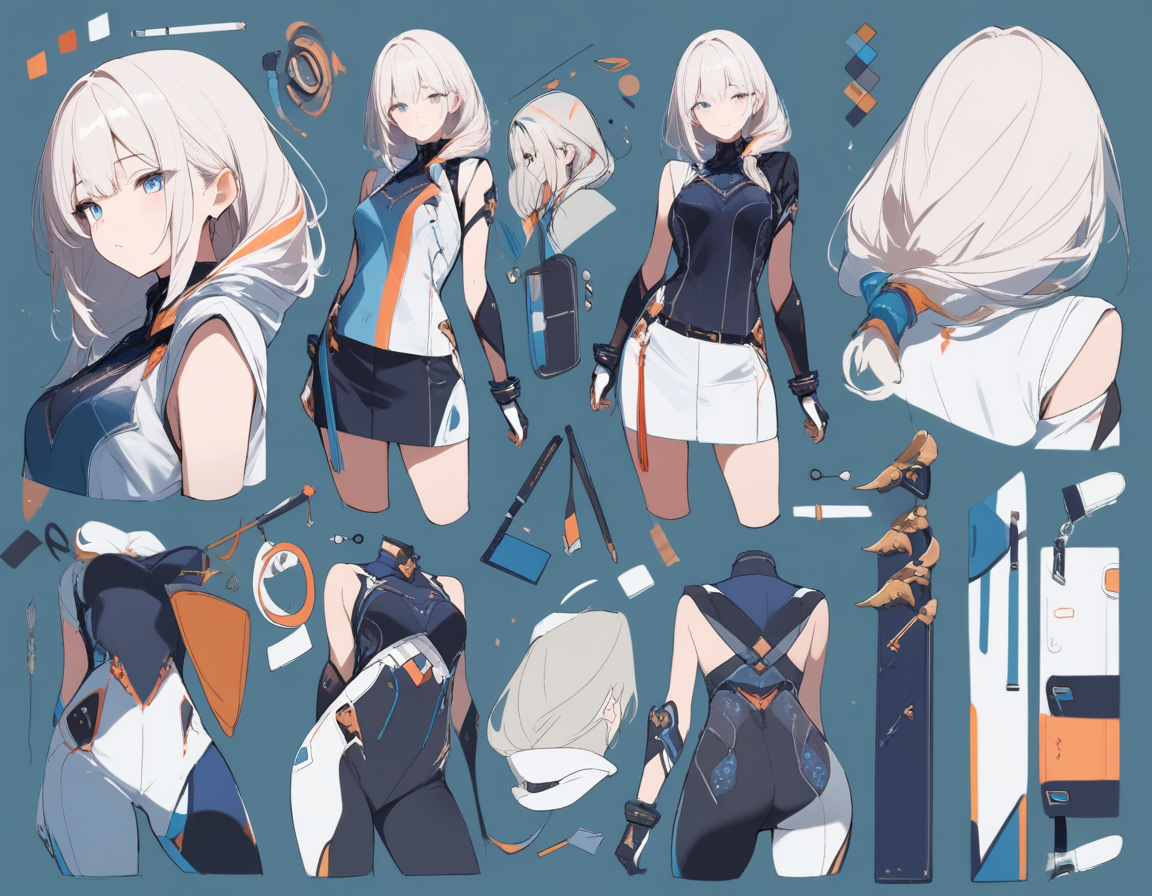
Words alone are not enough for visual consistency. Oniichan generates character reference sheets during the outline phase -- actual visual references that anchor what each character looks like. These reference images are then fed into every page generation alongside the text descriptions.
This dual-anchor approach (text description plus visual reference) is what makes character consistency actually work across a full manga. You can further refine characters using the character creator and save them to a reusable library for future projects.
Eight Panel Layouts
Panel layout is not an afterthought. Oniichan offers eight distinct manga-specific panel layouts that cover the major composition patterns used in professional manga. Dynamic action layouts with slanted panels, clean dialogue grids, splash pages, and varied arrangements that keep the visual rhythm interesting across a chapter.
The AI selects appropriate layouts based on scene content, but you can override the choice for any page.
Panel-Level Editing
This is where Oniichan really separates from the pack. After a page is generated, you can edit individual panels without touching the rest of the page. Want to change a character's expression in the third panel? Adjust the background in the first? Fix a hand that looks wrong in the fifth? Panel editing lets you refine at the granular level.
You can also do masked local region edits -- paint over just the area you want changed and describe what should replace it. The AI regenerates only that region while preserving everything else on the page.
Full Pipeline, Not Just Generation
Oniichan handles the entire flow from concept to finished manga:
- Describe your idea -- a paragraph is all you need
- Generate and edit the outline -- structure the full story
- Generate character reference sheets -- lock in visual consistency
- Render full manga pages with context awareness
- Edit pages and panels until they are right
- Share your manga publicly or present it page by page
No jumping between five different tools. No manual compositing. No losing character consistency because you switched from one AI to another mid-project.
Side-by-Side Comparison
| Feature | Generic AI (Midjourney, SD) | Comic Strip Tools | Oniichan |
|---|---|---|---|
| Image quality | Excellent | Good | Strong |
| Character consistency | Manual workarounds | Limited | Built-in (refs + world bible) |
| Panel layouts | None (manual) | Rigid templates | 8 manga-specific layouts |
| Story structure | None | Dialogue only | Full outline + world bible |
| Panel editing | External tools | Basic | In-app panel + region editing |
| Manga aesthetics | With prompting | Western-leaning | Native manga style |
| Multi-page context | None | None | Full narrative context |
| Workflow | Assemble yourself | Template-bound | End-to-end pipeline |
| Learning curve | High | Low | Medium |
| Best for | Single illustrations | Short strips | Full manga chapters |
💡 Tip: The right tool depends on what you are making. A single illustration needs different capabilities than a 30-page manga chapter.
Who Should Use What
Use a generic AI image generator if you are an experienced artist who wants AI as an assistant tool within your existing workflow. You already know Clip Studio Paint or Photoshop, you are comfortable with compositing, and you want maximum control over every visual detail. The raw image quality ceiling is highest here.
Use a comic strip tool if you want quick, short-form content for social media or a webcomic. You do not need manga aesthetics specifically, and you prioritize speed over customization. These tools are the fastest path from idea to published strip.
Use Oniichan if you want to create actual manga -- multi-page stories with consistent characters, proper pacing, and manga-specific visual language. Whether you are a writer who wants to visualize stories, a fan creator building original characters into narratives, or someone exploring manga creation for the first time, Oniichan is built for this specific use case.
The Consistency Problem, Solved (Mostly)
AI manga generation in 2026 is not perfect. You will still encounter occasional inconsistencies, awkward hands, and panels that need editing. The technology has come far but it has not reached the point where you can generate a flawless 200-page manga with zero human intervention.
The difference is in how tools handle this reality. With generic generators, inconsistency is the default and you fight against it constantly. With Oniichan, consistency is the baseline and you fix the occasional deviation. That distinction makes the difference between a frustrating novelty and a usable creative tool.
The combination of world bible references, character sheets, narrative context, and panel-level editing means you spend your time on creative decisions rather than fighting the AI to remember what your protagonist looks like.
Getting Started
For a broader look at AI tools across the anime ecosystem, check out our roundup of the best AI tools for anime fans in 2026. And if you want to understand how ChatGPT compares specifically, read our ChatGPT vs AI manga generators comparison. If you want to try AI manga creation, here is our honest recommendation: start with what you actually want to make. If it is a single beautiful anime illustration, Midjourney or the AI anime art generator will serve you well. If it is a multi-page manga with characters and a story, give Oniichan a try. You can generate your first manga for free and see how the outline-to-pages pipeline works with your own concept.
The best AI manga generator is ultimately the one that matches your specific creative goals. But if those goals include the word "manga" and the phrase "more than one page," you owe it to yourself to try a tool that was actually built for that.
Ready to create your own character?
Turn your OC ideas into polished anime character art with consistent designs. No drawing skills needed.