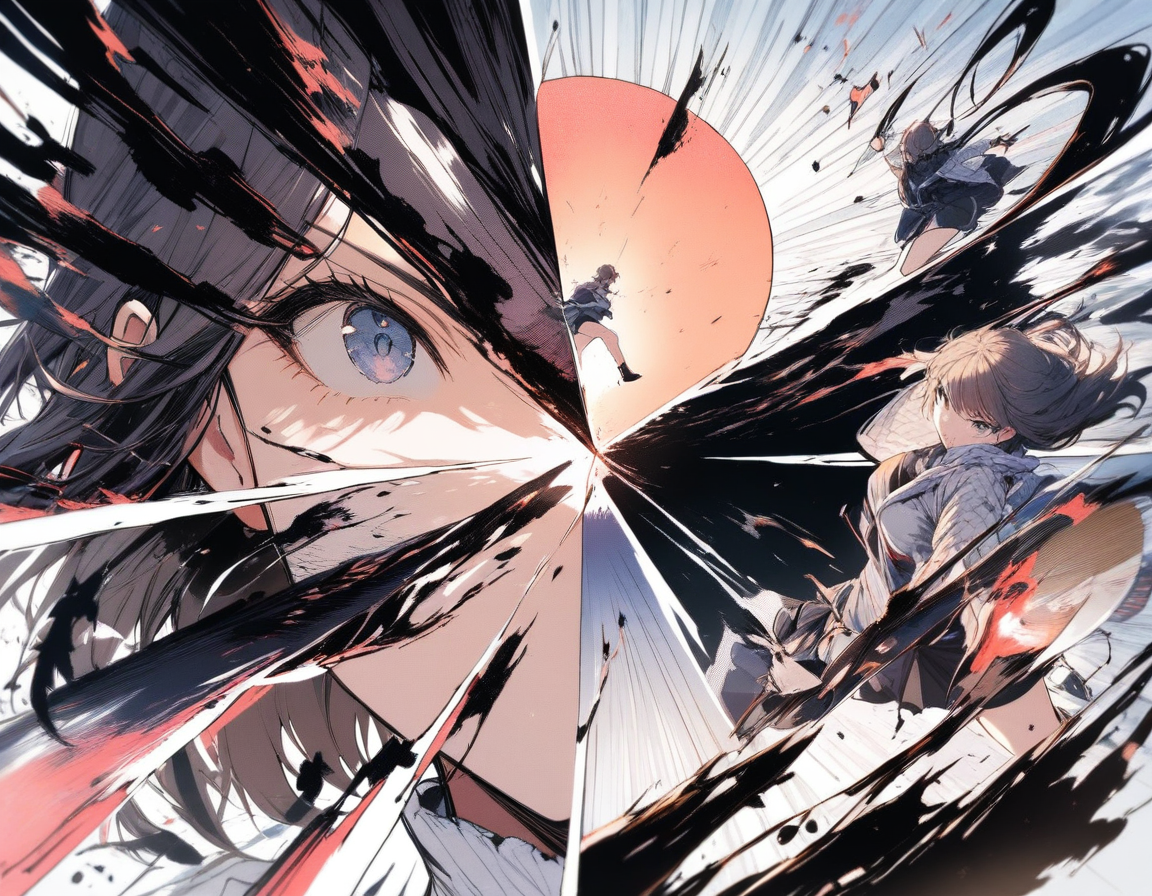
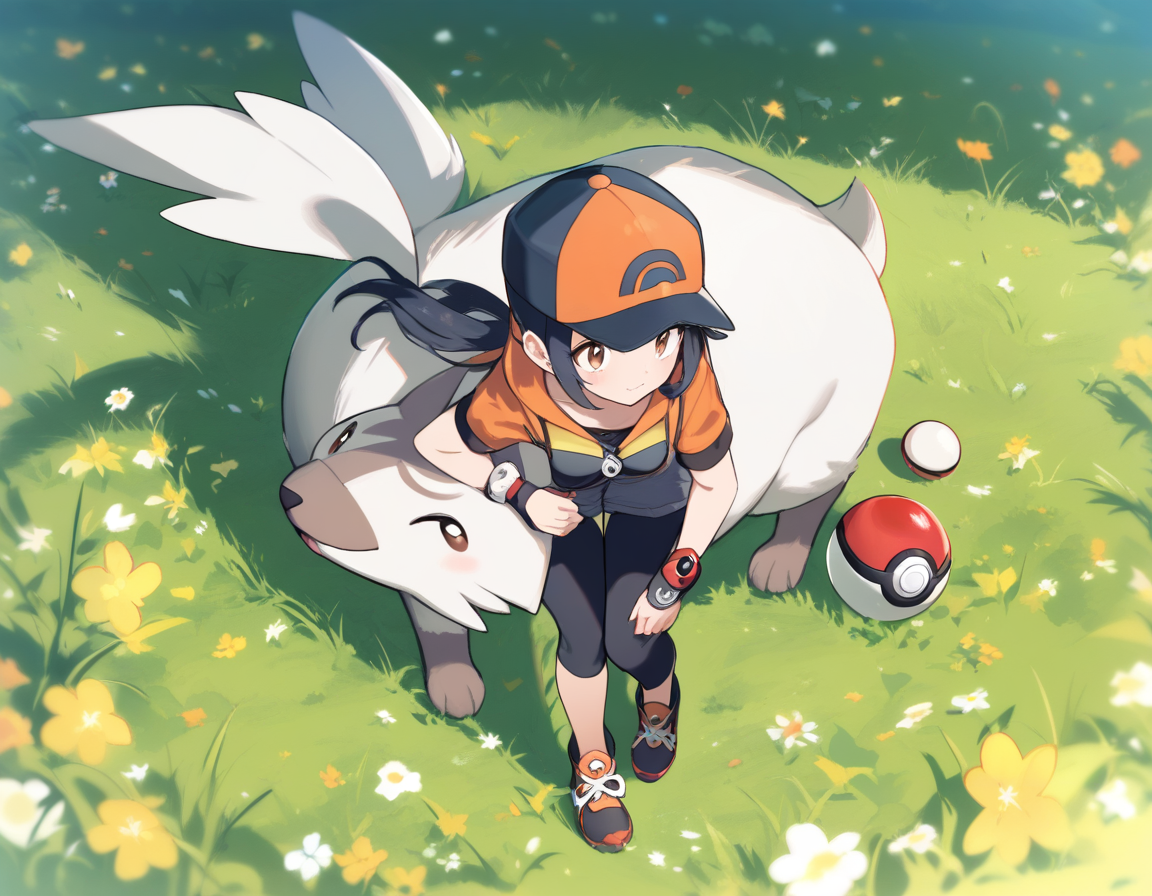
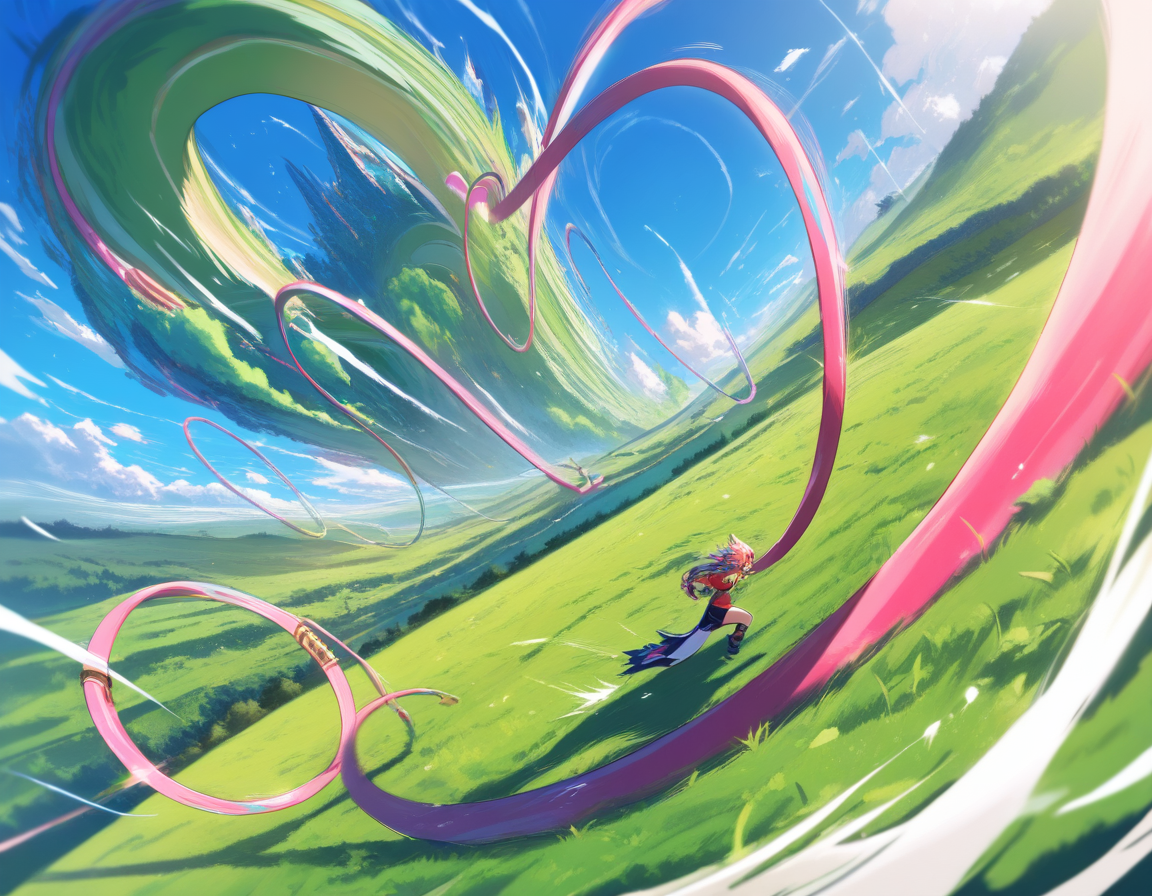
The Complete Guide to Creating Comics and Manga with AI in 2026
Everything you need to know about creating manga and comics with AI, from initial concept to finished pages. Covers the full pipeline: outlining, character design, page generation, panel editing, and sharing.
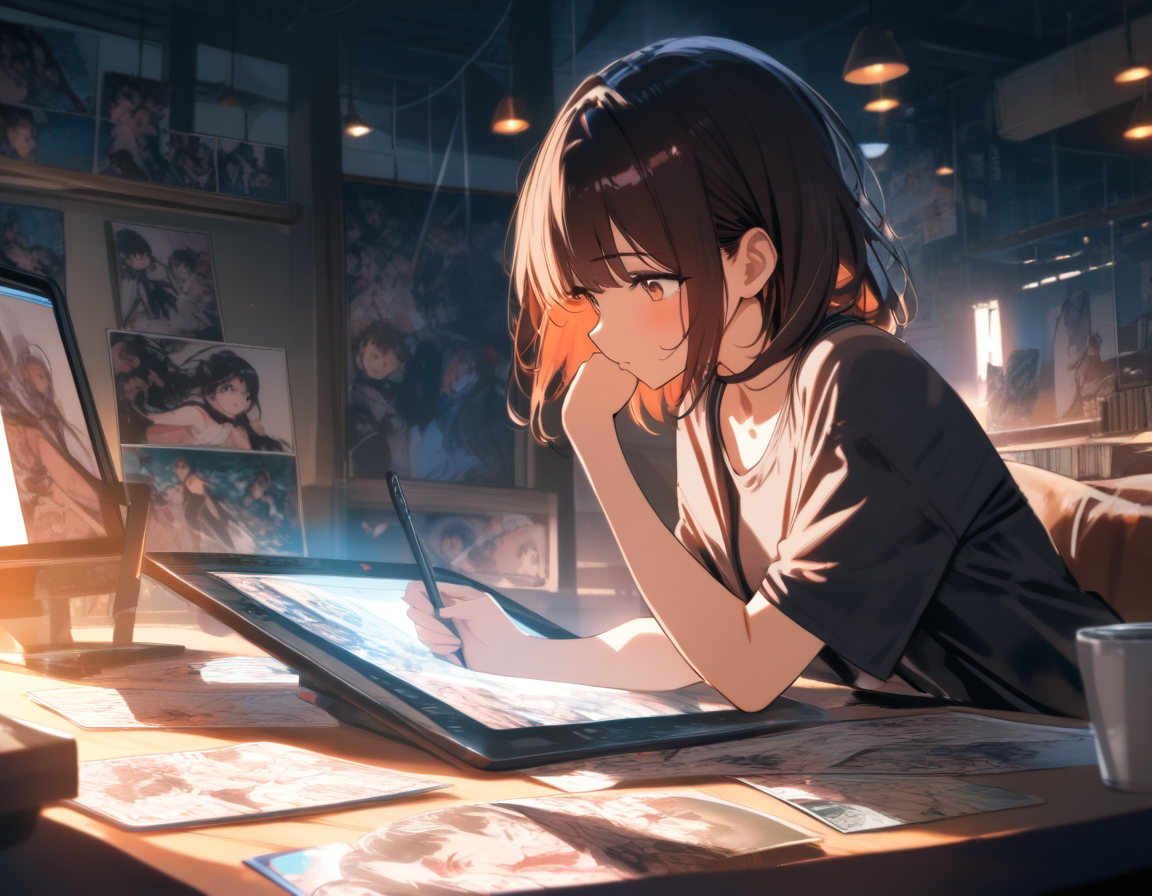
AI Comic Creation Has Grown Up
Two years ago, "creating a comic with AI" meant generating a bunch of separate images, manually arranging them into panels in Photoshop, adding speech bubbles by hand, and hoping nobody noticed that the main character's hair changed color between pages. It was technically possible, but the process was brutal.
In 2026, the landscape looks completely different. There are now tools that understand sequential art as a medium rather than treating it as a series of unrelated image generation tasks. You can go from a story idea to finished manga pages with consistent characters, structured layouts, and narrative coherence -- all within a single workflow.
This guide covers the entire pipeline. Whether you are a writer who has always wanted to visualize your stories, an artist exploring AI as a creative partner, or someone who has never made a comic in their life, this is your complete roadmap.
The Five Stages of AI Manga Creation
Every comic or manga, whether made by hand or with AI, follows the same fundamental pipeline. The tools have changed, but the stages have not.
- Concept and story -- What is this about?
- Outline and structure -- What happens, in what order?
- Character design -- Who are these people, and what do they look like?
- Page generation -- Turning the outline into visual pages
- Editing and refinement -- Making it actually good
Let's walk through each stage.
Stage 1: The Concept
Every manga starts with an idea, and AI cannot generate ideas for you. It can help you develop one, but the initial spark needs to come from you.
Good manga concepts usually have three things:
A character with a problem. "A healer in a fantasy world who can only use their powers by taking on the injuries of others." That is a character, a conflict, and an implied world all in one sentence.
A world with rules. Even if your story takes place in modern Tokyo, there are rules. What is normal here? What is unusual? What are the constraints characters operate within? Rules create tension, and tension creates story.
A question the reader wants answered. Will they survive? Will they find what they are looking for? Will they change? The question does not have to be complex, but it needs to exist.
💡 Tip: Spend real time on the concept stage. A strong concept makes every subsequent stage easier. A weak concept means you will be fighting upstream the entire way.
If you need help developing your concept, you can use Oniichan's outline generation to brainstorm. Describe a rough idea and let the AI build it into a structured story. You are not committing to anything at this stage -- it is a conversation between your imagination and the AI's ability to structure narrative.

Stage 2: The Outline
This is where most AI comic creation tools fail, and where the best ones shine. An outline is not optional for good sequential art. Without one, you get a collection of cool-looking pages that do not tell a coherent story.
What a Good Manga Outline Contains
A manga outline breaks your story into pages, and each page into scenes. For each page, you should know:
- What happens narratively (the plot beat)
- Where it takes place (the setting)
- Who is present (the characters)
- What the emotional tone is (tense, comedic, melancholic, triumphant)
- What the visual focus should be (a wide establishing shot, a close-up on an expression, an action sequence)
This level of detail might seem like overkill, but it is exactly what allows AI to generate pages that feel intentional rather than random.
Outline Generation with AI
Oniichan's outline generator takes your concept and produces a structured outline covering every page of your manga. You describe your idea -- the characters, the world, the story you want to tell -- and the AI returns a page-by-page breakdown with scene descriptions, character placements, and narrative flow.
The critical part: you edit this outline before generating pages. The AI is good at structure, but you are the one who knows the story you want to tell. Read through the outline. Move scenes around. Cut pages that feel like filler. Add emotional beats the AI missed. Expand the climax. Trim the setup.
⚠️ Note: This editing pass is where your creative voice enters the process. The AI provides scaffolding. You provide the story.
The World Bible
Alongside the outline, Oniichan generates a world bible -- a document that captures everything about your manga's world, characters, and visual style. Character descriptions, personality traits, key relationships, setting details, visual aesthetic guidelines. All of it lives in one place and gets referenced during every page generation.
The world bible solves the single biggest problem in AI comic creation: consistency. When the AI generates page 25, it has access to the same character descriptions and world rules it used for page 1.
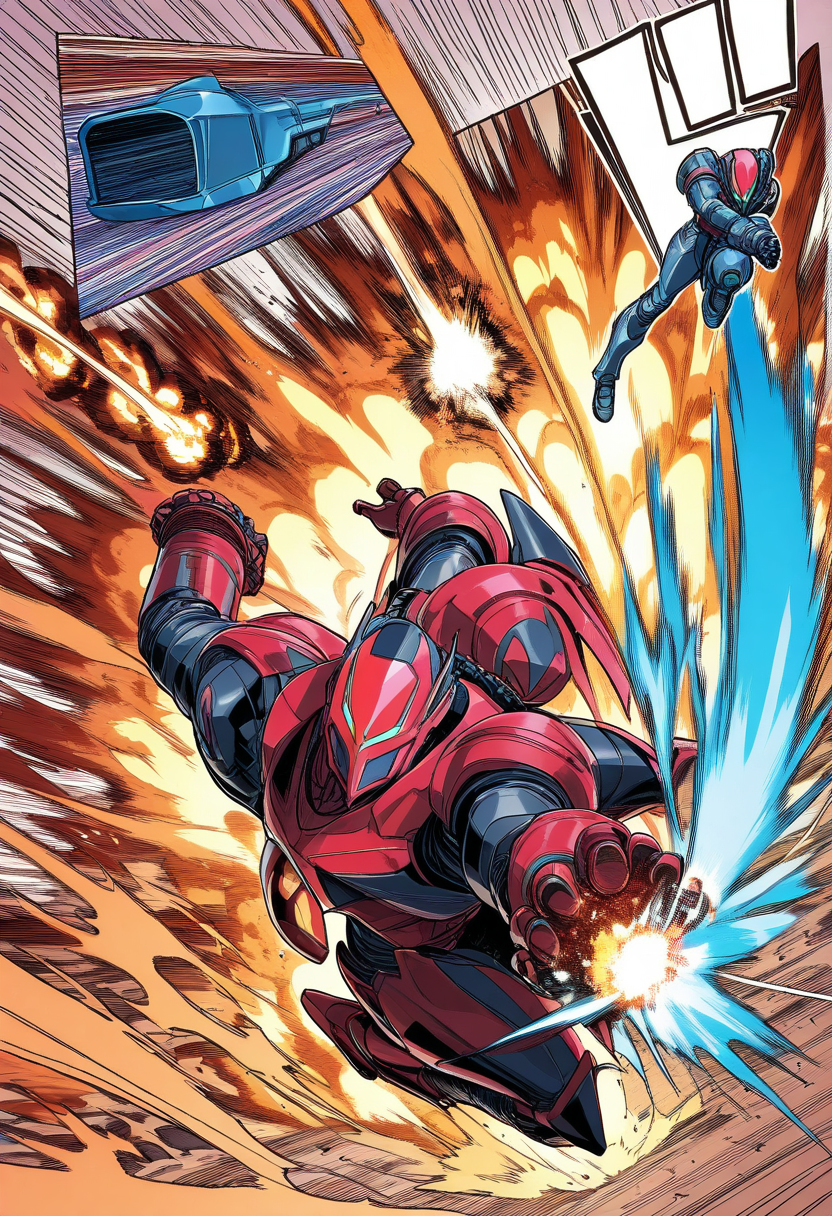
You can edit the world bible directly. Decided your villain should have a prosthetic arm? Update their description and every subsequent generation reflects it.
Stage 3: Character Design
Characters are the visual anchors of any manga. Readers remember characters first, plot second, and setting third. Getting character design right is non-negotiable.
The Character Reference Sheet Approach
The most reliable method for character consistency in AI manga is reference sheets. A character reference sheet shows a character from multiple angles with consistent proportions, outfit details, and color palette. Once you have a reference sheet, every page generation can use it as a visual anchor.
Oniichan generates character reference sheets automatically during the outline phase. For more control over character design, you can use the AI character creator to design characters before starting a manga project.
If you are creating characters for a specific franchise, the OC generator has dedicated tools for series like Naruto, One Piece, Jujutsu Kaisen, My Hero Academia, Genshin Impact, and many more. For a full overview, browse our guide to the best franchise OC makers.
Designing Characters That Work in Manga
There is a difference between a character that looks good in a single illustration and one that works across a manga. Key guidelines:
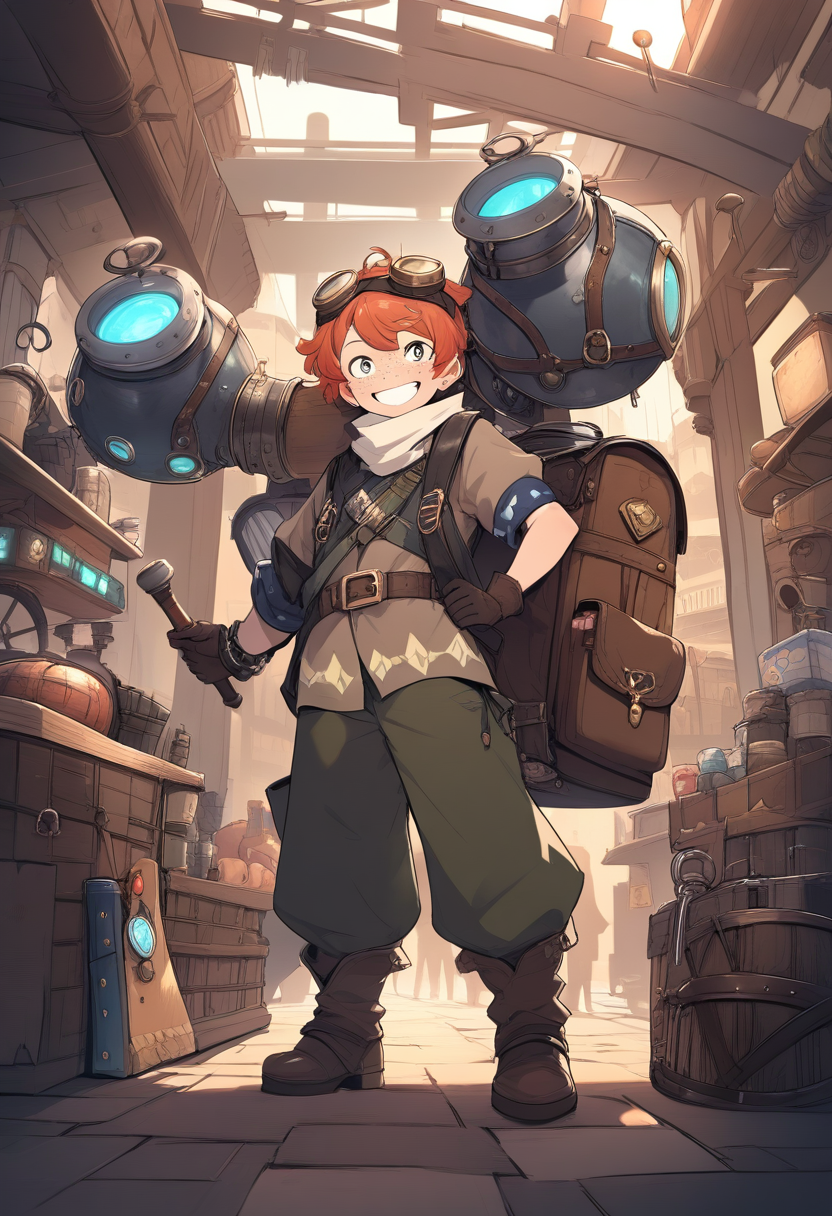
Distinct silhouettes. Give each character a unique overall shape. Different hair styles, body types, and posture habits help readers instantly identify who they are looking at even in small panels.
Limited color palettes. Professional manga characters typically stick to 2-3 main colors. This makes them easier to generate consistently and more visually cohesive.
Expressive faces. Manga lives and dies on facial expression. Characters need faces that can convincingly portray a range of emotions.
Functional outfits. What a character wears should make sense for what they do. Outfits with too many small details tend to drift more in AI generation.
Stage 4: Page Generation
This is the stage most people think of as "making a manga with AI," but as you can see, it is actually the fourth step in a five-step process. All the preparation work from stages 1-3 pays off here.
How AI Page Generation Works
With an outline, world bible, and character references established, AI page generation becomes surprisingly straightforward. For each page, the system combines:
| Input | Purpose |
|---|---|
| Current page scene description | What happens on this page |
| Previous page context | Visual and narrative continuity |
| Previous page image | Consistent art direction |
| Character references | Visual consistency for each character |
| World reference images | Environmental consistency |
| Panel layout instructions | Page composition and pacing |
This multi-input approach is what separates dedicated manga generators from generic image tools.
Panel Layouts
Panel layout is one of the most distinctive visual elements of manga. The arrangement of panels on a page controls pacing, guides the reader's eye, and creates visual rhythm.
Oniichan offers eight manga-specific panel layouts covering the major compositional patterns used in professional manga. Our panel layouts guide breaks down each layout type with examples from popular series. The AI can select appropriate layouts based on scene content -- action sequences get dynamic layouts with angled panels, quiet dialogue gets clean grids, major reveals get splash page treatment.
You can override the layout for any page.
Multi-Page Context
Here is something subtle but important: each page is generated with awareness of the pages around it. The AI knows what happened on the previous page and what the outline says happens next. This means scene transitions feel natural, character positions maintain spatial logic, and visual flow carries across page turns.
Stage 5: Editing and Refinement
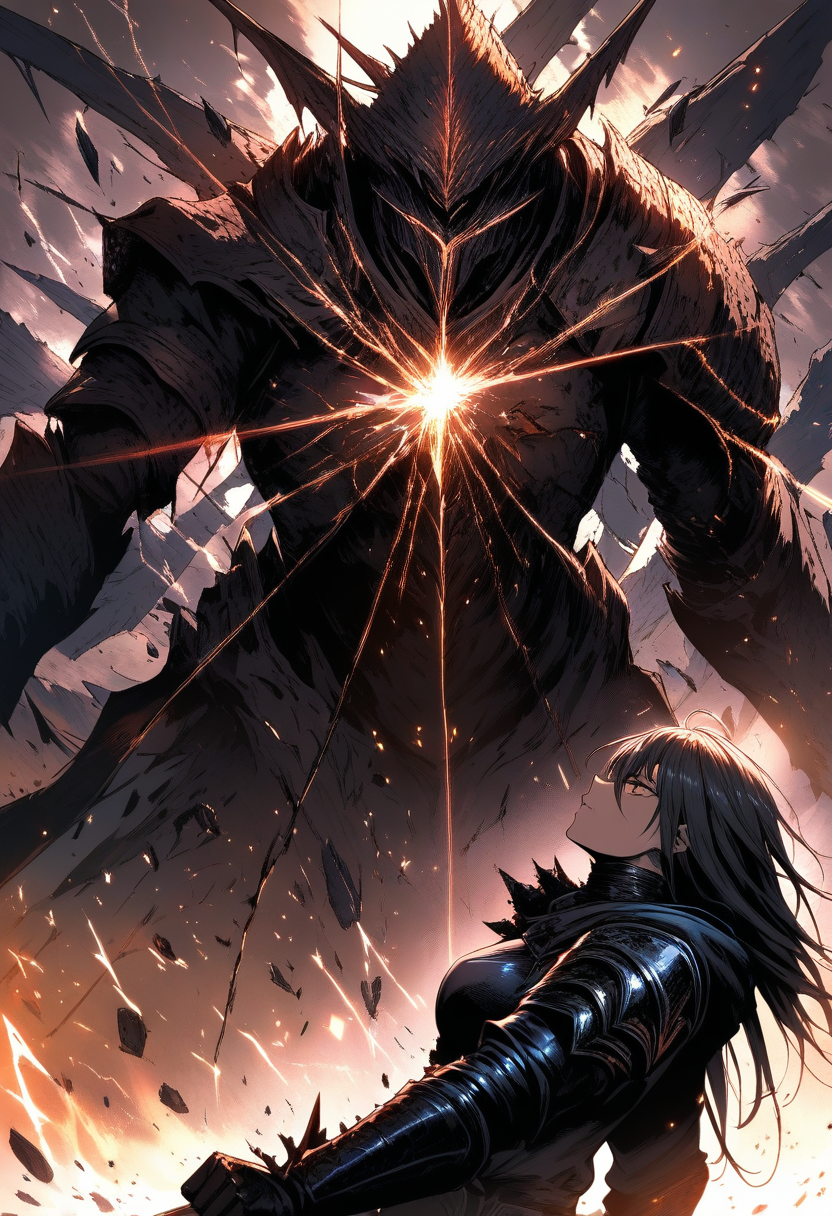
The dirty secret of AI art is that first-generation output is a draft, not a finished product. Professional results require editing. For a detailed walkthrough of every editing technique, see our AI panel editing guide.
Page-Level Editing
Sometimes an entire page needs adjustment. Maybe the composition does not work, or the mood is wrong. Page-level editing lets you regenerate a page with adjusted instructions while keeping the context of surrounding pages intact.
With Oniichan, you can edit a page using the current page image as a fidelity anchor. Describe what you want changed -- "make the lighting warmer," "shift the perspective to a higher angle," "add rain to the background" -- and the AI regenerates with those adjustments while preserving the elements that worked.
Panel-Level Editing
This is where refinement gets precise. Instead of redoing an entire page because one panel has an issue, you can edit individual panels.
Oniichan supports two types of panel editing:
Full-panel edits regenerate an entire panel based on your description while preserving its position and size on the page.
Masked local region edits let you paint over a specific area within a panel and describe what should replace it. Only the masked region changes; everything else stays exactly as it was.
💡 Tip: When to edit vs. when to regenerate. If the overall composition and mood are right but specific details are wrong, edit. If the fundamental composition is wrong, regenerate. If you have edited three or more times and it still does not work, adjust your outline description and regenerate from scratch.
Comparing AI Comic Creation Approaches
There are broadly three approaches to creating comics with AI in 2026:
| Approach | Pros | Cons | Best For |
|---|---|---|---|
| DIY (Midjourney + Photoshop) | Maximum control, highest image quality ceiling | Enormously time-consuming, no character consistency, high skill requirement | Experienced artists and designers |
| Template (Comic strip tools) | Fast, low learning curve, good for short-form | Limited layout flexibility, Western comic-oriented, weak consistency | Webcomic creators, social media content |
| Pipeline (Oniichan) | Built-in consistency, narrative coherence, purpose-built workflow | Less granular per-image control, dependent on tool aesthetics | Manga creators, storytellers, fan creators |
Oniichan takes the pipeline approach. We believe that for manga specifically, the consistency and narrative coherence benefits outweigh the flexibility tradeoffs, especially as the underlying generation quality continues to improve.
Sharing Your Finished Manga
Creating a manga is only half the experience. Sharing it completes the loop.
Oniichan includes built-in sharing features:
- Toggle any manga project to public and share a link that lets anyone read your manga
- Present mode displays your manga one page at a time, ideal for the reading experience on both desktop and mobile
- Discover feed where other Oniichan users can find and read your manga
- Export page images for sharing on social media, portfolio sites, or anywhere else
The pipeline does not end at generation. Getting your manga in front of readers is part of the creative process.
Your First Manga: A Quick-Start Checklist
Ready to make something? Here is the minimum path from zero to finished manga:
- Write a one-paragraph concept. Character, conflict, world. Keep it simple for your first project.
- Open the AI manga generator and describe your concept.
- Review and edit the generated outline. Read every page description. Adjust what does not feel right.
- Review the character reference sheets. Make sure your characters look the way you imagined.
- Generate your pages. Start from the beginning and generate sequentially.
- Edit panels that need work. Focus on the most impactful pages first.
- Share your manga. Toggle it to public and send the link to someone.
Your first manga will not be perfect. It does not need to be. The goal is to learn the pipeline, understand what each stage contributes, and develop your instincts for prompting and editing. Your second manga will be noticeably better. Your fifth will be something you are genuinely proud of.
The Future of AI Comics
AI manga creation is moving fast. What will not change is the importance of story, character, and creative intent. AI is a production tool. It handles the rendering. You handle the meaning.
The best AI manga will always be the ones where a human cared deeply about the story being told and used the AI to tell it at a quality level they could not achieve alone.
If you have a story worth telling, the tools to tell it visually have never been more accessible. Start your first manga, design your characters, and see what you can build.
Ready to create your own character?
Turn your OC ideas into polished anime character art with consistent designs. No drawing skills needed.