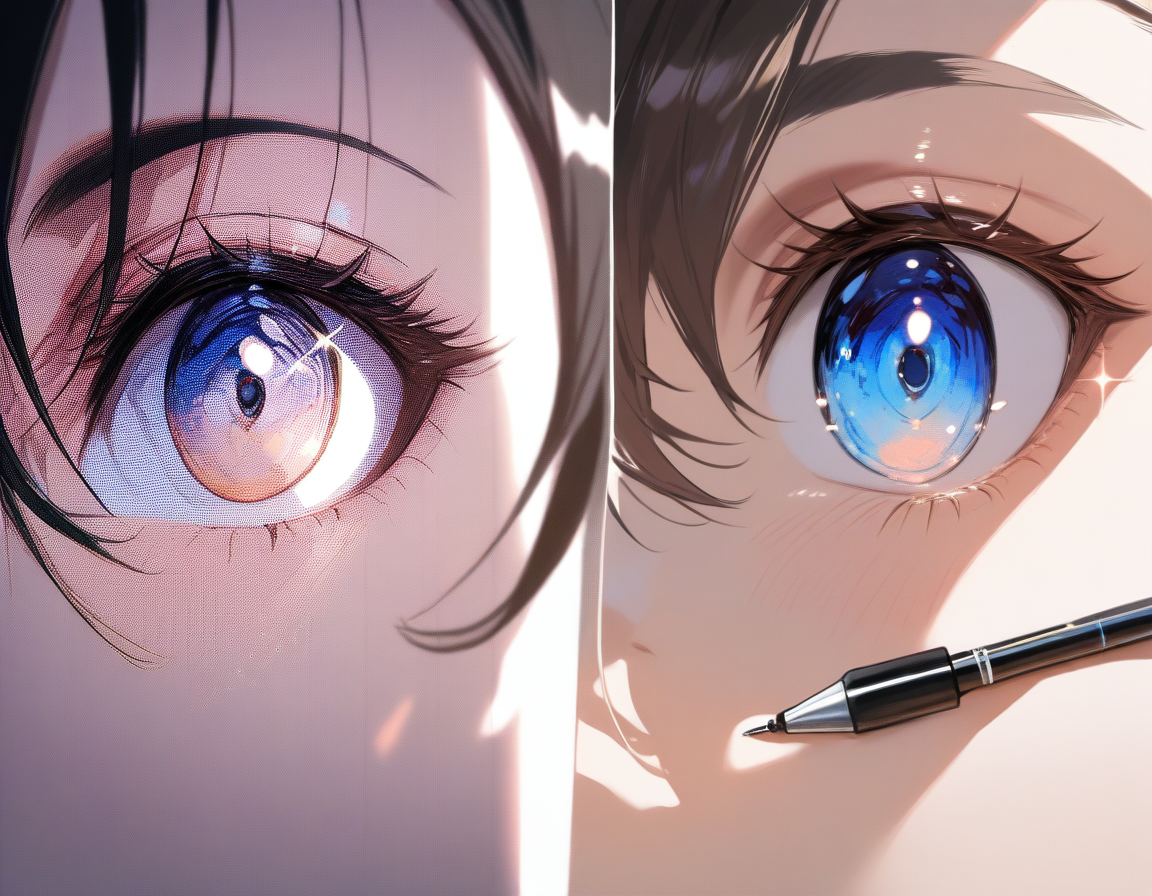
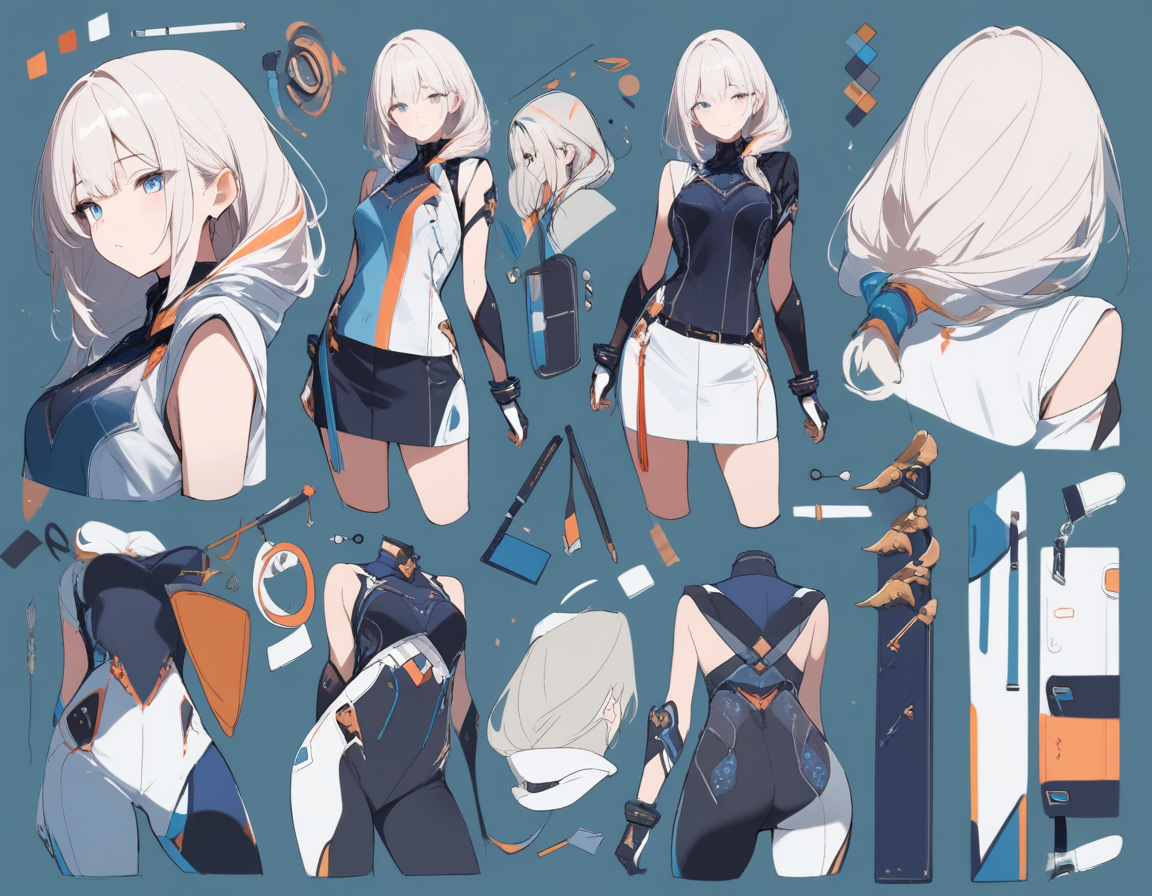
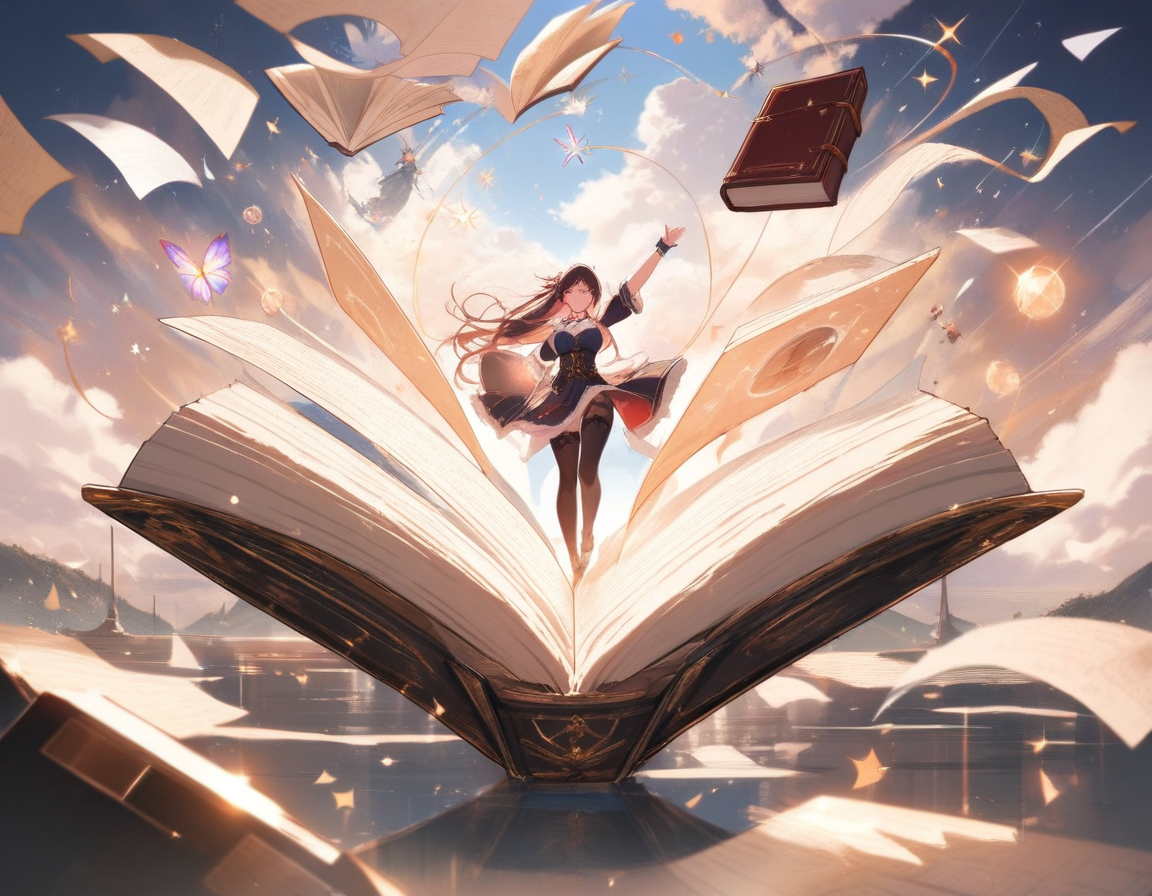
AI Anime Art for Beginners: The Complete Guide
Everything beginners need to know about creating anime art with AI. Learn how generators work, how to write effective prompts, common mistakes to avoid, and which free tools to start with.
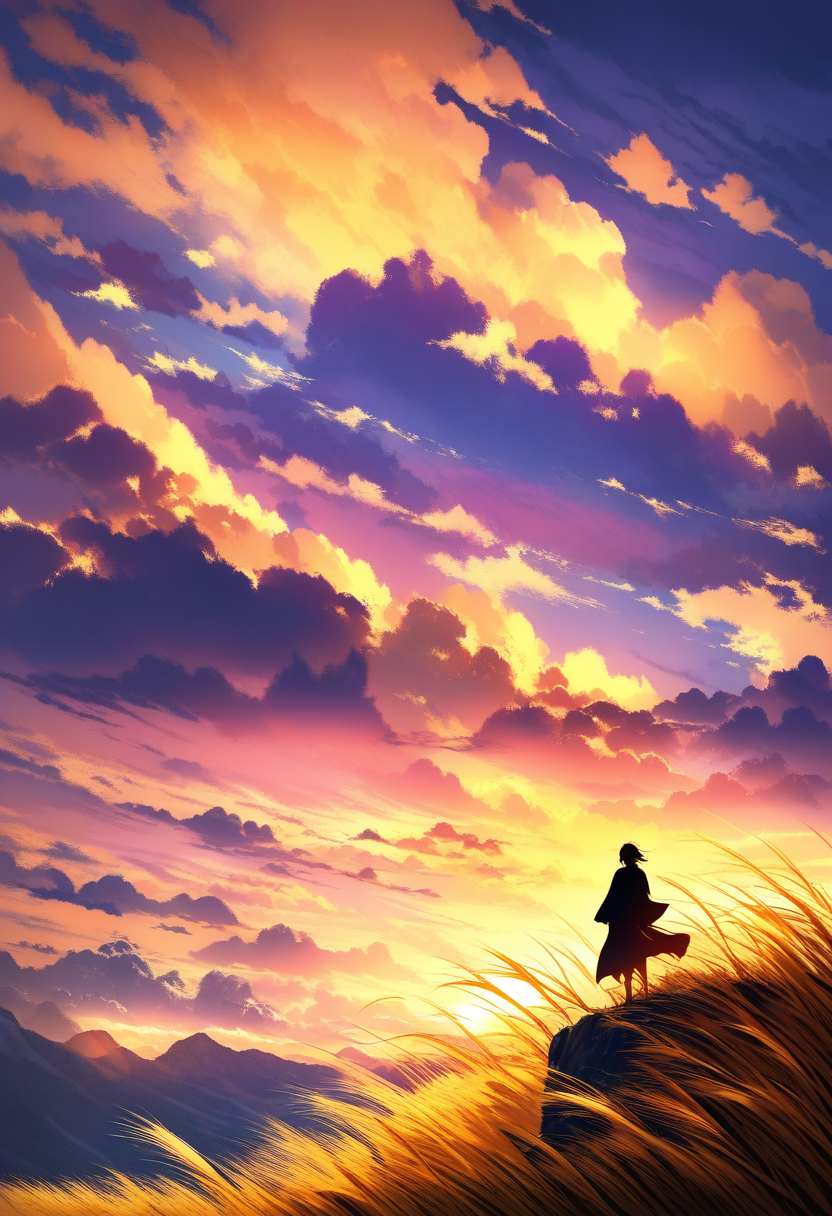
A year ago, creating anime-style character art required either years of drawing practice or paying a skilled artist. Today, AI art generators can produce detailed anime illustrations from a text description in under a minute. The technology has moved fast, and if you are just discovering it now, the landscape can feel overwhelming.
This guide cuts through the noise. It covers what AI anime art generators actually do, how to use them effectively, which mistakes trip up beginners, and how to go from your first generation to creating polished character art and full manga pages. No prior experience required.
What AI Anime Art Generators Actually Do
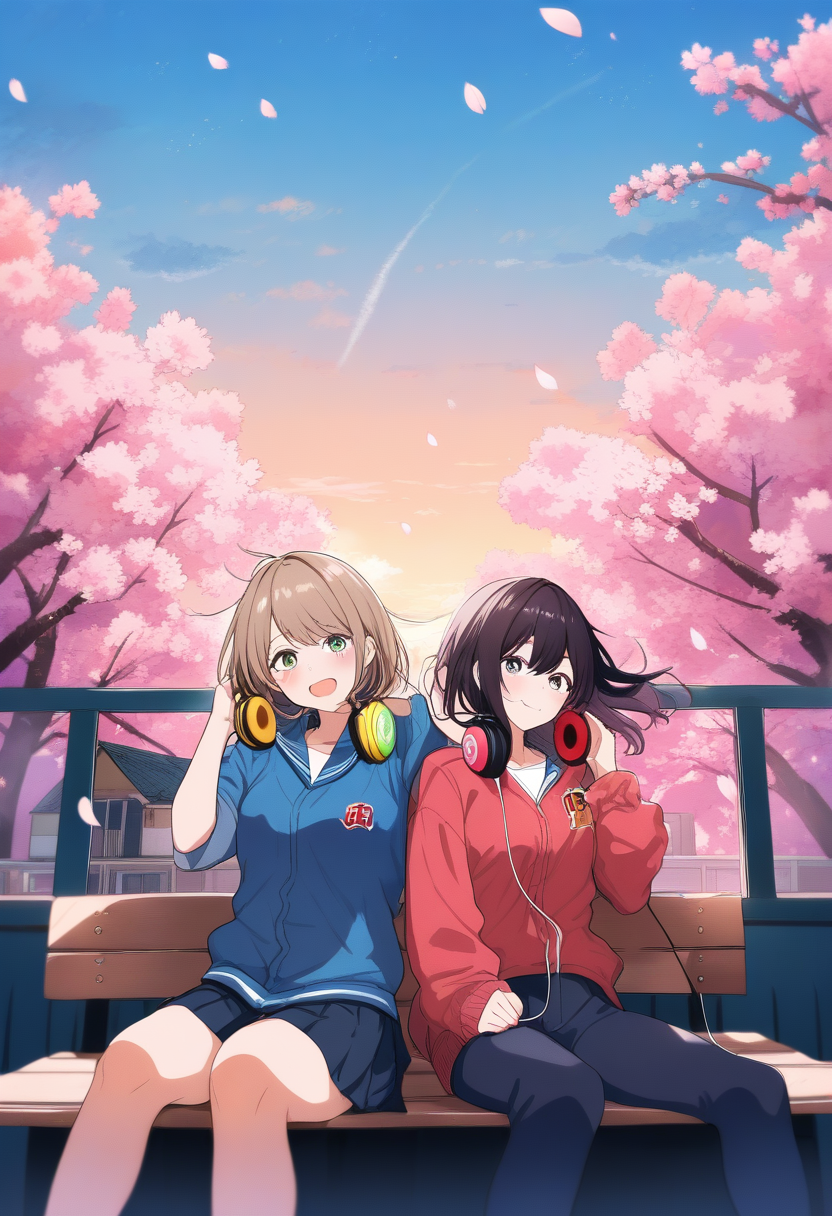
At the most basic level, an AI anime art generator takes a text description (called a prompt) and produces an image that matches it. You type something like "a girl with long silver hair wearing a school uniform, cherry blossoms falling, soft afternoon light" and the generator creates an illustration.
Under the hood, these tools use diffusion models trained on massive datasets. The model has learned statistical patterns about what anime art looks like: how eyes are drawn, how hair flows, how fabric folds, how lighting creates mood. When you give it a prompt, it generates something new based on those patterns.
What They Are Good At
- Consistent anime styling -- Modern generators reliably produce art matching anime conventions
- Rapid iteration -- Dozens of variations in minutes for brainstorming
- Detail rendering -- Complex armor, jewelry, flowing fabric, magical effects
- Character consistency -- Advanced tools maintain appearance across multiple generations
What They Struggle With
- Hands and fingers -- Improved dramatically but still a weak point
- Specific text in images -- Readable text on signs or shirts is unpredictable
- Exact spatial relationships -- Complex multi-character compositions often need multiple attempts
- Highly specific poses -- Very precise body positions may not match exactly without reference images
Choosing the Right Tool
The AI anime art space has a lot of options. Here is how to think about the landscape.
Free vs. Paid Generators
| Feature | Free Generators | Paid Generators |
|---|---|---|
| Resolution | Lower | Higher |
| Generations per day | Limited | More generous |
| Watermarks | Often present | Clean output |
| Customization | Basic | Advanced controls |
| Character consistency | Minimal | Purpose-built features |
For beginners, starting with a free tier makes sense. Learn prompting basics before investing.
General Purpose vs. Anime Specialized
Some tools handle everything from photorealism to oil paintings to anime. Others are specifically tuned for anime and manga. The specialized tools consistently produce better anime art because their models are optimized for that style.
With general-purpose tools, you often fight the model to stay in style. With anime-specialized tools, the baseline output already looks like anime and your prompt focuses on content.
Web-Based vs. Local Installation
For beginners, web-based tools are the clear choice. No setup, no hardware requirements, no driver conflicts.
Getting Started with Oniichan
Oniichan's anime art generator is designed specifically for anime and manga creation, making it a strong starting point.
The Generation Flow
- Describe your character -- Type a natural language description. No special syntax needed.
- Generate and review -- Look critically at the output. What works? What does not?
- Refine and iterate -- Adjust your prompt based on what you see. Each generation teaches you more.
- Save and build -- Save characters you like to your library. Generate them in different poses, create manga pages, or edit details.
The Character Creator
For more structured creation, Oniichan's AI character creator walks you through design step by step. Instead of writing one long prompt, you make choices about hair, eyes, outfit, personality, and setting. This guided approach is especially helpful for beginners.
Tip: Start with the character creator to learn which details matter most, then graduate to writing your own prompts as you develop an eye for what works.
The Art of Prompting
Prompting is the core skill. A good prompt consistently produces images close to your vision. A bad prompt requires dozens of regenerations.
Structure Your Prompt in Layers
Think of your prompt as having five layers, ordered from most to least important:
| Layer | What to Include | Example |
|---|---|---|
| 1. Subject | Who or what is in the image | "A young woman with short blue hair and red eyes" |
| 2. Clothing | What they are wearing | "Black military jacket with gold buttons, white gloves, rapier at hip" |
| 3. Action/Pose | What they are doing | "Standing with arms crossed, looking over shoulder" |
| 4. Setting | Where they are | "Dimly lit throne room with tall stained glass windows" |
| 5. Mood/Lighting | How the scene feels | "Dramatic side lighting, cool blue tones, serious atmosphere" |
Be Specific, Not Verbose
There is a critical difference between detailed and long:
Specific and useful: "Long flowing silver hair that reaches her waist, parted slightly to the left, with a few strands falling across her face"
Long and useless: "Beautiful amazing gorgeous incredible stunning hair"
Every word should provide visual information the generator can act on. Concrete visual adjectives (long, silver, flowing) are valuable. Subjective adjectives (beautiful, amazing) are noise.
Use Anime-Specific Vocabulary
AI anime generators respond well to terms commonly used in anime descriptions:
- Hair: twin tails, side ponytail, ahoge, hime cut, drill curls, wolf cut
- Eyes: heterochromia, sharp eyes, gentle eyes, half-lidded, glowing pupils
- Outfit: serafuku, miko outfit, maid uniform, magical girl costume, isekai armor
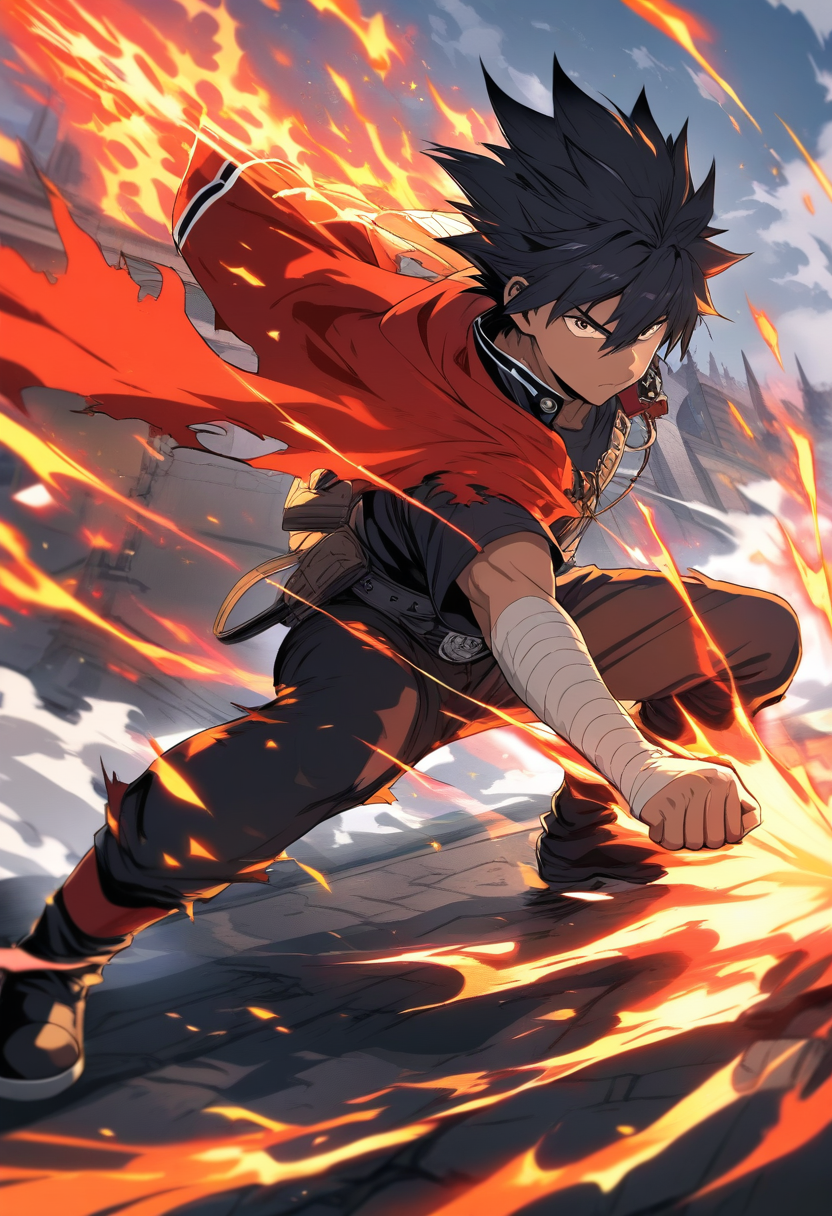
- Pose: dynamic pose, action pose, three-quarter view, looking back, sitting seiza
- Mood: warm lighting, dramatic shadows, sakura petals, night sky, golden hour
These terms map directly to visual patterns the model understands, producing more accurate results than generic descriptions. For a much deeper dive into prompt techniques, check out our complete guide to writing prompts for AI manga generation.
The Iteration Mindset
No one writes a perfect prompt on the first try. The workflow is:
- Write a prompt covering layers 1 through 3 at minimum
- Generate the image
- Identify what is wrong or missing
- Adjust the prompt
- Regenerate
- Repeat until satisfied
Common Beginner Mistakes
Mistake 1: Prompts That Are Too Vague
"A cute anime girl" produces a generic result every time. The generator falls back on the most statistically common anime character.
Fix: Always specify at least hair color/style, eye color, outfit, and pose. These four elements alone make results dramatically more specific.
Mistake 2: Contradictory Descriptions
"A cheerful girl with a dark brooding expression" sends mixed signals.
Fix: Read your prompt back and check for contradictions. Every element should support the same vision.
Mistake 3: Ignoring Composition
Beginners focus on the character and forget the frame. How much is visible? Close-up? Full body?
Fix: Include a framing term: "portrait," "upper body," "full body," "close-up," "wide shot." This single addition gives much more control.
Mistake 4: Expecting Perfection in One Generation
The biggest mistake. Generating one image, deciding AI art "does not work," and giving up.
Fix: Commit to generating at least ten variations before judging a concept. Most characters click around the third to fifth iteration.
Mistake 5: Overloading the Prompt
Trying to specify every single detail in one enormous prompt.
Fix: Focus on five to eight key visual elements. Let the generator fill in the rest. Add more detail in subsequent iterations.
Tip: A good rule of thumb: if your prompt is longer than a short paragraph, it is probably too long. Cut to the elements that matter most and iterate from there.
Beyond Single Images: Building Stories
One of the most exciting things about AI anime art is that it no longer stops at single illustrations. Once you have characters, you can create entire manga pages and illustrated stories.
Oniichan is built around this concept. Here is the progression most users follow:
Step 1: Character Design
Use the AI character creator to design your cast. Create the main character, the rival, the love interest, the mentor. Save each one to your character library.
Step 2: Story Outline
Write a manga outline describing your story arc. Oniichan's outline generator helps structure your narrative into pages and scenes, creating a world bible that keeps details consistent.
Step 3: Page Generation
Generate manga pages using your outline and saved characters. The AI renders full pages with panels, composition, and visual storytelling. Characters appear consistently because the tool references their saved designs.
Step 4: Editing and Refinement
Use the panel editor to adjust individual panels. Change an expression, modify a background, fix a composition. You have granular control without regenerating entire pages.
Quality Tips for Better Results
Resolution and Aspect Ratio
| Aspect Ratio | Best For |
|---|---|
| Portrait (9:16) | Character art, phone wallpapers |
| Landscape (16:9) | Scene illustrations, desktop wallpapers |
| Square (1:1) | Profile pictures, social media posts |
Choose the right ratio before generating to avoid awkward cropping.
Lighting Makes Everything Better
Adding a lighting direction dramatically improves image quality:
- "Warm sunset lighting from the left"
- "Cool moonlight from above"
- "Dramatic backlighting with rim light"
Beginners often skip lighting entirely. This is one of the easiest upgrades to make.
Color Palette Awareness
If your character has a red and black outfit, specifying "warm color palette" or "red-dominant color scheme" helps the generator build a cohesive image where background and lighting complement the character.
Study What You Like
When you see AI anime art you admire, look at it analytically. What is the character doing? How are they framed? What is the lighting? This observation practice directly improves your prompting.
Converting a Photo to Anime (img2img)
So far this guide has covered generating anime art from text prompts. But there is a second mode of working: start with a real photo and convert it to anime style. This is called img2img, short for image-to-image.
The idea is simple. You supply a source photo — a selfie, a portrait, even a screenshot — and the AI treats it as a structural starting point. Your text prompt then steers the output style. The result is a character who shares the composition and likeness of the original but rendered in anime.
The Most Important Setting: Denoising Strength
Every img2img conversion has a denoising strength slider. This single number controls how much the AI changes the source image:
| Strength | Effect |
|---|---|
| 0.25–0.40 | Face, expression, and pose stay very close to the original |
| 0.40–0.55 | Balanced — strong anime style, slight drift in expression |
| 0.60+ | Heavy stylization, expression and identity start to shift noticeably |
For portrait conversion, start at 0.40. Lower it if expressions are changing too much; raise it if the output still looks too photographic.
How to Write Prompts for Photo-to-Anime
Animagine XL uses Danbooru-style tags. For style transfer, the prompt describes the desired output — not the source photo. The photo handles composition; the prompt handles style.
Structure:
1girl, solo, [series/style tags], [expression tag], safe, masterpiece, high score, great score, absurdresFranchise-specific style tags that work well:
| Style | Key Tags |
|---|---|
| Naruto | naruto (series), shinobi, headband, ninja outfit, year 2007 |
| Demon Slayer | kimetsu no yaiba, demon slayer corps, nichirin blade, year 2020 |
| Jujutsu Kaisen | jujutsu kaisen, jujutsu high uniform, cursed energy, year 2021 |
| Studio Ghibli | studio ghibli style, soft watercolor, painterly, warm lighting, year 2001 |
| Violet Evergarden | violet evergarden (series), detailed eyes, soft light particles, year 2018 |
The year tag shifts the model toward the visual era of that franchise — a subtle but effective trick for landing the right aesthetic.
Preserving Facial Expressions
The biggest frustration with photo-to-anime is when the anime version changes the person's expression. To minimize this:
- Include an expression tag that matches the source photo:
smile,serious expression,open mouth, happy,neutral expression. This anchors the output. - Keep denoising strength at or below 0.40 for the first pass.
- Run multiple low-strength passes instead of one high-strength pass — for example, three passes at
0.35rather than one at0.75. Each pass adds style without losing the expression as dramatically.
Negative Prompts
Adding realistic, photorealistic to your negative prompt helps push the output toward anime and away from the photograph aesthetic:
lowres, bad anatomy, bad hands, text, error, worst quality, low quality, realistic, photorealisticTry the photo to anime converter or the anime filter to convert your photos — both tools now support uploading your own image directly in the prompt area.
Where to Go From Here
AI anime art is a skill, and like any skill, it improves with practice. The good news is the feedback loop is extremely fast: write a prompt, see the result in seconds, learn immediately.
Suggested Learning Path
- Generate ten characters using simple prompts. Focus on subject, outfit, pose.
- Pick your favorite and generate ten variations, changing one element each time. Learn how individual changes affect the output.
- Build a character you want to keep. Iterate until the design feels intentional. Save it.
- Create a manga page featuring that character. Experience the full pipeline.
- Share your work. Feedback from other creators accelerates learning faster than solo practice.
The tools are accessible, the learning curve is forgiving, and the creative possibilities are genuinely enormous. If you want to understand the technology behind these tools, our article on how AI anime image generators work explains the diffusion models and anime-specific training that make it all possible.
Start creating with Oniichan's anime art generator and make your first character today.
Ready to create your own character?
Turn your OC ideas into polished anime character art with consistent designs. No drawing skills needed.