How to Turn Your Story into a Manga with AI (Complete Guide)
A step-by-step guide to turning your story idea into finished manga pages using AI. From brainstorming to sharing, learn how to create manga from text with Oniichan.

Everyone has a story they want to tell. Maybe it has been living in your head for years -- a fantasy epic, a high school romance, a sci-fi thriller, a slice-of-life comedy. You have characters, scenes, dramatic moments, and probably an ending that gives you chills every time you think about it.
But turning a story into a manga has traditionally required one of two things: either you learn to draw at a professional level (which takes years), or you find an artist willing to collaborate (which takes money, luck, or both). For most people, the story stays in their head.
AI has changed this equation. Not perfectly, not without caveats, but genuinely and meaningfully. You can now go from a story concept to finished manga pages in a single afternoon. This guide walks you through exactly how, step by step.
Before You Start: What You Need
You do not need artistic ability. You do not need to know how to draw. You do not need experience with image editing software.
What you do need:
- A story idea (even a vague one works)
- An Oniichan account (free to start)
- Willingness to iterate and edit (AI output improves dramatically with refinement)
That is it. Everything else happens within the tool.
Step 1: Develop Your Story Concept
Every manga starts with a concept. Yours does not need to be fully formed. It can be as simple as "a detective who solves crimes by entering people's dreams" or as detailed as a multi-volume saga you have been outlining for months.
What matters at this stage is having enough to give the AI meaningful direction. At minimum, you want:
| Element | What to Prepare | Example |
|---|---|---|
| Premise | 1-2 sentences about the story | "A retired swordsman running a noodle shop gets pulled back into conflict when a mysterious child appears." |
| Main Characters | Names + basic descriptions | "Takeshi -- grizzled, scarred, trying to live quietly. Hana -- ten years old, ancient symbol on her palm." |
| Starting Point | Where chapter one begins | "The noodle shop, midday. Business is slow. Hana walks in alone." |
| Tone/Genre | The overall feel | Action-heavy, comedic, dark, romantic |
💡 Tip: If you are stuck on story development, this is a great place to use ChatGPT or another language model. Bounce ideas around, develop characters, explore plot directions. Use AI for what it does best -- generative text -- before moving to visual production.
Writing Tips for Manga Adaptation
Manga storytelling has some conventions worth keeping in mind:
-
Visual drama matters. Manga thrives on moments that are visually striking. Confrontations, reveals, transformations, emotional breakthroughs. Make sure your story has scenes that will look good as full-page spreads.
-
Show, don't tell (even more than prose). In manga, internal monologue should be used sparingly. Convey emotion through character expressions and body language.
-
Pacing is panel-by-panel. Each panel advances the story by one beat. Think in terms of individual moments rather than paragraphs.
-
End chapters on hooks. Manga chapters traditionally end on cliffhangers or dramatic reveals. Structure your story so each chapter's ending makes the reader want to turn the page.
Step 2: Generate Your Outline with AI
This is where the magic starts. Take your story concept to Oniichan's outline generator.
Enter your premise, characters, and any additional context. The AI will transform your concept into a structured manga outline that includes:
- Page-by-page scene breakdowns -- each page gets a specific scene description
- A world bible -- setting, visual style, important locations, ambient details
- Character profiles -- structured descriptions of appearance, personality, and role
Editing Your Outline
After the outline generates, review it carefully. This is the most important editing pass you will make, because everything downstream depends on this structure.
Things to look for:
- Pacing issues -- Does the story spend too long on setup? Does a dramatic moment happen too quickly?
- Missing scenes -- Did the AI skip a character introduction you consider important?
- Tone mismatches -- If a scene description does not match the tone you want, rewrite it
- Character descriptions -- Make sure each character's visual description is detailed and consistent (hair color, eye color, outfit details, distinguishing features)
Step 3: Generate Character Reference Sheets
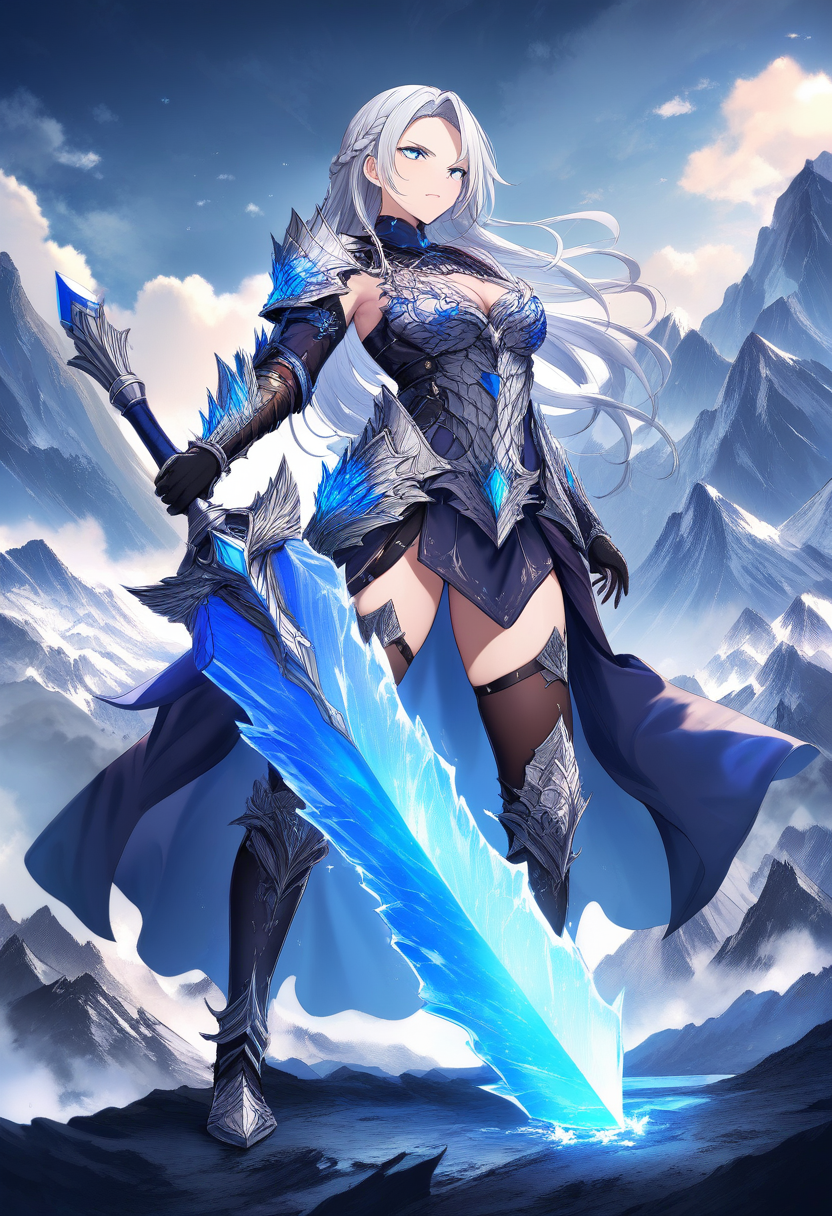
This step is what separates real manga from a collection of random anime images. Before generating any pages, Oniichan creates character reference sheets for your cast.
Character reference sheets establish the canonical visual identity of each character. They show the character from multiple angles, in consistent style, with clear details on their design.
Why This Step Matters So Much
| Without Reference Sheets | With Reference Sheets |
|---|---|
| Sharp features on page 1, round face on page 3 | Consistent face shape throughout |
| Hair color shifts between shades | Locked-in color palette |
| Outfit details appear and disappear | Every detail maintained |
| Looks like different characters each page | Recognizably the same person |
When you generate your outline, Oniichan automatically creates character sheets and a world reference image in a batch. These references become the visual anchor for every subsequent page.
Refining Your Characters
After the initial character sheets generate, you can refine them using Oniichan's character editing tools:
- Generate character variants if the first version does not match your vision
- Edit specific aspects of a character's appearance
- Store multiple versions and switch the active one
- Save characters to your personal library for reuse across projects
💡 Tip: If you are creating characters inspired by existing franchises, the OC generator tools can help you create original characters that fit within established visual languages. There are dedicated makers for Naruto, One Piece, Demon Slayer, and more.
Take your time here. Getting your characters right before page generation saves enormous amounts of editing later.
Step 4: Generate Full Manga Pages
Now for the part you have been waiting for. With your outline polished and character references locked in, it is time to generate actual manga pages.
Oniichan's page generation system uses everything you have built so far:
- The current page's scene description from your outline
- The previous page's scene for narrative continuity
- The previous page's actual image for visual continuity
- Your world bible for environmental consistency
- Active character references for character consistency
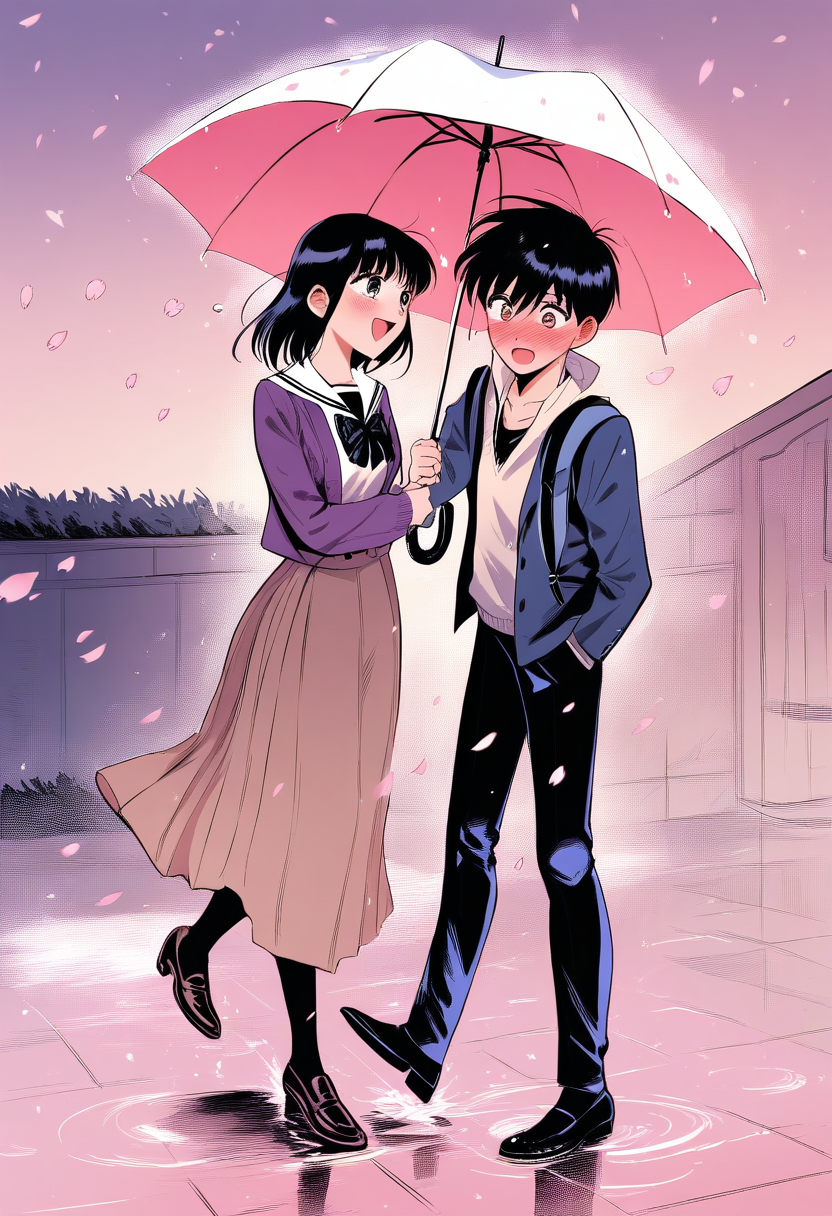
Each page generates as a complete manga page with proper panel layouts.
Understanding Panel Layouts
Different scenes benefit from different panel arrangements:
| Layout Type | Best For | Example Scene |
|---|---|---|
| Full page | Dramatic splash pages, establishing shots | A city skyline reveal |
| Vertical/horizontal splits | Parallel moments, contrasting scenes | Two characters in different locations |
| Grid layouts | Sequential action, conversation | A fight sequence or dialogue exchange |
| Focus layouts | One large panel + supporting details | A dramatic reaction with context panels |
You will develop a feel for which layouts serve which scenes as you work through your first chapter. For an in-depth look at all eight layout types and when to use each one, read our manga panel layouts guide.
Step 5: Edit and Refine with the Panel Editor
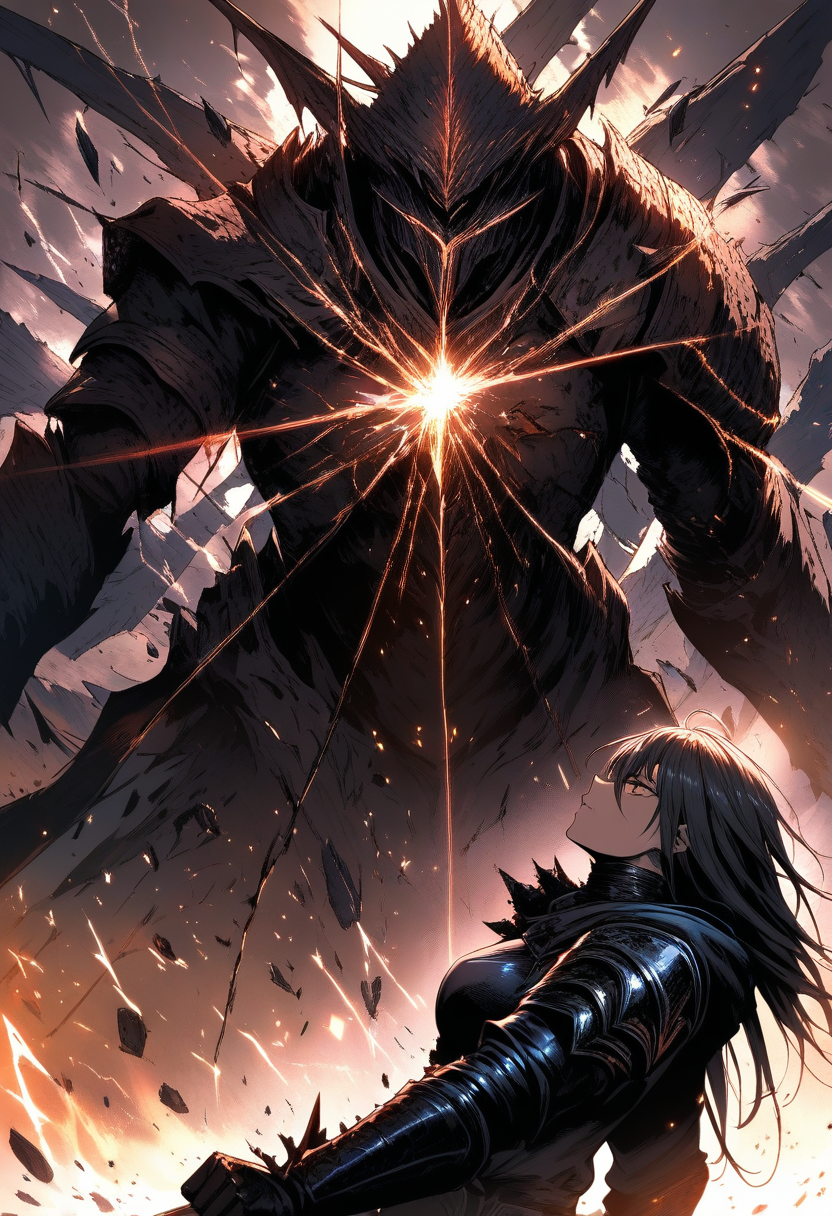
Here is a truth about AI-generated manga: the first output is rarely perfect. Characters might have a slightly off expression. A background detail might not match. A dramatic moment might need more visual impact.
This is normal and expected. The editing phase is where good manga becomes great manga. We cover the full editing toolkit in our complete guide to AI panel editing for manga.
Three Levels of Editing
| Level | What It Does | Best For |
|---|---|---|
| Page-level | Regenerate the entire page with your current image as anchor | Major composition changes |
| Panel-level | Regenerate just one panel, composite it back in | Targeted fixes |
| Region-level | Mask a specific area and modify only that region | Precise detail edits |
Common Edits You Will Make
Based on experience and user feedback, the most common edits are:
- Character expressions -- Getting the exact right emotion on a character's face for a specific moment
- Background consistency -- Ensuring the same room looks the same across multiple panels
- Action clarity -- Making sure action sequences read clearly ("make the sword slash more dynamic")
- Composition adjustments -- Shifting the visual weight of a panel to emphasize the right element
Step 6: Share and Present Your Manga
Your manga is done. Pages are generated, edited, polished, and ready for readers.
Public Sharing
Oniichan lets you toggle any manga project between shared and unshared. When you share a project, you get a public share link that anyone can access. You can optionally expose shared projects in Discover, where other Oniichan users can find and read your work.
Presentation Mode
Present mode displays your manga one page at a time, with keyboard navigation, click/tap support, and swipe gestures. This is the best way for readers to experience your manga.
Exporting
Need your pages as individual image files? Download page PNGs for posting on social media, uploading to manga hosting sites, or printing.
Tips for Better Results
After creating hundreds of manga projects with AI, here are the patterns that separate mediocre results from impressive ones:
Invest in your outline. This cannot be overstated. The outline is the blueprint for everything.
Be specific in character descriptions. "Blue hair" is okay. "Shoulder-length steel blue hair with asymmetric bangs that cover the left eye" is much better. Specificity gives the AI more to work with. Our prompt writing guide breaks down exactly how to describe characters, scenes, and compositions for the best results.
Edit aggressively. Do not accept pages that are "close enough." Use the panel editor to fix details that bother you. The editing tools exist specifically for this purpose.
Think in chapters, not volumes. Start with a single chapter. Learn the tool. Develop your workflow. Then scale up.
Study actual manga. The more you understand manga conventions -- pacing, panel composition, visual storytelling techniques -- the better directions you can give the AI. Read manga with an eye toward structure, not just story.
From Story to Manga
The path from "I have a story in my head" to "I have a manga people can read" used to be years of art training or thousands of dollars in commissions. AI has compressed that path to hours.
It is not effortless. Good AI manga requires creative vision, careful outlining, patient editing, and iteration. But the barrier to entry has dropped from "can you draw at a professional level?" to "can you describe what you see in your imagination?" That is a fundamentally different and more accessible creative process.
Your story deserves to be told visually. Start turning it into a manga today.
Ready to create your own character?
Turn your OC ideas into polished anime character art with consistent designs. No drawing skills needed.