AI 스프라이트 생성기
AI 스프라이트 생성기
AI Sprite Generator: Game Dev Guide
Sprites are not illustrations that happen to be small. They are functional game assets with engineering constraints baked into every pixel. A beautiful sprite that does not tile, animate, or render at the target resolution is useless—no matter how good your AI sprite generator or pixel art generator is.
This game sprite maker guide bridges the gap between AI art generation and actual game development needs.
What Is a Sprite, Technically
A sprite is a 2D bitmap image that represents an object, character, or element in a game. Unlike vector art or 3D models, sprites are rasterized—every pixel is placed deliberately. They originated in hardware limitations (early consoles could only move small rectangular image blocks) but survived as an art style because pixel art has genuine aesthetic value.
Modern "sprites" span a range:
- Pixel art sprites (8x8 to 64x64) — retro games, roguelikes, platformers
- High-res 2D sprites (128x128 to 512x512) — visual novels, RPGs, card games
- Sprite sheet characters — multiple animation frames arranged in a grid on a single image
- Tile sprites — repeating background/terrain elements designed to seamlessly connect
Each type has different design requirements.
Pixel Art Fundamentals
If you are generating pixel art sprites, these principles are non-negotiable.
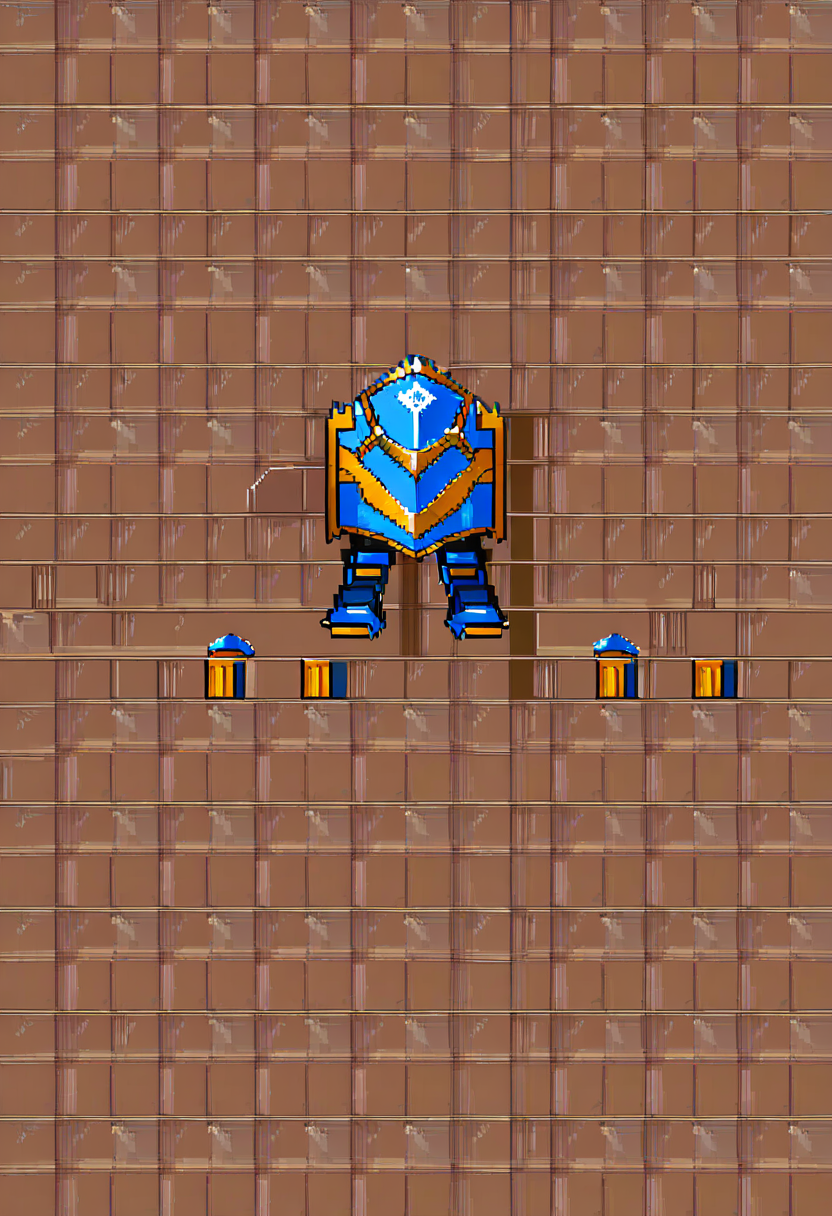
Every pixel counts. At 32x32, you have 1,024 pixels total. A character's face might occupy 6x6 pixels. The placement of a single pixel changes the expression. AI generators need to understand this constraint—specify exact dimensions in your prompt.
Color palette limits. Retro pixel art uses restricted palettes (NES had 54 colors, Game Boy had 4). Even modern pixel art benefits from limiting the palette to 16-32 colors. Restricted palettes force visual clarity and create stylistic cohesion across all assets.
Common palette sizes by era/style:
- Game Boy: 4 shades of green (or grayscale)
- NES: 25 colors on screen (from 54 total)
- SNES: 256 colors on screen
- Modern indie pixel art: 16-32 curated colors
- "HD pixel art": 64+ colors, but still intentionally limited
No anti-aliasing (usually). Traditional pixel art uses hard edges—no sub-pixel smoothing. Every edge is a clean staircase of pixels. This is what gives pixel art its crisp, deliberate look. Some modern styles do use selective anti-aliasing (called "AA" in pixel art communities), but it should be intentional, not automatic.
Readability trumps detail. A 16x16 character with a clear silhouette and two-color outfit reads better than one with a "detailed" face that becomes a muddy blob. Simplify aggressively. The player is going to see this character at game resolution, not zoomed in.
Animation Frame Planning
Game sprites need to move. A static character image is only the first frame.
Standard animation cycles:
| Animation | Typical Frames | Priority |
|---|---|---|
| Idle | 2-4 frames | Must have |
| Walk cycle | 4-8 frames | Must have |
| Run cycle | 6-8 frames | High |
| Attack | 3-6 frames | High (if combat game) |
| Jump (up/apex/fall) | 3 frames minimum | High (if platformer) |
| Hit/damage | 2-3 frames | Medium |
| Death | 4-6 frames | Medium |
| Cast/special | 4-8 frames | Context-dependent |
The walk cycle is king. Players see the walk cycle more than any other animation. If only one animation looks polished, it should be the walk. A four-frame walk cycle (contact, passing, contact, passing for each leg) is the minimum for believable movement.
Consistent pivot point. Every frame in an animation must share the same anchor point (usually the feet or center bottom). If the pivot shifts between frames, the character will visually jump around during playback.
When using AI to generate animation frames, describe the specific frame: "Character in walk cycle frame 2 of 4, left leg forward, right arm forward, slight lean forward, same proportions and palette as previous frame."
Sprite Sheet Layout
Game engines expect sprites organized on a single image called a sprite sheet (or texture atlas). The layout matters.
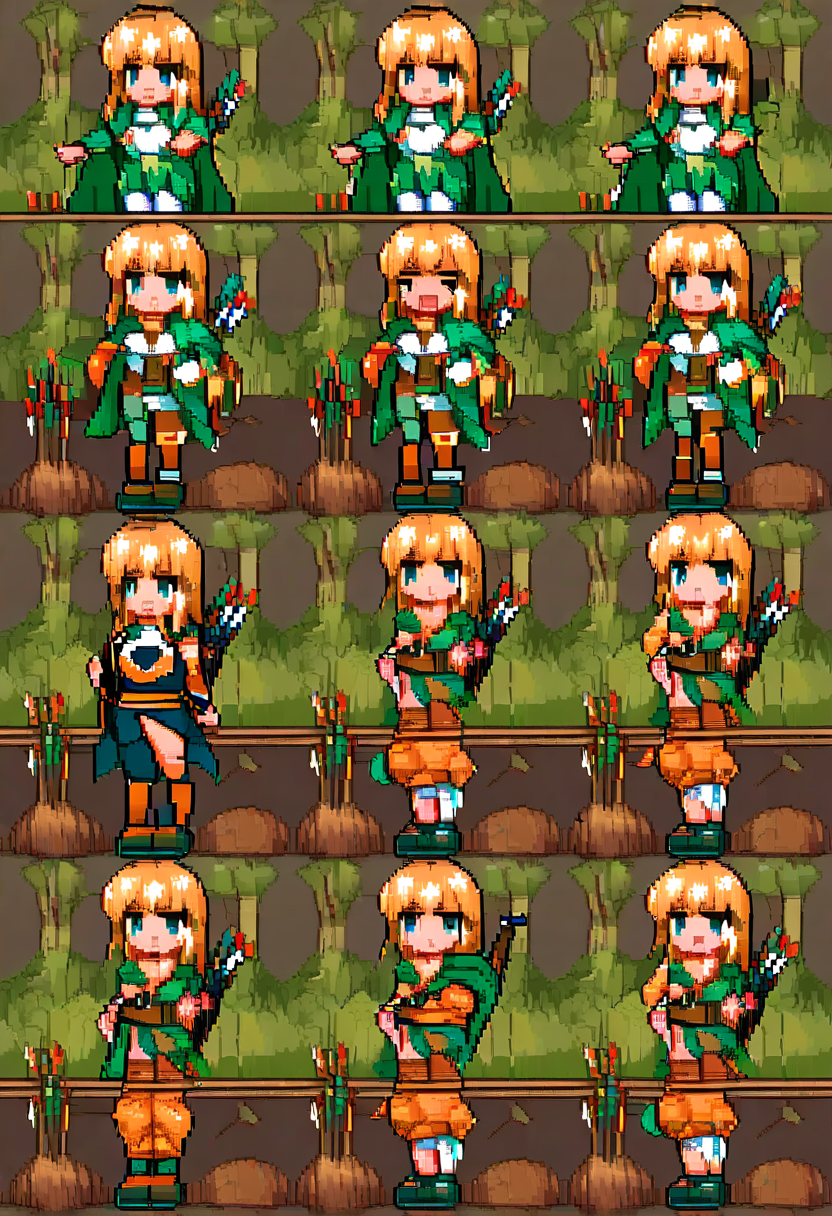
Grid-based sheets: Each frame occupies a fixed-size cell (e.g., 32x32). Frames are arranged in rows, one row per animation. Row 1: idle frames. Row 2: walk frames. Row 3: attack frames. The game engine reads coordinates by cell index.
Packed sheets: Frames are packed as tightly as possible (using tools like TexturePacker). Each frame can be a different size. A separate JSON or XML file maps frame names to coordinates. More space-efficient but requires metadata.
For AI-generated sprites, grid-based sheets are easier to work with. Generate each frame individually, then composite them into a grid programmatically.
Tile Compatibility
Background tiles—ground, walls, water, paths—have a critical requirement that character sprites do not: they must tile seamlessly.
A tile that does not line up with its neighbors creates visible seams that break the game's visual immersion. Seamless tiling means the left edge matches the right edge, and the top edge matches the bottom edge, for every adjacent combination.
Tileset design strategies:
Base tiles: A flat ground texture (grass, stone, dirt) that tiles in all directions. This is the easiest—just ensure edges match.
Edge tiles: Tiles that handle the transition between two terrain types (grass meeting water, path meeting dirt). You need 15+ edge tiles per transition for a complete set (all combinations of corners and sides).
Auto-tile rules: Modern engines (RPG Maker, Godot, Unity with Tilemaps) use auto-tiling — the engine automatically selects the correct edge tile based on neighboring tiles. Designing auto-tile compatible sets requires specific template layouts (commonly a 3x3 or 4x4 template).
When prompting AI for tile sprites, specify: "Seamless tileable [terrain type] sprite, [pixel size], [palette], edges must connect when placed adjacent to copies of itself."
Resolution Considerations
The resolution you choose cascades through every other decision.
16x16 pixels: Extreme minimalism. Characters are 3-4 pixels wide. Only the most essential features survive. Works for: top-down RPGs with large maps, tiny enemies, items/pickups.
32x32 pixels: The sweet spot for most indie games. Enough room for recognizable character designs, basic facial expressions, and clothing detail. Works for: platformers, action RPGs, roguelikes.
48x48 pixels: Generous for pixel art. Room for subtle animation, detailed outfits, expressive faces. Works for: strategy games, detail-focused RPGs, character-driven games.
64x64 and above: Verging on "high-res pixel art." At this size, you have room for anti-aliasing, sub-pixel detail, and complex shading. Works for: fighting games, visual novels with pixel art, splash screens.
Retro vs Modern Pixel Art
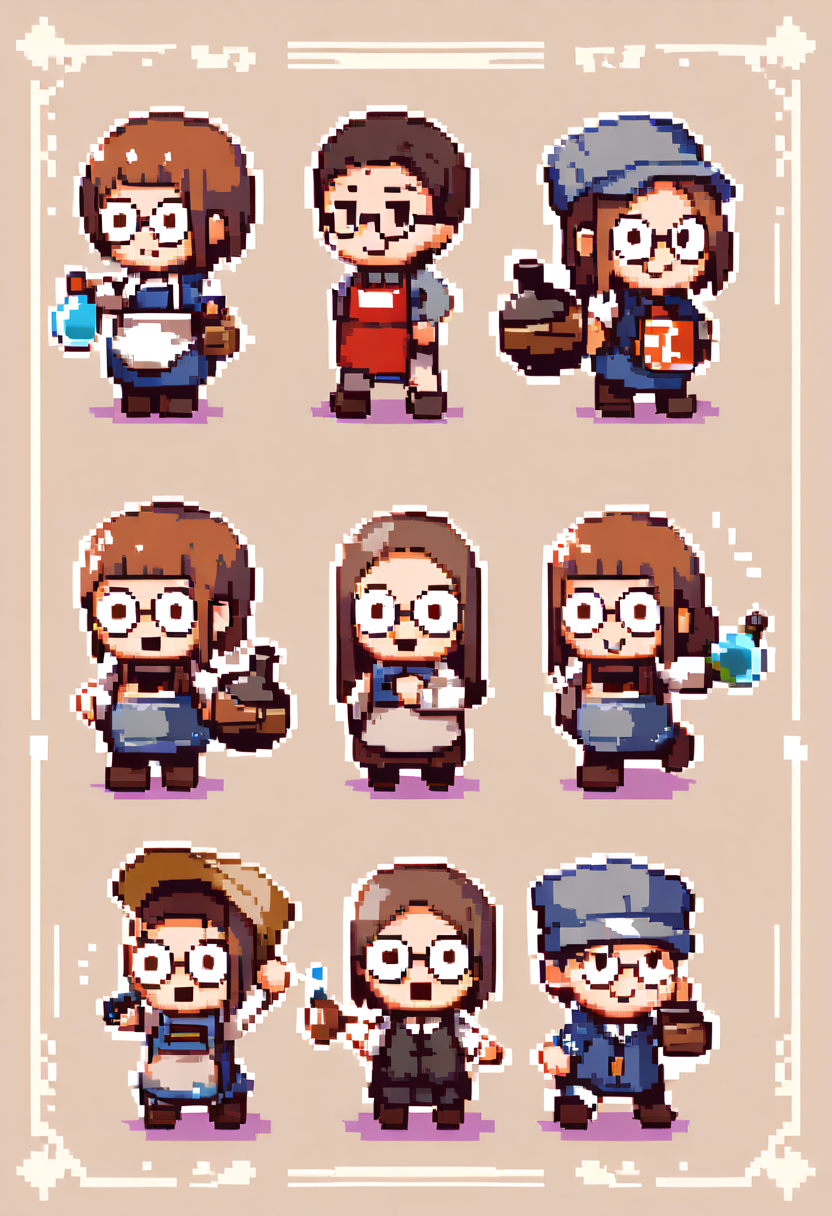
Two distinct aesthetics exist under the "pixel art" umbrella.
Retro/authentic mimics actual hardware limitations. Strict palette limits, no transparency tricks, dithering patterns for gradients, visible pixel grid at all times. The art looks like it could run on a real SNES or Genesis. This style requires discipline — adding a color or using a smooth gradient breaks the illusion.
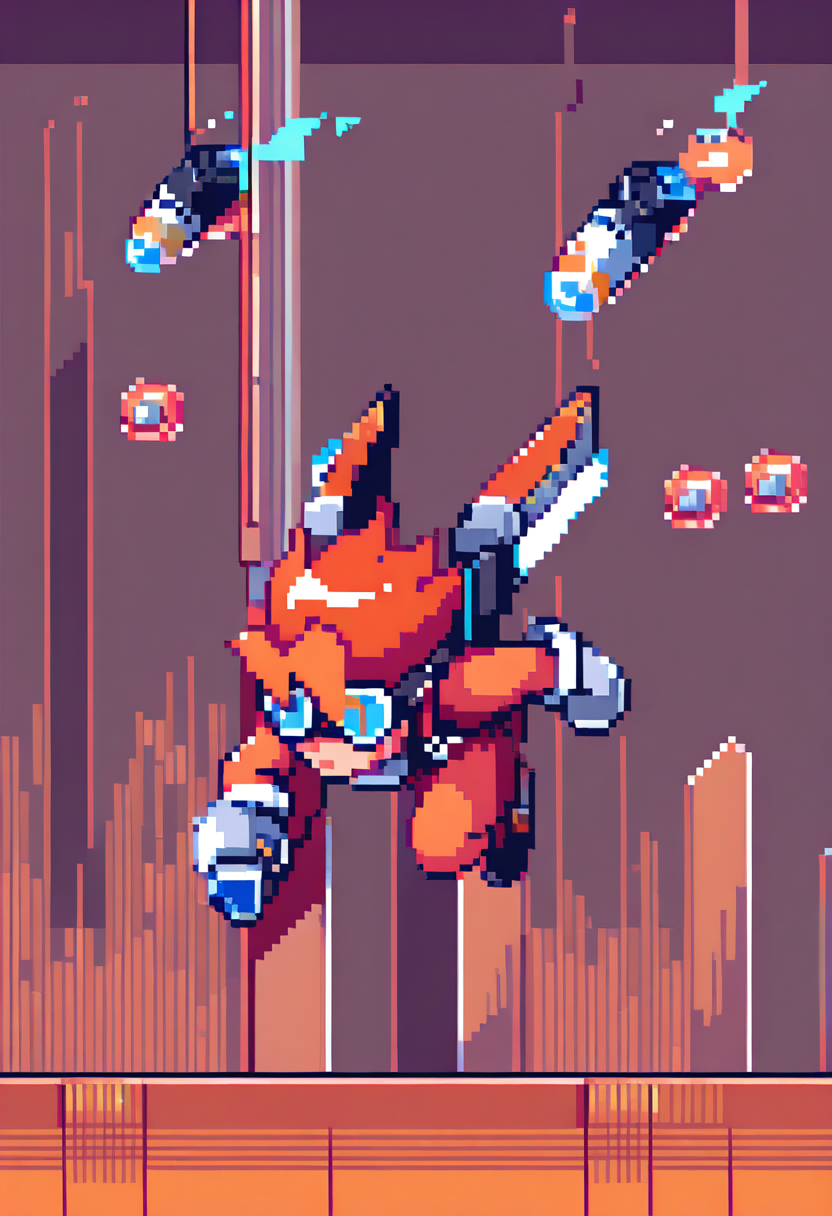
Modern pixel art uses pixel-level placement as an aesthetic choice, not a technical constraint. Palettes can be larger, selective anti-aliasing is acceptable, transparency and blending modes are available. Games like Celeste, Hyper Light Drifter, and Dead Cells use modern pixel art — clearly pixel-based but not pretending to be a retro console.
Specify which approach you want in your prompts. "NES-style strict 4-color palette sprite" produces very different results from "modern indie pixel art with smooth shading."
Integration Checklist
Before putting AI-generated sprites into your game:
- Consistent canvas size across all frames
- Transparent background (PNG with alpha)
- Pivot point / anchor consistent across animation frames
- Palette consistent across all sprites in the game
- Tested at actual game resolution (not zoomed in)
- Animation timing tested in-engine (frame duration matters)
- Tiles tested for seamless tiling in all valid configurations
- Sprite sheet exported in the format your engine expects
AI generation handles the rendering. But the technical specifications—resolution, palette, tiling rules, animation structure—must come from you. Define the constraints first. Then let the AI paint within them.
Related Character Tools
Chibi Maker
Create adorable chibi-style character art with oversized heads and cute proportions.
Character Creator
Design original anime characters with unique outfits, hairstyles, and expressions.
AI PFP Generator
Generate unique anime profile pictures and avatars for social media.
AI Mascot Generator
Design custom mascot characters for brands, teams, and projects.
AI Illustration Generator
Generate detailed anime and character-focused illustrations from text descriptions.
오늘 바로 게임 스프라이트 만들기
게임 캐릭터 아이디어를 몇 초 만에 픽셀 퍼펙트한 스프라이트로. AI 스프라이트 생성기를 지금 사용해 보고 게임 세계에 생명을 불어넣으세요!