캐릭터 크리에이터
캐릭터 크리에이터
Character Design Masterclass
Good character design is not about making something that looks cool. It is about making something that communicates instantly — who this person is, what they do, and what they want — before a single line of dialogue.
An ai character creator — or any character creator ai tool — gives you the rendering power of a professional illustrator. But the design thinking still has to come from you. This ai character design tool guide teaches you that thinking. Oniichan is a free character creator that handles the rendering so you can focus on the creative decisions.
Lesson 1: The Silhouette Test
Fill your character's outline with solid black. Can you still tell who they are?
This is the single most important test in character design. Mickey Mouse passes it. Mario passes it. Goku passes it. If your character becomes an unrecognizable blob in silhouette, the design needs work.
What creates a strong silhouette:
- Distinctive hair shape (spikes, twin tails, a hat, a hood)
- Non-standard body proportions (a massive sword, a flowing cape, oversized gauntlets)
- Pose language (how they stand when at rest is as important as their action pose)
- A single dominant visual element that breaks the human outline
When prompting an AI character creator, describe that dominant element first. The AI builds outward from whatever you emphasize earliest in the prompt.
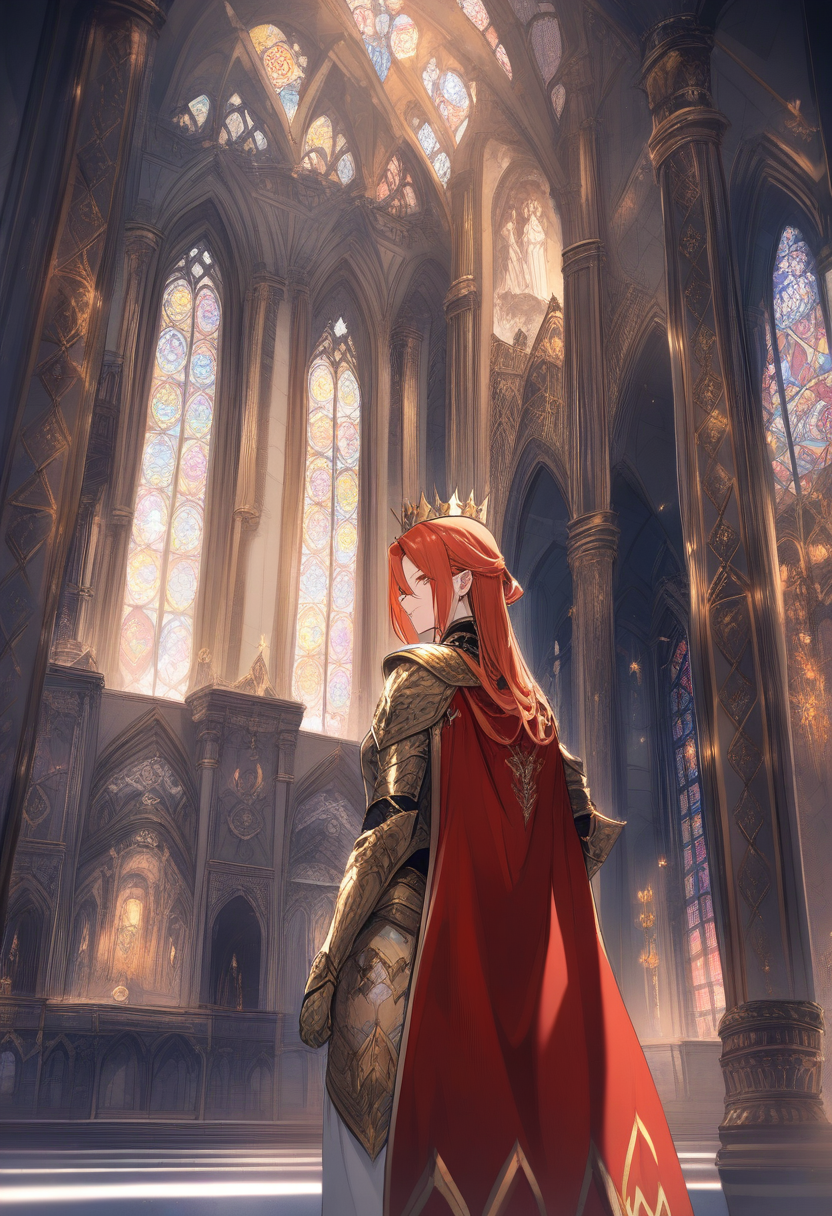
Lesson 2: Shape Language
Every shape carries psychological weight. Character designers exploit this relentlessly.
Circles and curves signal friendliness, youth, approachability. Think Kirby, Baymax, Totoro. Round characters feel safe.
Squares and rectangles signal stability, strength, stubbornness. Think the Heavy from TF2, Wreck-It Ralph. Block characters feel immovable.
Triangles and sharp angles signal danger, cunning, speed. Think Maleficent, Sephiroth. Angular characters feel threatening or dynamic.
Most interesting characters mix two shape families. A hero might have a round face (approachable) with a triangular body (dynamic). A villain might have a square build (imposing) with triangle details in their costume (dangerous).
When describing your character to the AI, consider which shapes dominate. "Broad-shouldered warrior with a square jaw and angular armor plates" is a fundamentally different design language than "slim rogue with flowing curved hair and circular brooch."
Lesson 3: Color Psychology in Character Design
Color choices are not decoration. They are narrative.
| Color | Association | Best For |
|---|---|---|
| Red | Passion, anger, leadership | Protagonists with fire, rivals, commanders |
| Blue | Calm, intelligence, sadness | Strategists, ice magic users, melancholic characters |
| Green | Nature, healing, envy | Healers, rangers, characters with growth arcs |
| Purple | Royalty, mystery, corruption | Mages, nobles, morally ambiguous characters |
| Orange | Energy, creativity, warmth | Upbeat sidekicks, inventors, social characters |
| Black | Power, sophistication, void | Anti-heroes, assassins, authority figures |
| White | Purity, emptiness, new beginnings | Clerics, AI/robotic characters, ghosts |
| Gold | Divinity, wealth, ego | Final bosses, chosen ones, celestial beings |
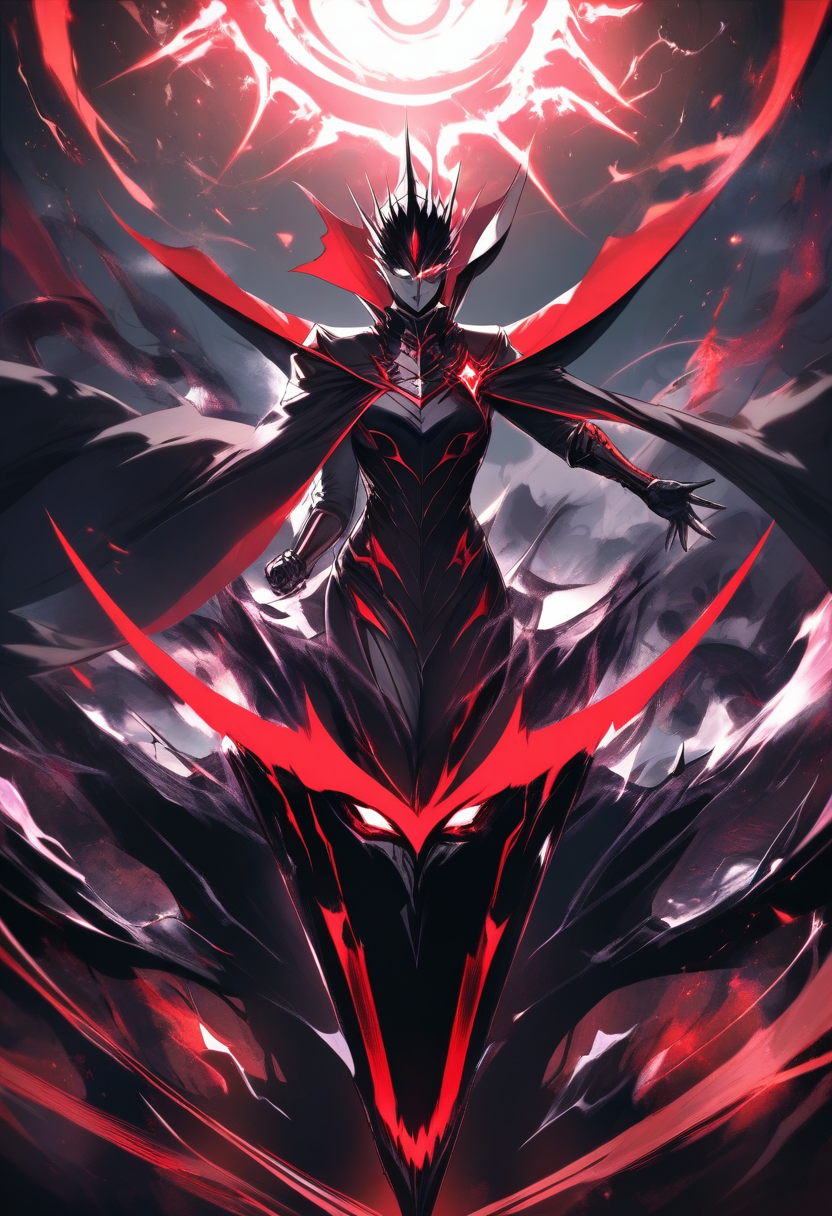
The two-color rule: Most iconic characters are built on two dominant colors. Naruto is orange and black. Spider-Man is red and blue. Limiting your palette makes a character more recognizable and easier for AI to maintain consistently across multiple generations.
Lesson 4: Designing for Different Media
The same character concept requires different design choices depending on where it will live.
For Manga / Comics
- High contrast between character and background (characters need to pop on a B&W page)
- Signature clothing details that read at small panel sizes
- Hair and accessories that look good from multiple angles (you will draw this character hundreds of times)
- Avoid overly complex patterns — they become noise at reduced sizes
For Games
- The character will be seen from a fixed camera distance, design for that
- Idle animation silhouette matters as much as the static design
- Color-code gameplay roles: red = damage, blue = support, green = tank
- Clothing should suggest movement capability (heavy armor = slow, light cloth = fast)
For Animation
- Every element will need to be redrawn frame by frame (or rigged for motion)
- Simpler designs animate more fluidly and cost less to produce
- Key features must read at 24fps in motion — if a detail only works in a still image, cut it
- Hair physics should be suggested by the design, not fight against it
For Profile Pictures / Icons
- Must read at 64x64 pixels and in a circular crop
- One dominant color, one dominant shape
- Face-focused — body details are wasted at icon scale
- Avoid text or small details that become illegible
Lesson 5: The Iterative Refinement Workflow
Professional character design is never one-shot. Here is the workflow that produces strong results:
Round 1 — Concept exploration. Generate 8 variants with a loose prompt. You are not looking for the final design. You are looking for interesting directions. Maybe variant 3 has a great hair concept. Maybe variant 7 has a color scheme that clicks.
Round 2 — Frankensteining. Take the best elements from Round 1 and combine them into a more specific prompt. "The hair style from the first batch but with the armor design and color palette of the seventh variant" is a perfectly valid creative direction.
Round 3 — Detail locking. Now refine. Specify exact colors, exact accessories, exact proportions. This is where you nail down the design that represents this character going forward.
Round 4 — Stress testing. Generate the locked design in different poses, expressions, and lighting conditions. If the character only works from one angle, the design has a weakness. Iterate until it holds up from every direction.
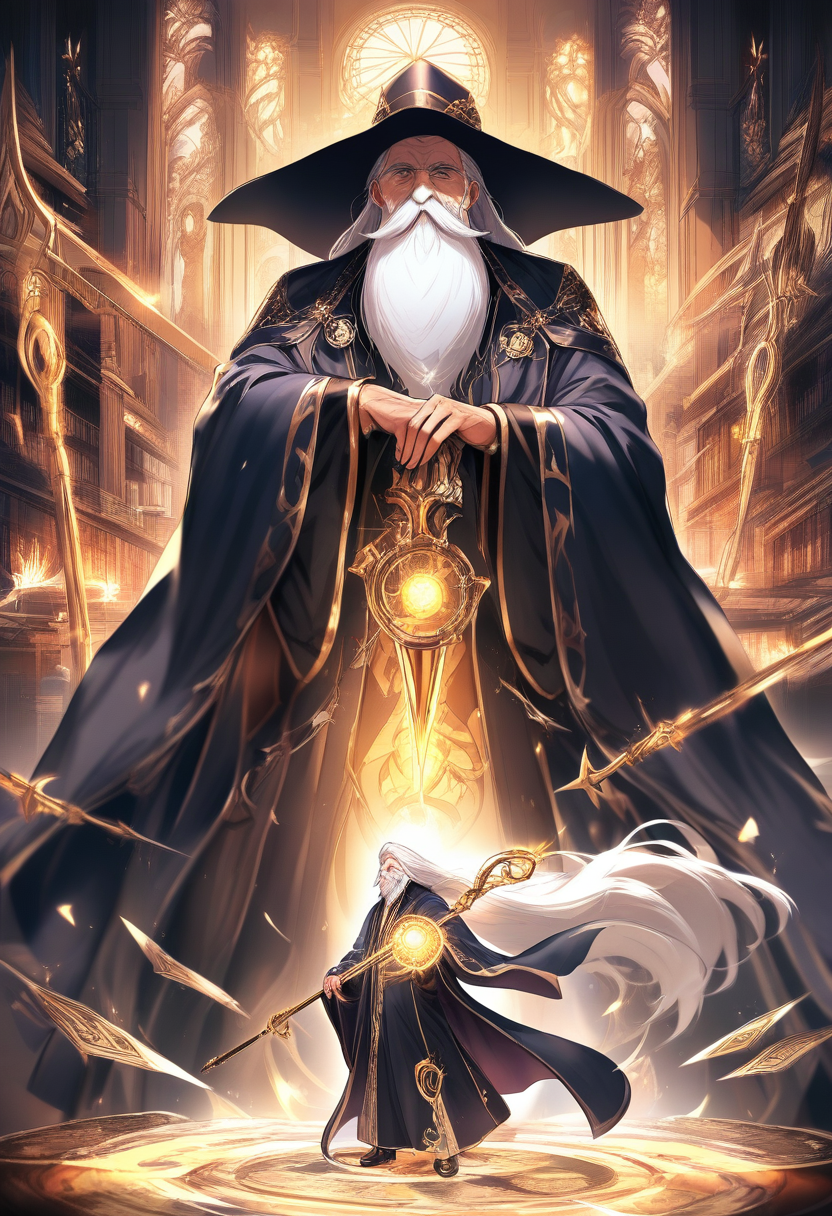
Lesson 6: Personality Through Visual Detail
The small details separate a designed character from a generic one.
- Posture tells you more than costume. A character who slouches lives a different life than one who stands ramrod straight.
- Wear and damage on clothing implies history. Scuffed boots mean travel. Patched elbows mean poverty or practicality. A pristine outfit means wealth or vanity.
- Asymmetry creates visual interest. One glove, one earring, hair parted unevenly, a scar on one side. Perfect symmetry reads as artificial.
- Carried objects define role. A notebook says "scholar." A battered guitar says "wanderer." A stuffed animal says "someone clinging to childhood."
Tell the AI these details. "Carrying a worn leather journal" is a single phrase that adds more character than three sentences of personality description.
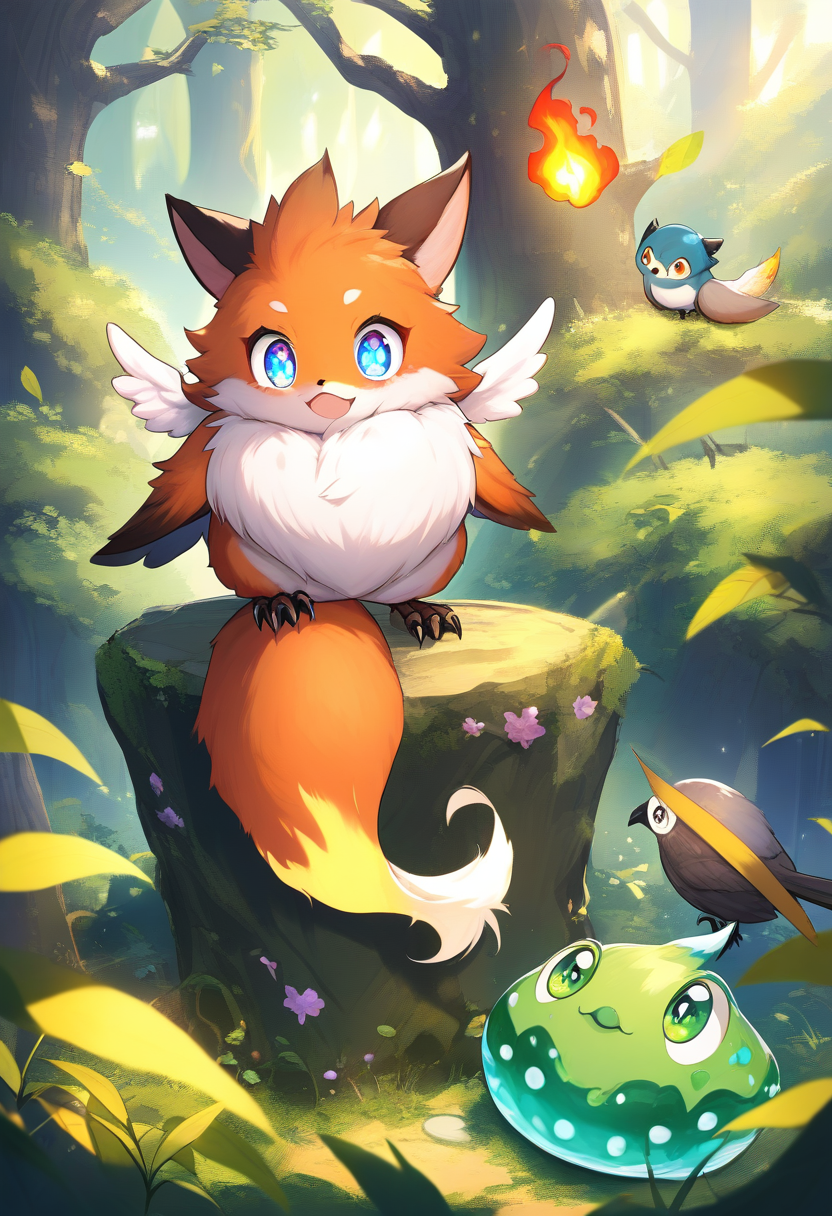
Putting It All Together
The best AI-generated characters are not the ones with the most elaborate prompts. They are the ones where every design choice serves the same idea. The silhouette, the shapes, the colors, the details, the pose — all pointing in the same direction. Once you have locked the design, generate a character reference sheet to maintain consistency across all future art.
Start with one sentence: "This character is ___." Fill that blank with an emotion, a role, or a contradiction. Then make every visual choice reinforce that sentence.
That is character design. The ai character creator handles the rendering. You handle the intent.
Related Character Tools
Original Character Generator
Generate diverse character designs and concept art from text prompts.
OC Generator
Create original characters for any fandom or original universe with AI.
Anime Character Maker
Design anime-style characters with customizable features and art styles.
AI Waifu Generator
Generate beautiful anime waifu characters with unique designs and personalities.
Chibi Maker
Create adorable chibi-style character art with oversized heads and cute proportions.
지금 캐릭터를 디자인하세요
컨셉에서 완성된 디자인까지 몇 초 만에. AI 캐릭터 크리에이터를 무료로 사용해 보고 멋진 AI 생성 아트워크로 어떤 캐릭터 아이디어든 실현하세요.