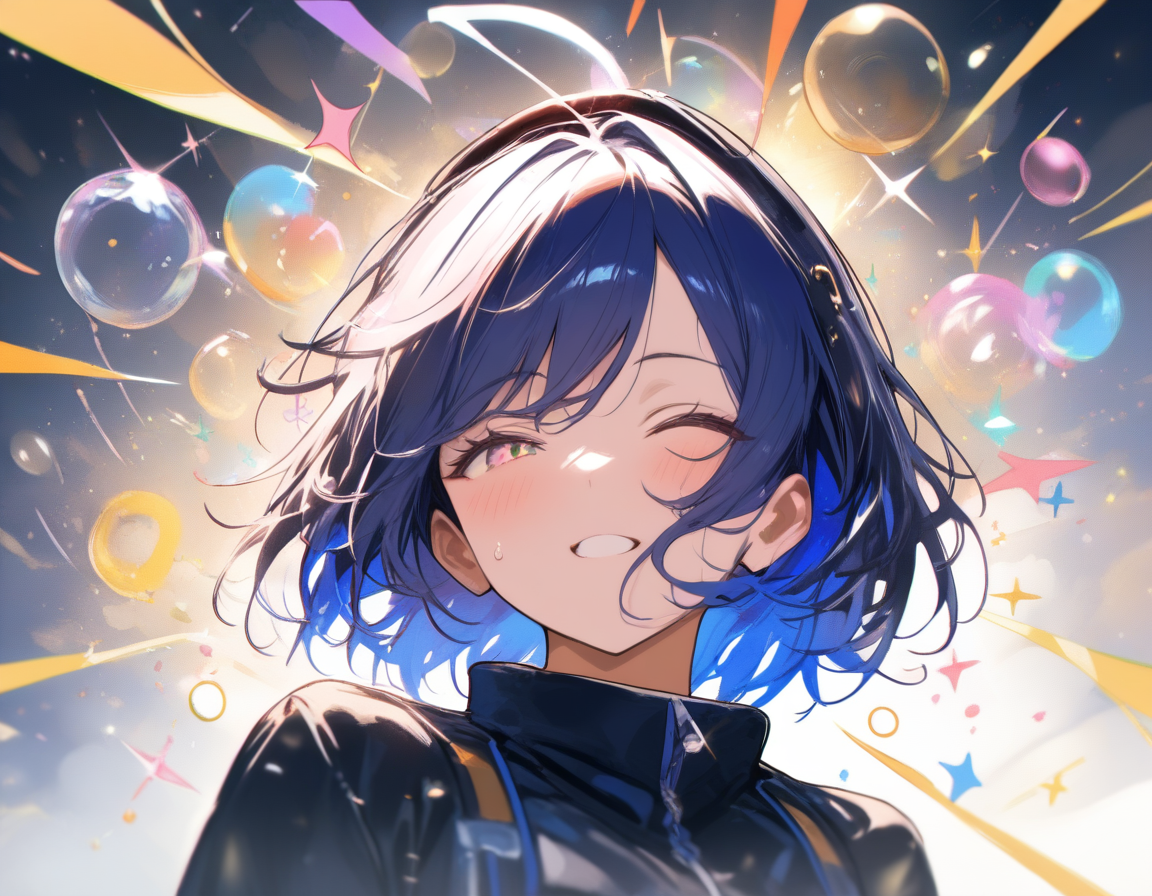
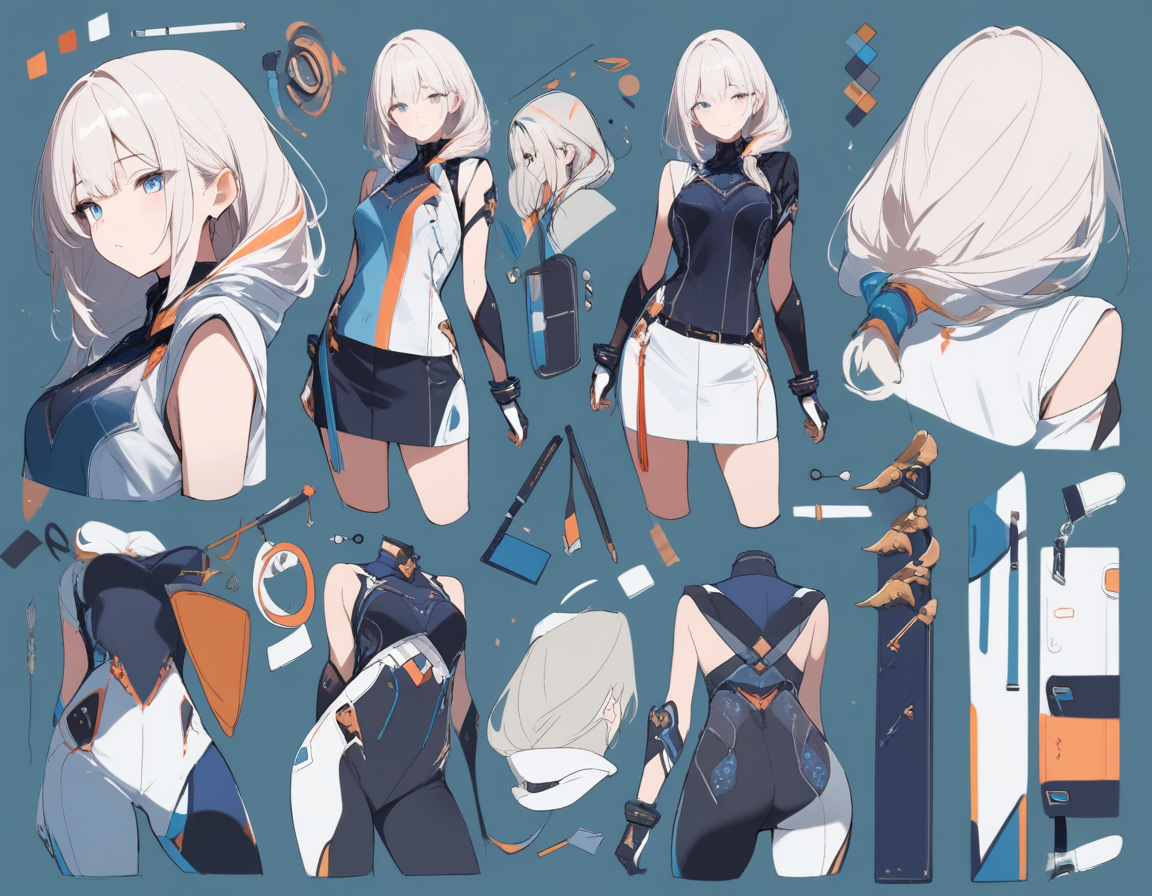
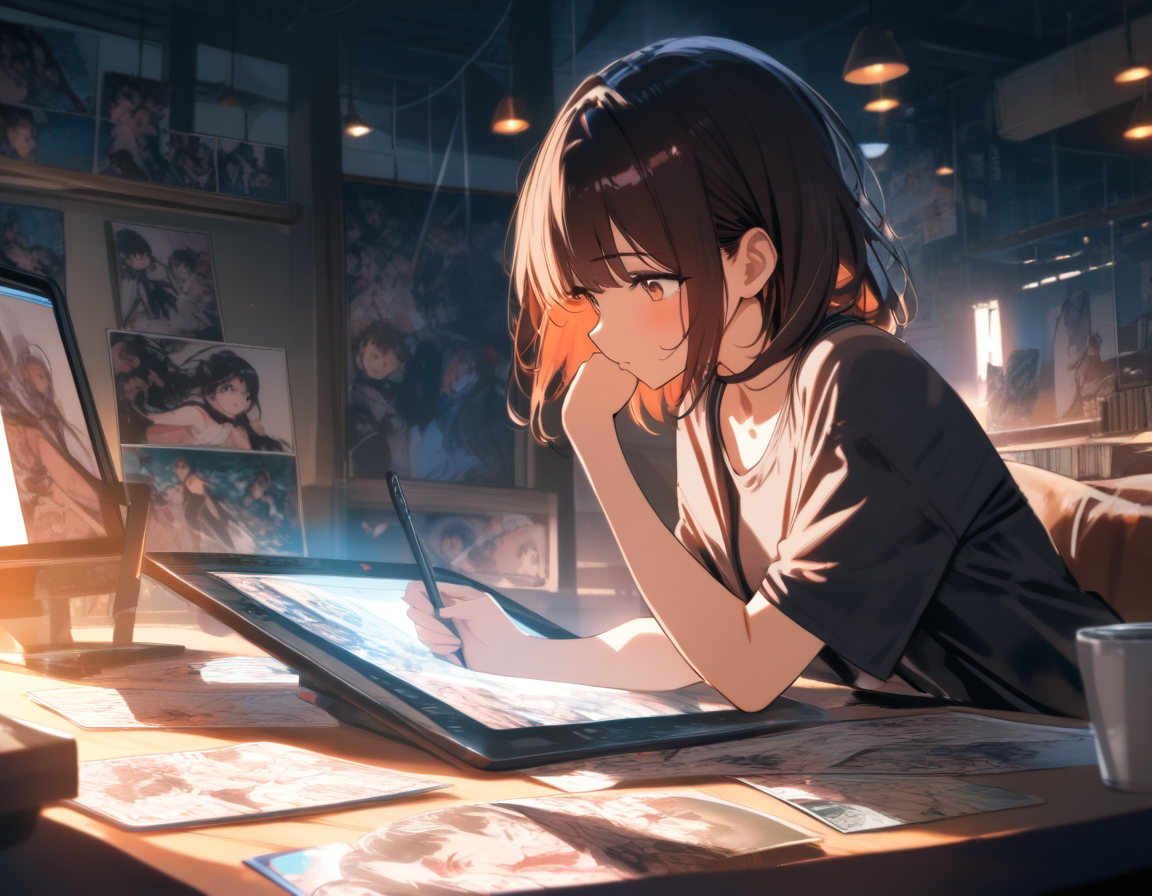
Create Your Own Anime Avatar with AI: The Complete Guide to Anime PFPs
Learn how to create stunning anime avatars and profile pictures using AI. Covers styles from chibi to realistic, plus tips for Discord, social media, gaming, and streaming profiles.
Every platform you use has a little circle next to your name. Discord, Twitter, Instagram, Twitch, Steam, Reddit -- that tiny image is the first thing people see before they read a single word you write. For millions of people, that image is an anime avatar.
Anime profile pictures have gone from niche internet culture to mainstream self-expression. The appeal is obvious: an anime avatar lets you represent yourself with a version of "you" that looks exactly how you want -- idealized, stylized, expressive in ways a photograph cannot be.
The problem has always been getting one that does not look generic. AI anime avatar generators have changed the equation entirely. This guide covers how to land on the right side of the quality gap.
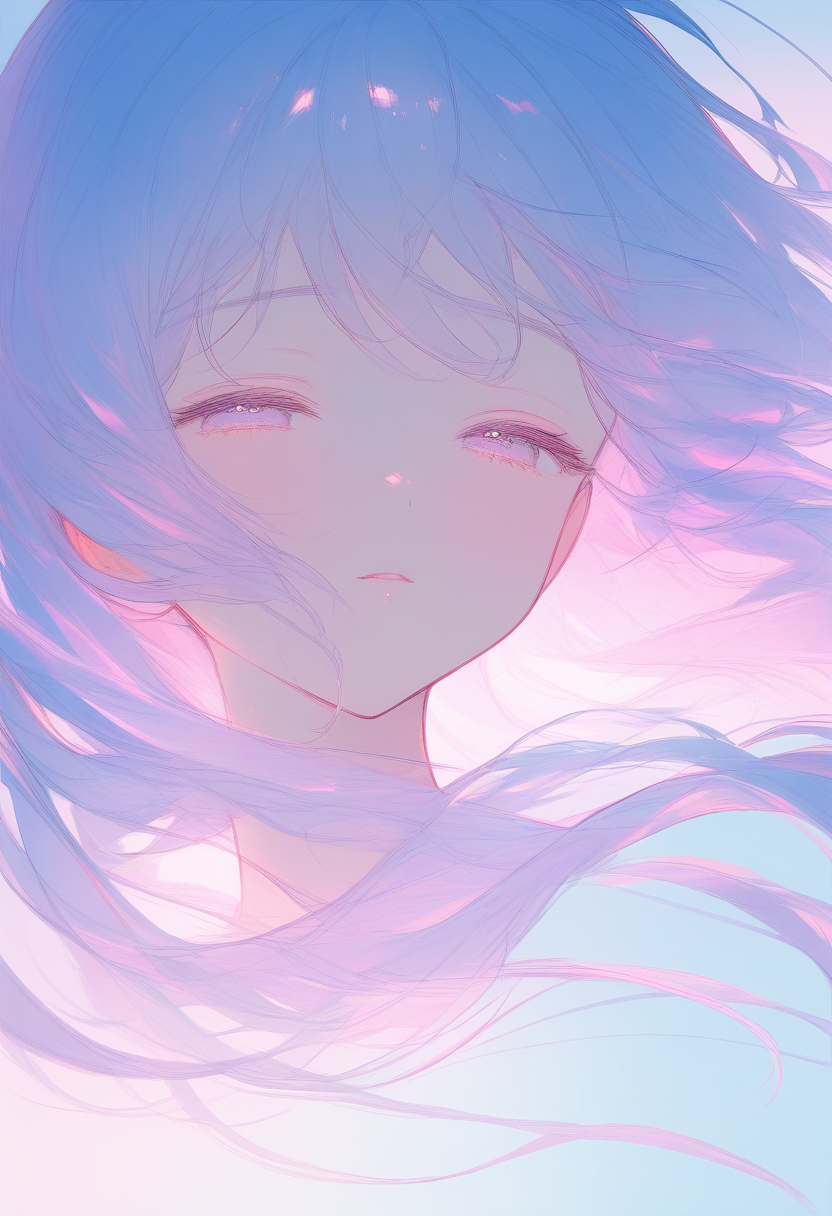
Understanding Anime Avatar Styles
"Anime" is not a single look -- it is a spectrum. The right choice depends on where you plan to use the avatar and what impression you want to make.
Style Comparison
| Style | Look | Best For | Key Prompting Notes |
|---|---|---|---|
| Chibi | Oversized heads, tiny bodies, exaggerated expressions | Discord, casual gaming, Twitch emotes | Specify "chibi"; emphasize expression; keep outfits simple |
| Semi-Realistic | Between anime and photorealism (think Violet Evergarden) | Professional streaming, Instagram, LinkedIn, portfolios | Ask for "semi-realistic anime"; specify lighting conditions |
| Classic Anime | Flat shading, bold lines, stylized proportions | Anime communities, manga platforms, fan spaces | Reference sub-style: "shounen," "shoujo," or "seinen" |
| Painterly | Visible brushwork, atmospheric lighting | Art community profiles, wallpaper-worthy avatars | Specify "digital painting style"; describe atmosphere |
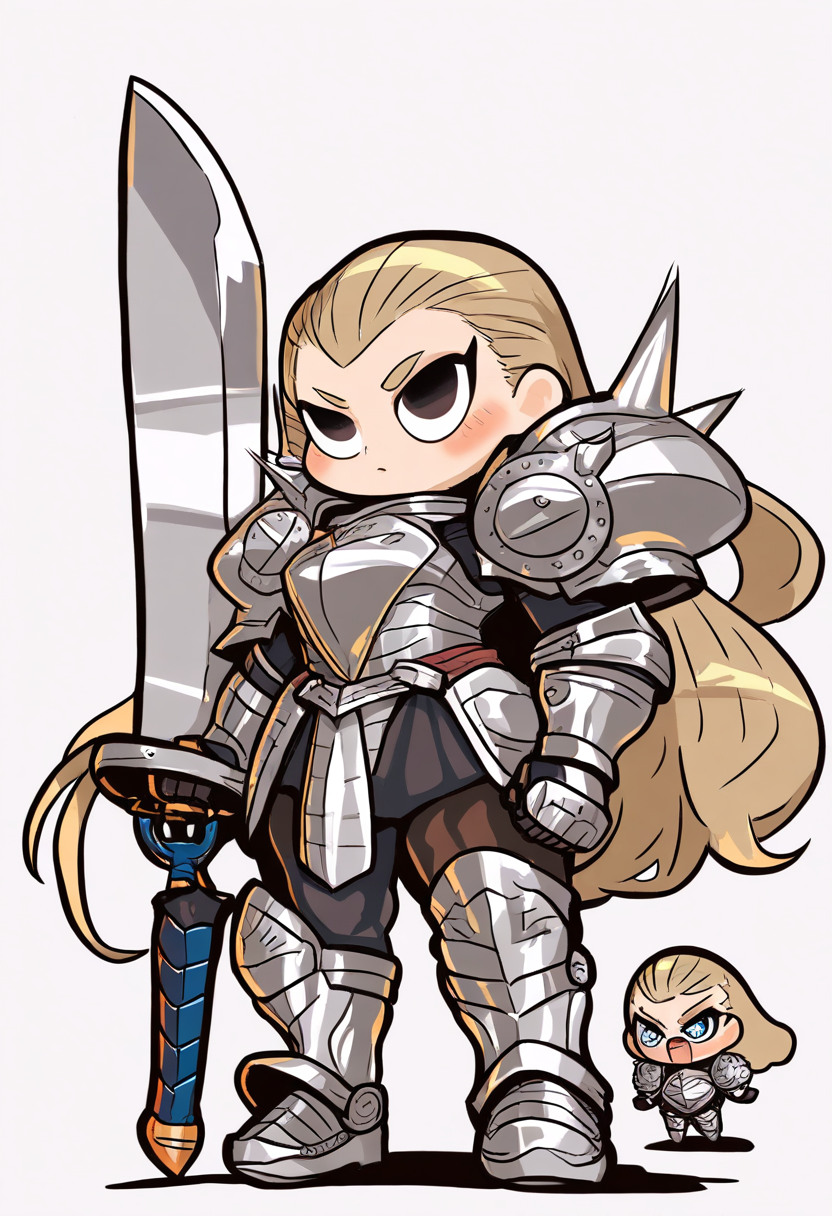
Chibi Style
Chibi characters use a 2:1 or 3:1 head-to-body ratio with round features, simplified hands, and large expressive eyes. They work exceptionally well at small sizes because exaggerated proportions remain readable as tiny thumbnails.
A chibi maker that understands these conventions handles most of this automatically.
Semi-Realistic Anime
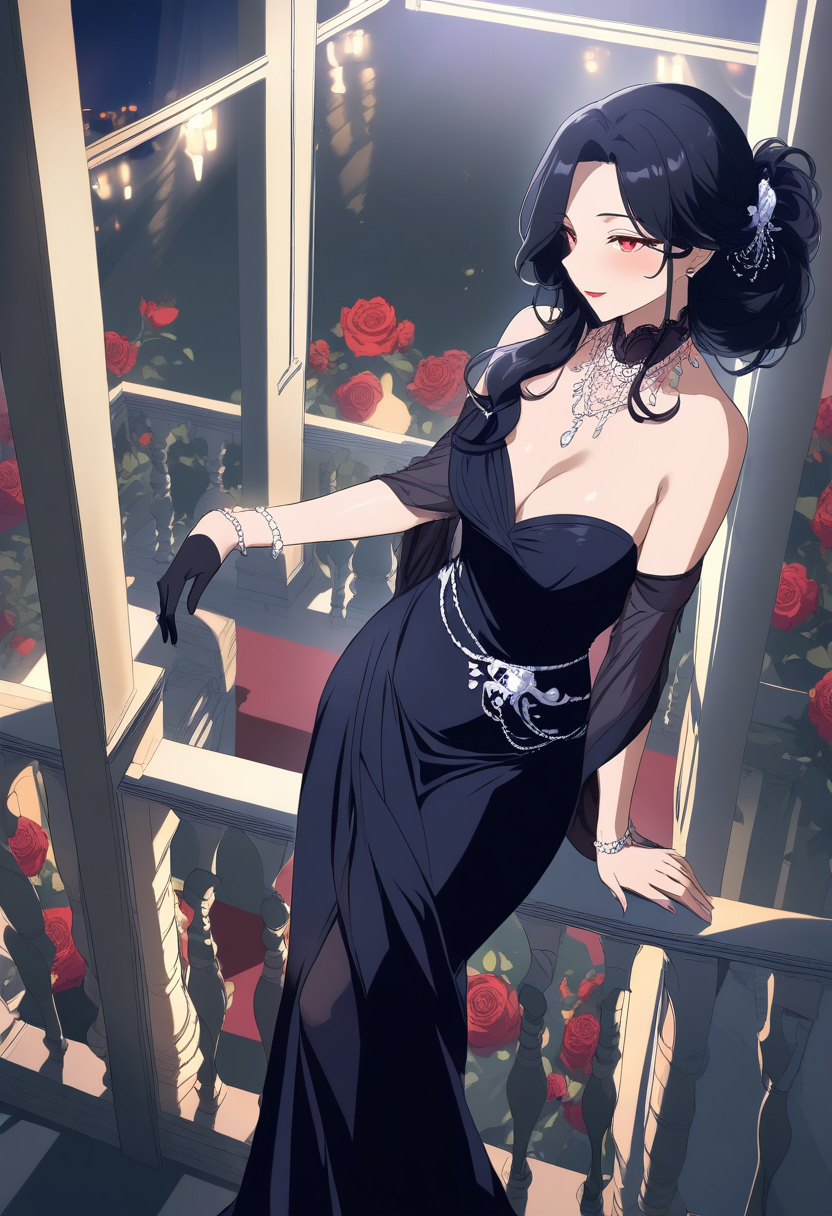
Features are more proportional, skin has realistic texture and lighting, but the overall aesthetic is still clearly anime. This style benefits hugely from well-described lighting, skin detail, hair strand rendering, and eye reflections.
💡 Tip: A tasteful semi-realistic anime avatar reads as creative and polished -- it works even for professional contexts like LinkedIn or portfolio sites.
Classic Anime / Manga Style
The traditional anime look with flat shading, bold lines, and stylized proportions. Each sub-style has distinct conventions for eye shape, jawline, color palette, and shading.
Painterly / Illustration Style
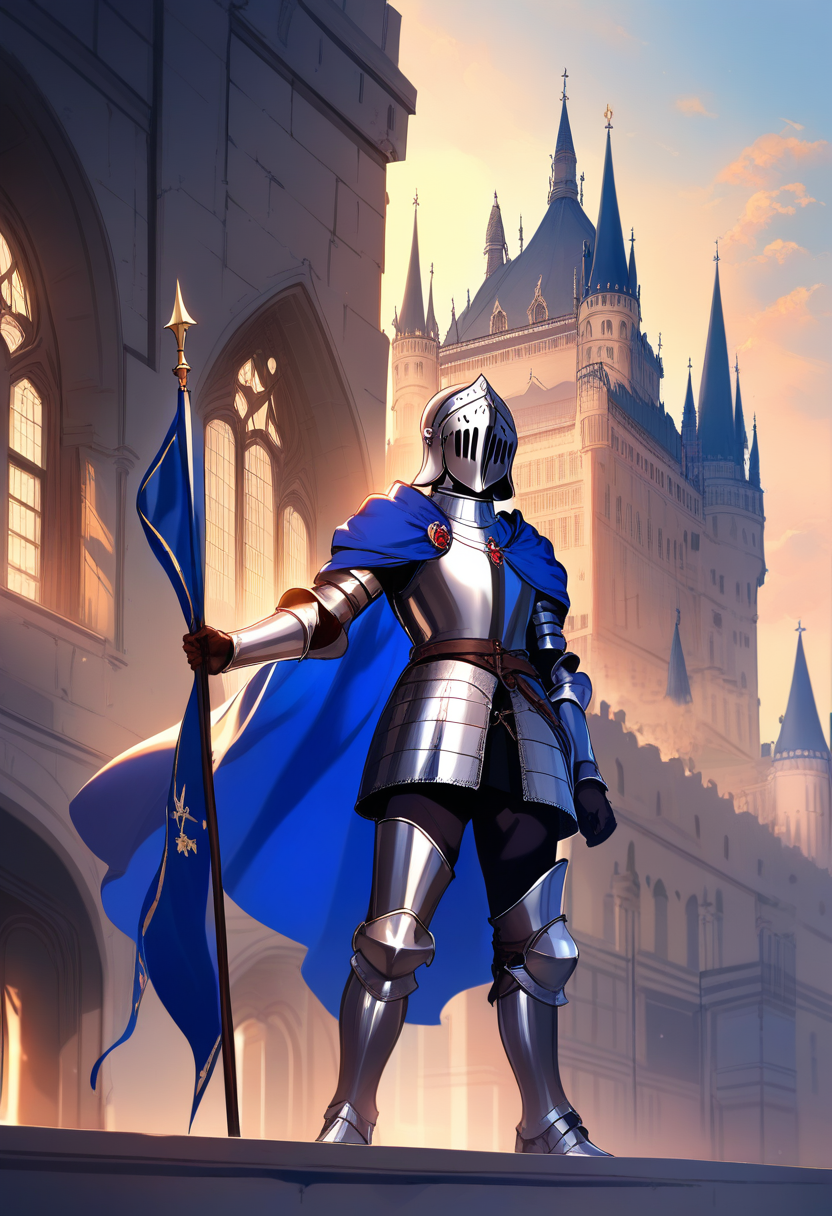
A more artistic take using visible brushwork and composition techniques from traditional illustration. Less "anime screenshot" and more "anime-inspired digital painting." This style benefits from environmental context.
How to Get the Best Results from Oniichan's PFP Generator
Oniichan's AI PFP generator is built specifically for anime-style profile pictures. Here is how to get the most out of it.
1. Start with Identity, Not Appearance
The most common mistake is starting with physical descriptions. "Girl with blue hair and green eyes" gives the AI nothing to work with except surface-level details.
Instead, start with who the character represents:
- What is their energy? Calm and mysterious? Loud and confident?
- This personality foundation influences expression, pose, color palette, and mood
- Then layer in physical details: hair, eyes, skin tone, distinguishing features
2. Nail the Expression
Your avatar's expression is arguably more important than any other visual element. It is what people read first and what sets the emotional tone.
| Expression | Vibe | Best For |
|---|---|---|
| Confident smirk | Fun, knows what they are doing | Gaming, competitive communities |
| Gentle smile | Approachable, warm, friendly | Works across almost every context |
| Determined stare | Serious, focused, passionate | Creative or professional profiles |
| Mischievous grin | Playful, unpredictable | Casual social spaces |
| Cool neutral | Mysterious, composed | The classic anime protagonist vibe |
3. Choose Your Framing
Profile pictures are displayed in circles on most platforms and at small sizes:
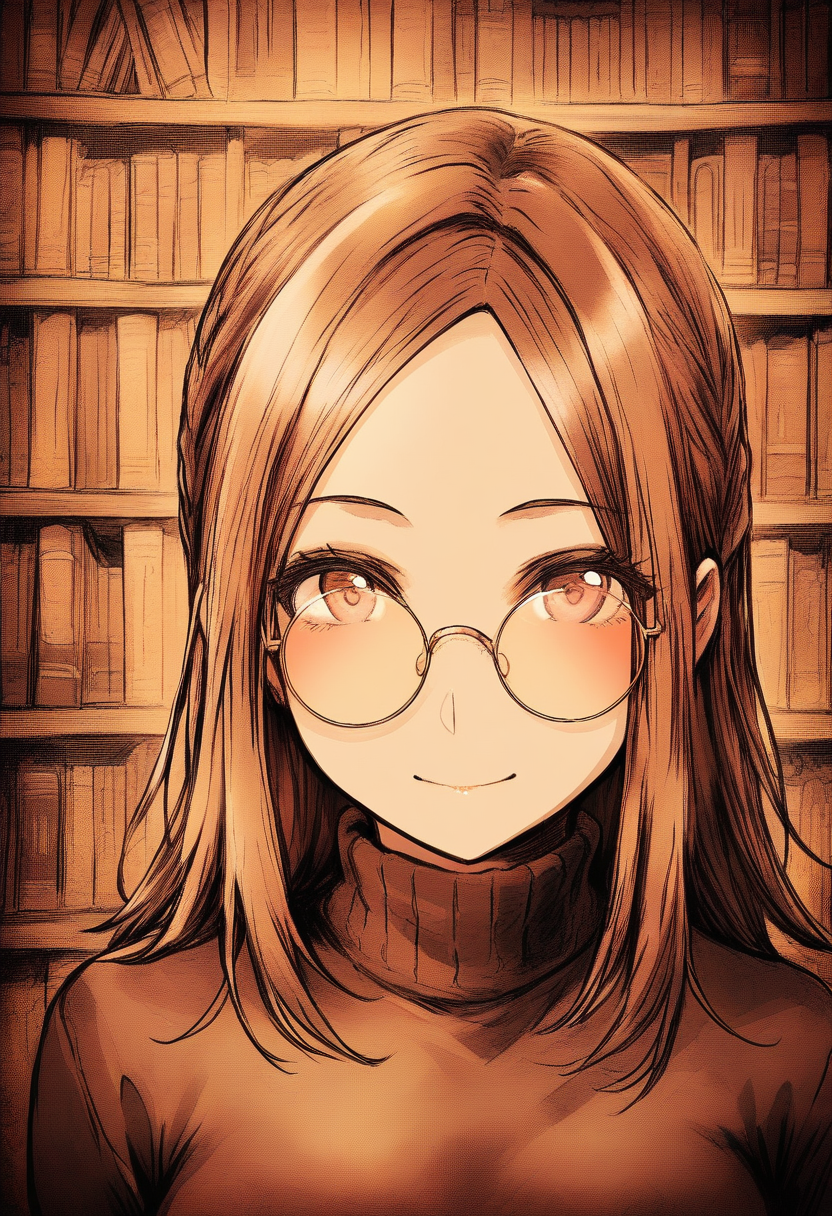
- Close-up portrait (head and shoulders) -- The safest and most universally effective choice. Face is large enough to read at any size. Best for most social media.
- Medium shot (waist up) -- Shows more outfit and pose, adding personality. Works for platforms with larger avatar displays (Discord, Twitch).
- Dynamic pose (full body) -- High energy and distinctive, but face may be too small for tiny avatar circles. Better for banner images.
💡 Tip: For most use cases, go with the close-up portrait. You can always generate a wider shot for banner images later.
4. Color Psychology Matters
The dominant colors affect perception before people consciously process the image:
- Warm colors (red, orange, gold) -- Energetic, attention-grabbing. Pop in feeds and chat lists
- Cool colors (blue, purple, teal) -- Calm, trustworthy, creative. Most commonly chosen for good reason
- Dark palette (black, deep red, navy) -- Mysterious, sophisticated. Strong for gaming and creative spaces
- Bright and pastel -- Cheerful, approachable. Great for community-oriented profiles
Guide color palette by describing outfit colors, hair color, and background mood. "Warm sunset lighting" vs. "cool moonlit atmosphere" shifts the entire palette.
Platform-Specific Tips
Different platforms display avatars differently. Optimizing for where you will use the image makes a noticeable difference.
Discord
- High contrast between character and background ensures readability at small sizes
- Distinctive silhouettes work better than detailed images that become muddy when shrunk
- Server-specific avatars (Nitro) let you use different avatars for different communities
- Consider how the avatar looks next to your username color and role badge
Twitter / X
- Avatar should match your account's personality and content focus
- Clean, bold designs perform better at moderate display size
- Consider how it looks against both light and dark mode backgrounds
Twitch and Streaming
- Your avatar may appear on stream overlays, panels, merchandise, and social media
- Consider generating the same character in multiple expressions for emotes and reactions
- Bold, clean designs work better on stream than detailed illustrations
- Your avatar character can become your brand mascot
Gaming Profiles (Steam, PlayStation, Xbox)
- Anime PFPs are extremely common here -- standing out matters
- Distinctive color choices help when surrounded by other anime avatars
- Action poses or intense expressions match the gaming context
- Consider the game genre for context
- Semi-realistic or painterly styles tend to perform better than flat anime styles
- Avatar should complement your feed's overall aesthetic
- Story rings frame your avatar -- consider how the image looks with that added border
Creating Consistent Character Identity Across Platforms
If you want the same character across multiple platforms with different crops, poses, or styles, consistency is critical.
Oniichan's character creation tools let you generate multiple versions and save them to a character library:
- Generate a close-up portrait for Twitter
- Generate a medium shot for Discord
- Generate a chibi version for emotes and reactions
- Generate an action pose for gaming profiles
All using the same character design as the foundation. The character library acts as a reference anchor, keeping visual consistency across every variant.
Common Mistakes to Avoid
Over-Describing
Prompts that read like novels produce confused results. The AI tries to include everything and prioritizes nothing. Five well-chosen details beat twenty vague ones.
Ignoring Background
A character on a plain white background looks like a generated image. A character with even a simple gradient looks like intentional art. Describe a simple background: "soft blue gradient," "blurred city lights," "warm atmospheric glow."
Copying Existing Characters
Creating an original character is more powerful for personal branding than copying an existing one. If you want the energy of a specific character, describe what you like about their design without copying directly.
Neglecting Thumbnail Testing
Always check how your avatar looks at the smallest size it will be displayed. Open Discord, shrink the window, look at it in a busy chat. If you cannot tell what the image is at thumbnail size, generate something with more contrast or a tighter crop.
Settling Too Early
Your first generation probably will not be your best. AI avatar creation is iterative:
| Attempt | Typical Quality |
|---|---|
| First | Promising but rough |
| Second-Third | Refined, closer to vision |
| Fourth-Fifth | Dramatic quality jump |
Most people find their ideal avatar after 3-5 rounds of refinement.
Beyond the Single Avatar
Once you have a character design you love, you have more than a profile picture. You have a creative foundation.
That character can become:
- The protagonist of a manga -- Oniichan is built as a manga creation platform, and your avatar character can star in full manga pages. See how to turn your story into a manga with AI for the full workflow
- Custom stickers and emotes for Discord servers or Telegram
- Banner images for Twitch or Twitter profiles
- Illustration series showing your character in different scenarios
- Storytelling content on social media where your character reacts to trends
Get Started
Creating an anime avatar that represents you takes less time than you think. With the right approach to style, expression, and framing, you can have a profile picture you are genuinely proud of in a single session.
Try Oniichan's AI PFP generator to create your anime avatar, or explore the full anime art generator if you want to take your character design further. For a step-by-step guide to designing full original characters, check out how to create anime characters with AI. Your digital identity is one prompt away from an upgrade.
Ready to create your own character?
Turn your OC ideas into polished anime character art with consistent designs. No drawing skills needed.