AI Image Animation: How to Animate Still Art and Characters with AI
A complete guide to animating still images and character art with AI. Learn how AI animation works, which images produce the best results, and how to bring your artwork to life for social media, presentations, and more.
Still Images Have a Ceiling
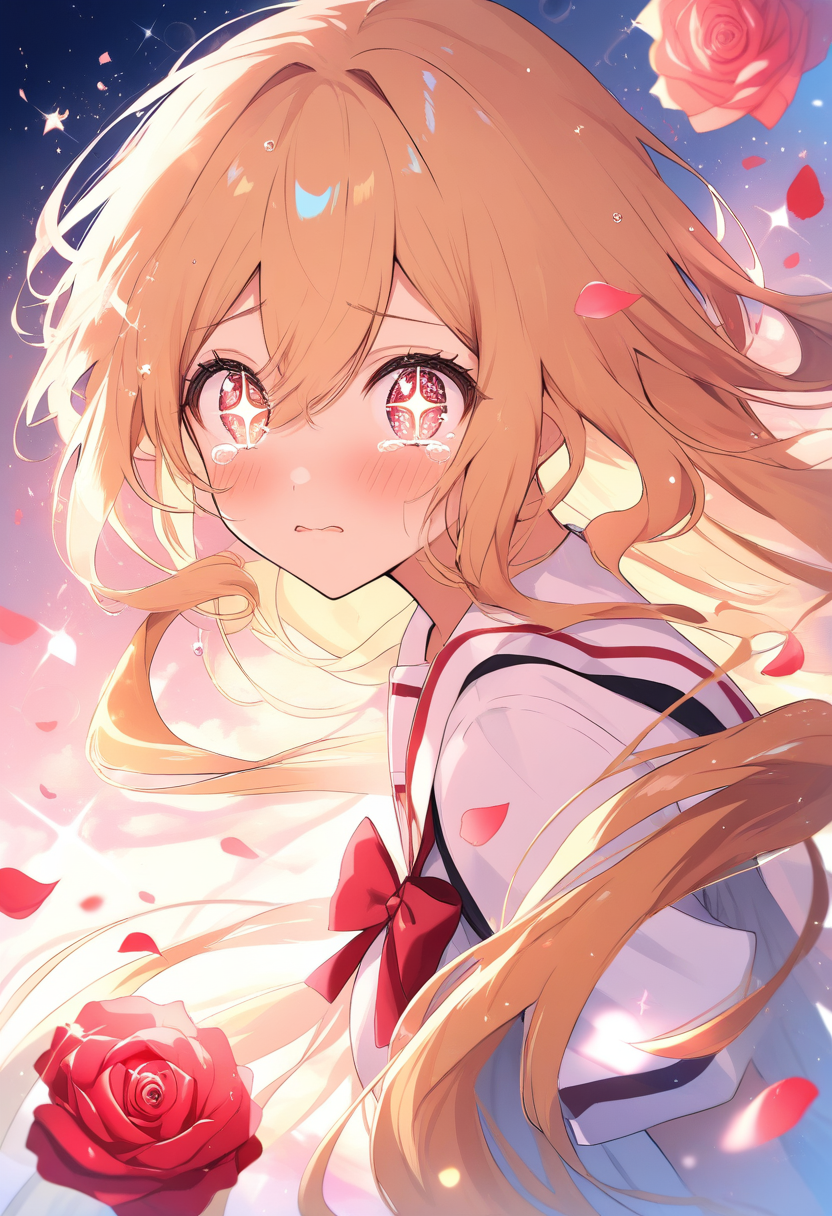
You spent an hour crafting the perfect character illustration. The colors are right, the pose is dynamic, the expression captures exactly the personality you envisioned. You post it online and it gets decent engagement.
But you know it could hit harder.
That is the fundamental limitation of still images in a feed-based world. Social media algorithms favor motion. A three-second animation of that same character -- hair blowing in the wind, eyes blinking, a subtle shift in expression -- stops scrollers in their tracks in a way that static art simply cannot.
Until recently, turning a still illustration into animation required frame-by-frame drawing skills, motion graphics software expertise, or the budget to hire an animator. AI image animation has eliminated those barriers entirely.
How AI Image Animation Actually Works
Understanding the mechanics helps you get better results. AI animation is not magic, and knowing its constraints prevents frustration.
Motion Prediction
At its core, AI animation analyzes a still image and predicts how elements would naturally move. Hair would sway. Fabric would ripple. Eyes might blink. Water would flow.
The AI does not simply "wiggle" the image. Modern models decompose the scene into layers with different motion properties. A character's body moves differently from their hair, which moves differently from their clothing, which moves differently from the background.
Keyframe Interpolation
Some approaches work through keyframe generation. Given a starting pose (your image) and optionally an ending pose, the AI generates intermediate frames for smooth motion. This works particularly well for character animation because it maintains structural consistency.
Tip: The character's proportions, outfit details, and facial features stay stable across frames because the model understands them as a coherent structure, not just a collection of pixels.
Depth Estimation
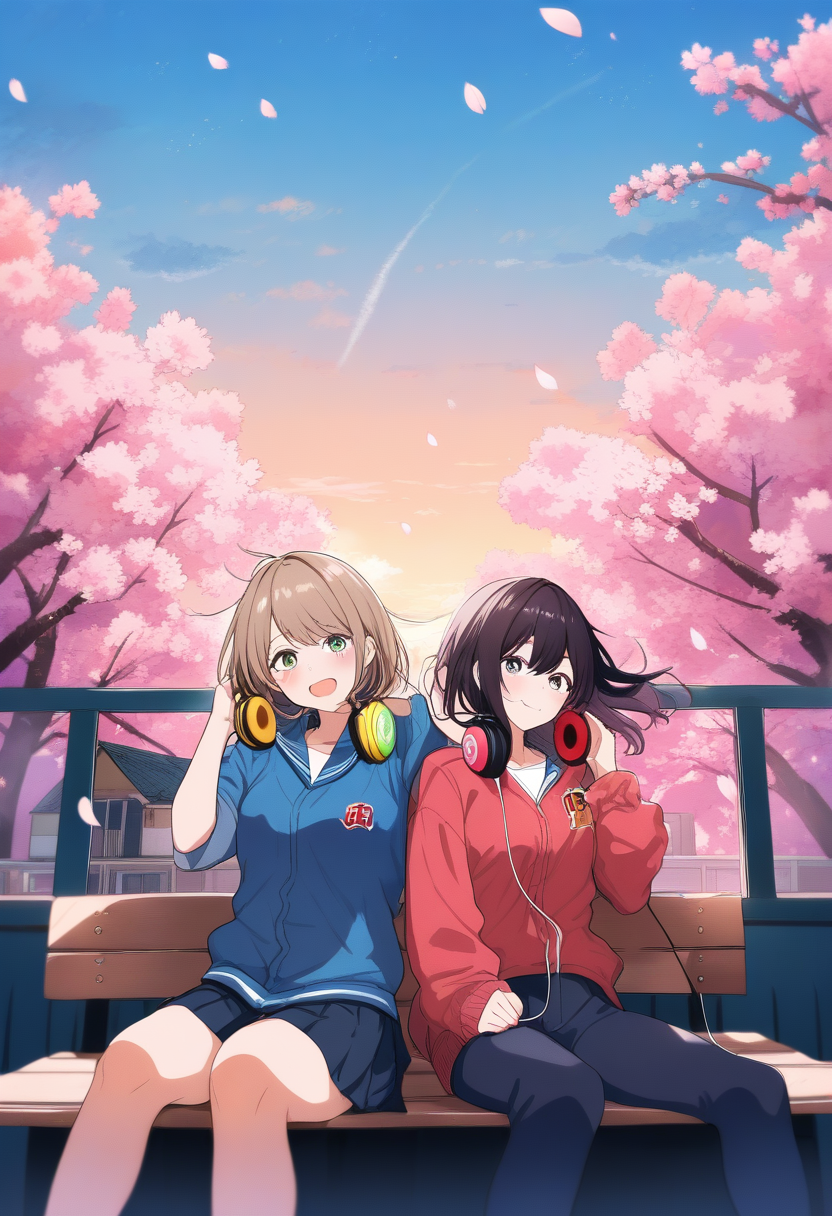
To create convincing motion, the AI estimates a depth map from the flat image: foreground, middleground, background. Each layer gets different motion behaviors. Close objects shift more than distant ones (parallax).
This is why AI animation can add subtle camera-like movements: a slow cinematic zoom, a gentle pan across a landscape, a parallax shift that adds dimensionality.
Style Preservation
The hardest technical challenge is maintaining the original art style across generated frames. An anime illustration should produce anime-style motion, not photorealistic video frames. The best tools in 2026 handle this well, though some styles preserve better than others.
Which Images Animate Best
Not all still images produce equally good animations. Understanding what makes a good source saves you from disappointing results.
Ideal Source Images
| Characteristic | Why It Matters |
|---|---|
| Clear subject separation | Gives AI clear info about what moves independently |
| Dynamic implied motion | Windswept hair, flowing fabric guide the AI's motion prediction |
| Good resolution (1024x1024+) | More information for the AI to work with |
| Clean lines and solid colors | AI easily identifies boundaries between elements |
| Single character focus | More reliable than multi-character scenes |
Images to Avoid
| Problem | Why It Fails |
|---|---|
| Extremely complex backgrounds | Confuses depth estimation, produces artifacts |
| Heavy text or UI overlays | Text warps and distorts during animation |
| Very static compositions | Passport-style headshots give the AI nothing to work with |
| Extreme perspective/foreshortening | AI struggles with depth estimation when perspective is already distorted |
Step-by-Step: Animating Your Character Art
Step 1: Prepare Your Source Image
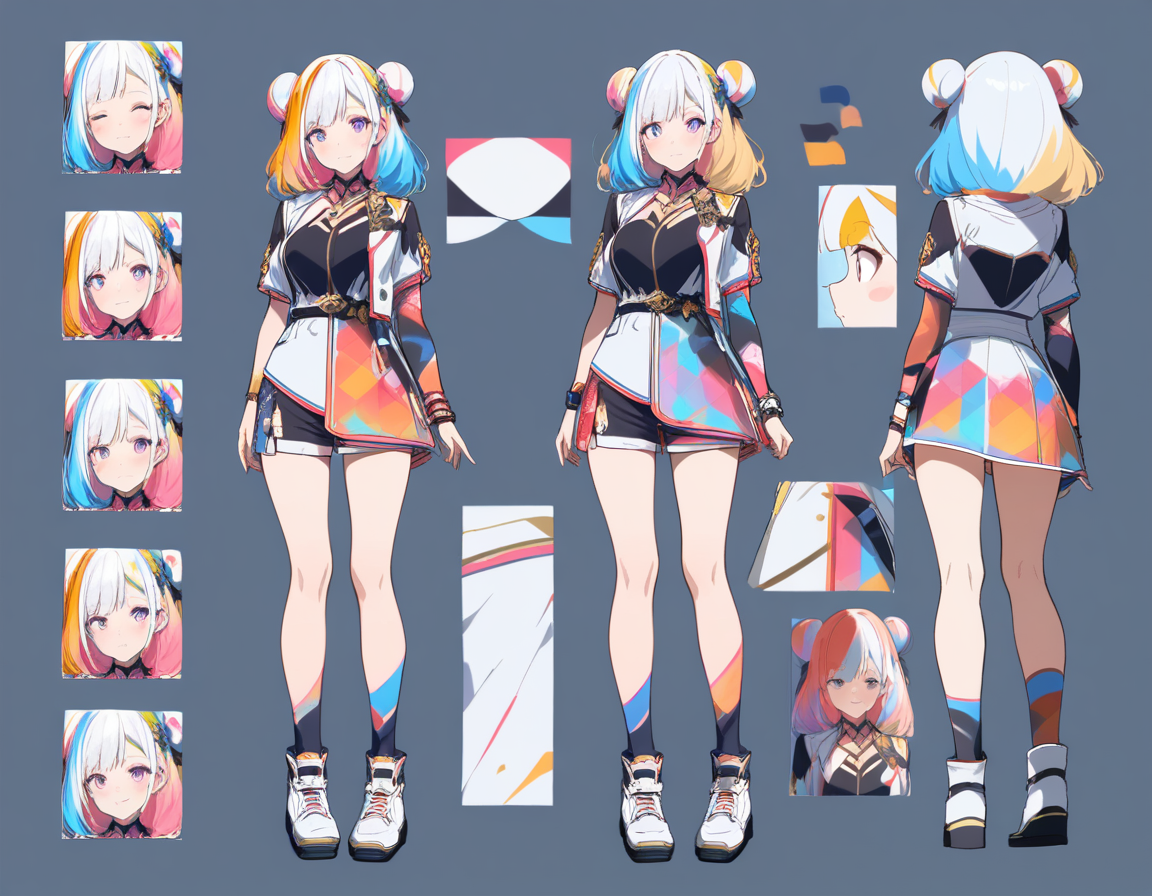
Start with the best version of your image. If generating with Oniichan's character creator, choose the variant with the most dynamic pose and clearest subject-background separation.
Quick quality check:
- Is the resolution high enough? Upscale if needed
- Is the subject clearly separated from the background?
- Is there implied motion in the image?
Step 2: Choose Your Animation Style
| Animation Type | Movement Level | Best For | Duration |
|---|---|---|---|
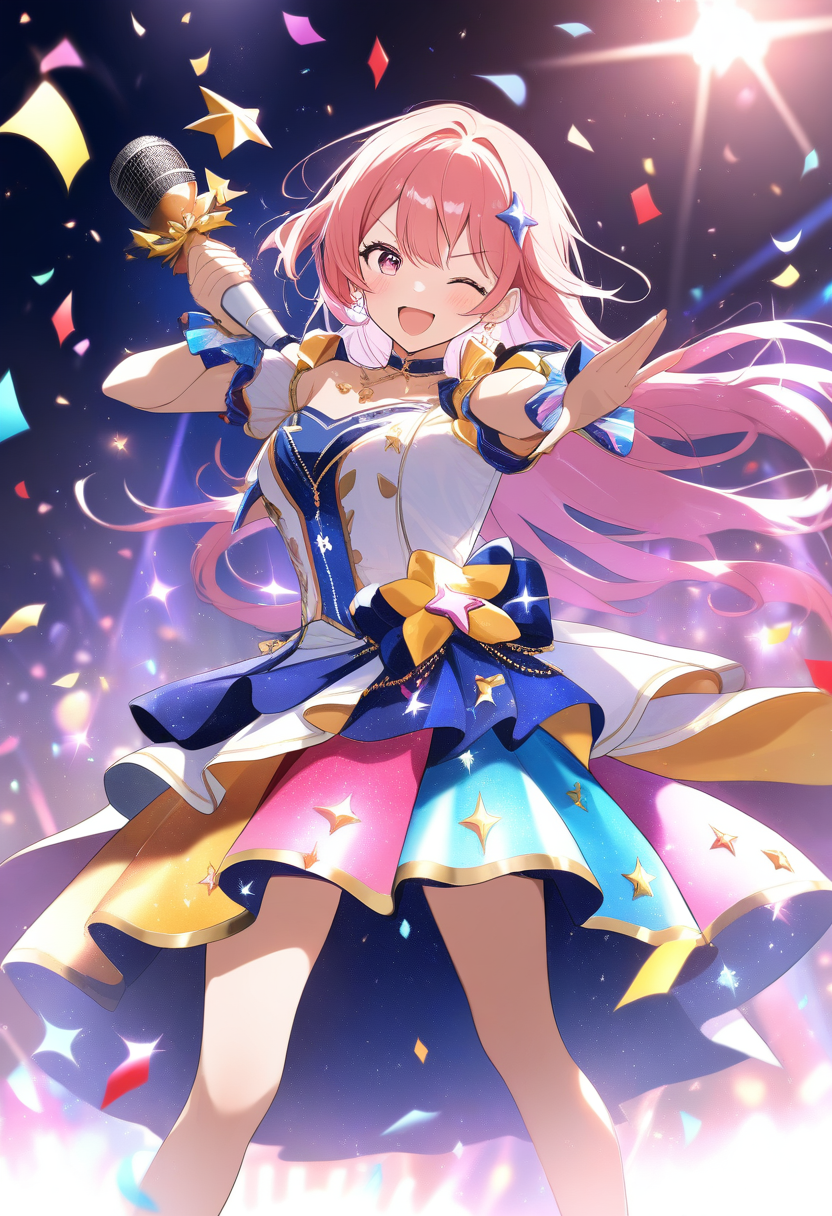
| Subtle living portrait | Minimal (breathing, blinks, hair sway) | Profile pictures, character cards | 2-4s looping |
| Dynamic character animation | Noticeable (flowing hair/clothing, expression shifts) | Social media posts, character reveals | 3-5s |
| Cinematic scene animation | Full (camera movement, parallax, environmental effects) | Story moments, trailers, presentations | 5-8s |
Step 3: Write Your Animation Prompt
Be specific about what should move and how:
Weak prompt: "Animate this character"
Strong prompt: "Gentle wind blowing hair to the right, fabric of cape rippling softly, character breathing with subtle chest rise, eyes blinking once, warm light flickering slightly as if from a nearby fire"
Key motion elements to consider:
- Hair --- direction and intensity of wind, specific strands
- Clothing --- which garments move, how heavily
- Expression --- blinks, smile shifts, eyebrow movements
- Body --- breathing rhythm, postural shifts, head turns
- Environment --- background parallax, lighting changes, atmospheric effects
- Camera --- zoom direction and speed, pan, slight rotation
Step 4: Generate and Review
Review critically:
- Does the character's face stay consistent? Any warping?
- Do the motions feel natural? Mechanical movement breaks the illusion
- Does the art style hold across all frames?
- Is the loop smooth (for looping animations)?
Tip: If results are not right, reduce motion intensity if animation looks too aggressive, specify which elements should stay still, or add more specific motion descriptions.
Step 5: Export for Your Target Platform
| Platform | Format | Resolution | Duration |
|---|---|---|---|
| Social media posts | MP4 | 1080x1080 or 1080x1920 | 3-6s, loop-friendly |
| Profile pictures/avatars | GIF or APNG | 256x256 to 512x512 | Seamless loop, small file |
| Presentations | MP4 | 1920x1080 | 5-8s, can be non-looping |
| Stickers/reactions | GIF or APNG | Transparent BG if possible | 2-3s, under 1MB |
Practical Use Cases
Social Media Character Reveals
Instead of posting a static image of a new original character, animate it. A 3-second animation where hair sways, expression shifts, and camera slowly pushes in creates a dramatically more engaging reveal post.
Animated Character Portfolios
Animated versions of characters in your Oniichan dashboard add a premium feel. When sharing characters from manga projects, animated versions make them memorable.
Manga Panel Highlights
Extract a striking panel from your manga page and animate it as a standalone clip. The animated version works as a teaser, shareable social clip, or presentation highlight. For tips on sharing your manga effectively, check out our guide on how to share your AI manga online.
Animated Stickers and Reactions
Design a set of expressions -- happy, shocked, angry, laughing, thinking -- and animate each as a short loop. These work in Discord, Telegram, and messaging apps that support animated stickers.
Presentation and Pitch Materials
If pitching a creative project, animated character art elevates your materials from "fan project" to professional presentation. Motion implies production value.
Livestream and Video Content
Animated character art works as overlay content for livestreams, video essays, and YouTube content. An animated OC as your channel mascot, a VTuber-style portrait, or animated scene illustrations for narration segments.
Advanced Techniques
Reference-Based Animation
For more control, some tools accept reference videos alongside the source image. Provide a video showing the type of motion you want, and the AI applies that motion style to your still image.
This is powerful for dance sequences, martial arts moves, or complex gestures that are hard to describe in text.
Style-Consistent Series
When animating multiple images from the same project, maintain consistency:
- Same wind direction across all clips
- Same breathing rhythm
- Same camera behavior
This is especially important for manga panels from the same scene -- the animations should feel like they exist in the same world with the same physical forces.
Common Issues and Fixes
| Issue | Cause | Fix |
|---|---|---|
| Face distortion | Too much overall motion | Reduce motion intensity, specify face should stay mostly still, use front-facing angle |
| Unnatural motion speed | AI defaults to faster than natural | Slow down in post-processing if tool lacks speed control |
| Background warping | Background distorts during character motion | Use background stabilization or composite character on static BG |
| Style drift between frames | Ambiguous style cues in source | Use source image with very clear, consistent art style |
| Loop artifacts | Visible "snapping" at loop restart | Generate seamless loops or cross-fade last frames into first frames |
Start Animating
Create your character with Oniichan's character creator, generate manga pages in the editor, and bring your best art to life with AI animation. You can also convert real video to anime style for reference material or promotional content.
Try Oniichan's animation tools and see your characters move for the first time.
Ready to create your own character?
Turn your OC ideas into polished anime character art with consistent designs. No drawing skills needed.