AI Mascot Generator: Create Brand Mascots and Character Mascots with AI
Learn how to design memorable brand mascots, game mascots, and channel mascots using an AI mascot generator. Tips for mascot design, use cases for businesses and creators, and how to bring your mascot to life.
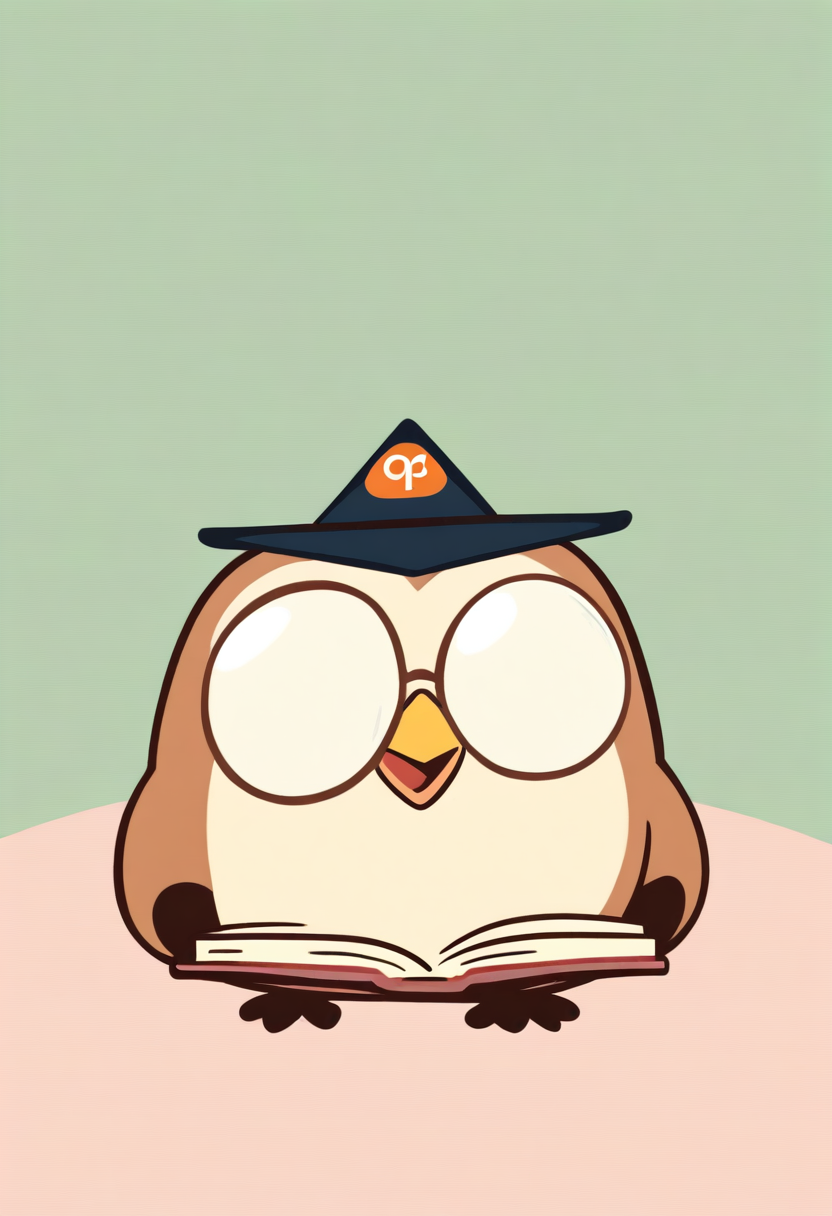
Every great brand has a face. Sometimes that face is a gecko selling insurance, a red bull with wings, or a blocky plumber jumping on turtles. Mascots are one of the oldest tricks in the branding playbook because they work. They give people something to recognize, remember, and feel something about. A logo is a symbol. A mascot is a personality.
The problem has always been access. Getting a professional mascot designed used to mean hiring an illustrator, going through rounds of revisions, and spending anywhere from a few hundred to several thousand dollars. For small businesses, indie game developers, content creators, and solo entrepreneurs, that cost is hard to justify.
AI mascot generators change that equation entirely. You describe what you want, and you get a character back in seconds. This guide covers everything you need to know about designing mascots with AI, from the principles that make mascots memorable to the specific workflows that get the best results out of tools like Oniichan's AI Mascot Generator.
Why Mascots Still Matter in 2026
You might think mascots are a relic of cereal boxes and Saturday morning cartoons. They are not. If anything, mascots are more relevant now than they have been in decades, and the reason is simple: the internet is flooded with content, and people scroll past anything that looks generic.
A mascot gives you:
- Instant recognition --- a character is easier to spot in a feed than a wordmark or abstract logo
- Emotional connection --- people project personality onto characters in ways they never do with logos
- Content flexibility --- a mascot can appear in thumbnails, social posts, merch, stickers, emotes, and animations
- Storytelling potential --- a character can have reactions, expressions, and situations that text and logos cannot
- Community identity --- fans rally around characters and adopt them as part of their own identity
Types of Mascots You Can Create
Before you start generating, it helps to know what kind of mascot fits your use case. Different contexts call for different design approaches.
Brand and Business Mascots
These mascots represent a company, product, or service. They show up on websites, packaging, social media, and marketing materials. The goal is recognizability and trust.
Good business mascots tend to be:
- Simple enough to work at small sizes (social media avatars, favicons, app icons)
- Expressive enough to convey different moods for different campaigns
- On-brand in color and style
- Approachable and friendly unless your brand intentionally leans edgy or dark
Examples: A fox mascot for a tech startup, a robot barista for a coffee subscription, a cartoon cat for a stationery brand, or an anthropomorphic paintbrush for a design tool.
YouTube and Twitch Mascots
Content creators need mascots that work across multiple formats: profile picture, thumbnail character, animated overlay, emotes, and merch.
| Requirement | Why It Matters |
|---|---|
| Strong silhouette | Must be identifiable even as a tiny emote |
| Exaggerated features | Big eyes, distinctive headgear help at small sizes |
| Personality match | Horror channel mascot feels different from cozy gaming |
| Emote potential | Can you imagine this character making a surprised face, a laugh, a cry? |
Game Mascots
Whether you are building an indie game, a mobile app, or a tabletop project, a mascot anchors the player's relationship with your world.
Game mascot design priorities:
- Fits the art style of the game
- Reads clearly against gameplay backgrounds
- Has design hooks for merchandise potential
- Suggests the game's tone --- cute and round for puzzlers, angular and intense for action games
Personal and Community Mascots
Discord servers, subreddits, school clubs, local sports teams, event organizers --- all benefit from a mascot. These mascots are often more playful and less polished than business mascots, which is part of their charm.
Principles of Memorable Mascot Design
Not every character makes a good mascot. Here are the principles that separate a memorable mascot from a forgettable one.
Silhouette First
If you black out your mascot's entire body, can you still tell who it is? The best mascots are identifiable from their outline alone. Mickey Mouse's ears, Pikachu's tail and ear shapes, Kirby's perfect circle --- these silhouettes are burned into cultural memory because they are unique and simple.
Tip: When describing your mascot to an AI generator, think about what makes the shape distinctive. Give it an unusual hat, asymmetric ears, a specific tail shape, or an exaggerated body proportion. Avoid generic poses and standard animal proportions.
Limited Color Palette
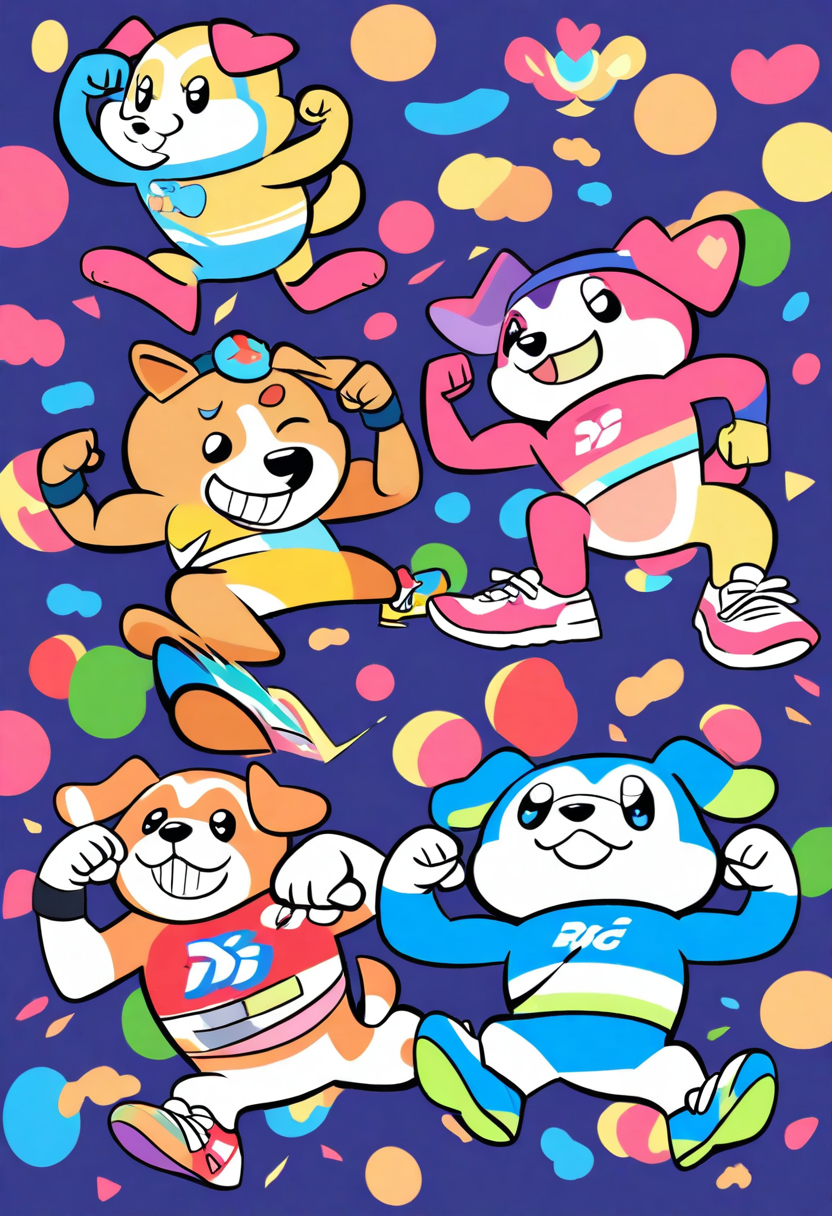
Most iconic mascots use three colors or fewer as their primary palette. Sonic is blue with red shoes. Mario is red and blue. Hello Kitty is white with a red bow.
When prompting, specify your colors explicitly. "A turquoise cat with orange ear tips and a white belly" gives the AI a clear, limited palette. Avoid descriptions like "colorful" or "rainbow" unless that is genuinely the look you want.
Expressive Face
A mascot's face is its primary communication tool. Large, simple eyes with clear pupils tend to work best because they can convey a wide range of emotions with minimal changes.
Consider what your mascot's default expression should be. A cheerful mascot with upturned eyes and a small smile reads very differently from a mischievous mascot with half-lidded eyes and a smirk.
Design Hooks
Design hooks are the specific visual elements that make your mascot ownable:
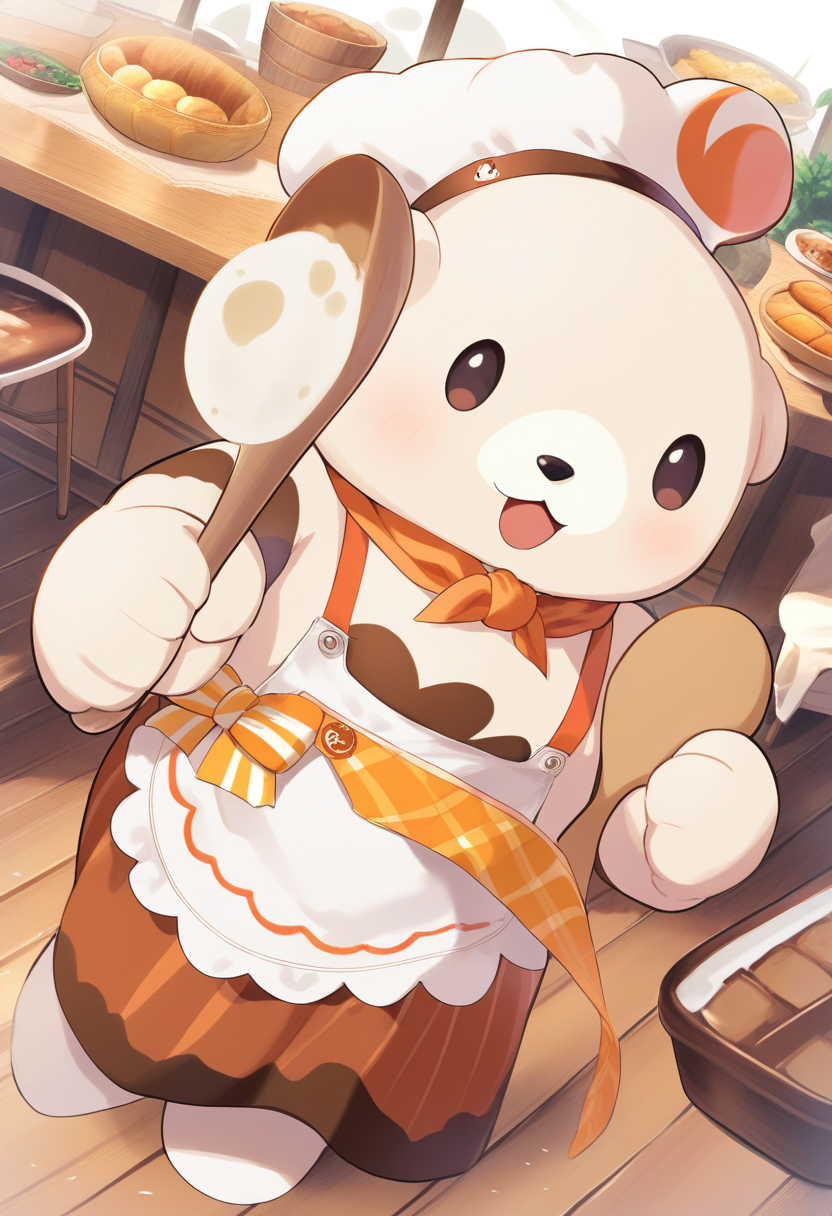
- A chef's hat
- A lightning bolt tail
- A cracked horn
- A bandage on the cheek
The best design hooks are visually simple, tied to the character's personality, and unique enough that they feel ownable rather than generic.
Scalability
Your mascot needs to work at wildly different sizes. It might be a 32x32 pixel favicon, a 1080x1080 social post, or a full-page print illustration.
How to Use Oniichan's AI Mascot Generator
Oniichan's AI Mascot Generator is built specifically for character creation. Here is how to get the most out of it.
Step 1: Start with a Clear Concept Brief
Before you type a prompt, write down three things:
- What is the mascot? (species, object, creature type)
- What is its personality? (cheerful, mysterious, energetic, calm)
- What is it for? (brand, channel, game, community)
These three answers shape everything. A cheerful fox mascot for a kids' educational app needs a completely different treatment than a mysterious fox mascot for a cyberpunk game studio.
Step 2: Write Descriptive Prompts
The more specific your prompt, the closer the output will be to what you imagine.
Vague: "A cute cat mascot"
Specific: "A round, chibi-style orange tabby cat mascot with oversized green eyes, a tiny chef's hat tilted to one side, a white apron with a small heart logo, and a cheerful open-mouth smile. Soft cel-shaded style with clean outlines."
The second prompt gives the generator specific colors, proportions, accessories, expression, and art style to work with.
Step 3: Iterate Through Variants
Your first generation is a starting point, not a final product. Use the character editing tools to refine:
- Generate initial concepts from your prompt
- Pick the variant closest to your vision
- Edit specific elements you want to change
- Generate new variants from the edited version
- Repeat until the mascot feels right
Step 4: Build a Reference Sheet
Once you have a mascot you are happy with, generate additional views and expressions:
- Front view with the default expression
- Three-quarter view showing depth and dimension
- A few key expressions (happy, surprised, thinking, excited)
- Color callouts listing the exact colors used
This reference sheet becomes the source of truth for anyone else who needs to draw, animate, or adapt the mascot.
Mascot Design Tips by Use Case
For Businesses
Keep it professional but personable. Your mascot should feel like someone you would trust. Test the mascot at favicon size --- if it is unrecognizable at 32x32 pixels, simplify the design.
Tip: Create mascot variants for different contexts: a formal version for your website header, a casual version for social media, and a celebratory version for announcements.
For Content Creators
Lean into personality. Your mascot is an extension of your on-camera presence or your channel's vibe. Plan for emote crops from the start --- design the face and upper body to work as isolated elements.
For Game Developers
Match the game's art direction. A mascot that looks like it belongs in a completely different game creates a visual disconnect. Think about how the mascot moves, even if you are only generating static images.
For Communities
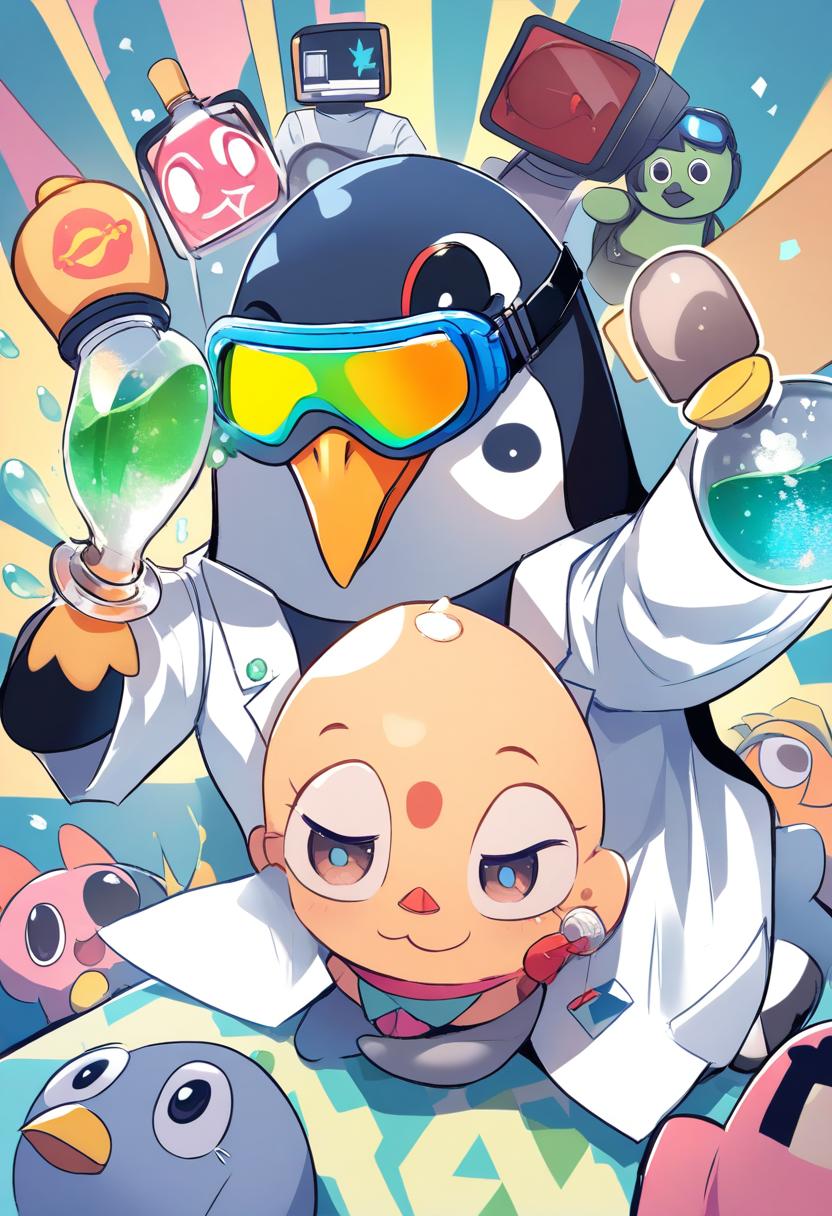
Community mascots can afford to be weirder and more inside-jokey than business mascots. If your Discord server has an ongoing joke about a specific animal or object, lean into that. The mascot becomes a shared reference point that strengthens group identity.
Common Mascot Design Mistakes
| Mistake | Why It Fails | Fix |
|---|---|---|
| Too much detail | Becomes visual noise at small sizes | Edit ruthlessly, simplify accessories |
| No personality in the face | Reads as lifeless | Give it a clear default emotion |
| Generic animal, no hooks | It is clip art, not a mascot | Add 1-2 distinguishing elements |
| Colors clash with brand | Mascot feels disconnected | Match or extend existing brand palette |
| Copying existing mascots | Feels like a knockoff | Find your own design hooks |
From Static Mascot to Living Character
Once you have a mascot design locked in, the next step is bringing it to life across your brand.
Use Oniichan's character tools to build out your mascot's visual range:
- Generate the mascot in different poses and situations
- Create seasonal variants
- Put the mascot in scenes that match your content or product
- Build expression sheets for emotes and reactions
Start with a concept, describe it clearly, iterate until it clicks, and then put it everywhere. That is the formula. The AI handles the rendering. You handle the vision. You can also animate your mascot for social media content, or explore the AI anime character creator for anime-styled mascot designs.
Ready to create your own character?
Turn your OC ideas into polished anime character art with consistent designs. No drawing skills needed.