AI Image Upscaling for Manga and Anime Art: A Complete Guide
Learn how to upscale manga and anime art with AI. Covers super-resolution technology, best practices for upscaling illustrations, and how to enhance low-resolution anime images without losing quality.
Every manga creator and anime artist has faced the resolution problem. You generated a stunning character illustration at 512x512 because that was what the AI model supported. You scanned a pencil sketch at low DPI. You saved a reference image from the web that turns into a blurry mess at print size. You exported a manga page at web resolution and now a publisher wants print-ready files.
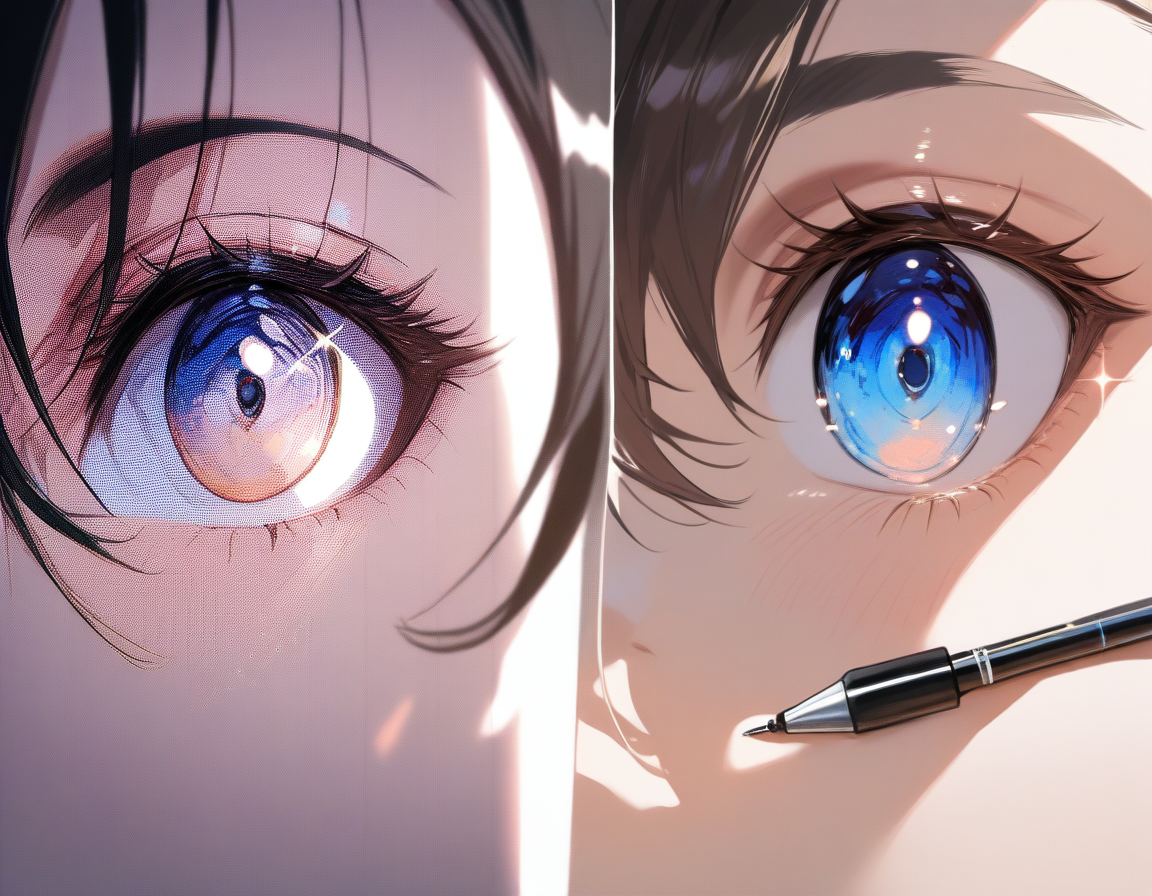
AI image upscaling -- specifically super-resolution technology -- offers a genuinely useful alternative. These models do not just scale up pixels. They generate new detail that plausibly belongs in the image, producing results that look naturally sharp rather than artificially stretched.
When You Need Upscaling
Not every low-resolution image needs upscaling. Understanding when it adds value helps you avoid wasting time.
Common Scenarios
| Scenario | Problem | Upscaling Solution |
|---|---|---|
| Low-res AI generations | 512-1024px output too small for print | Upscale to 2048-4096px for large-format use |
| Scanned traditional art | Low DPI scans look pixelated when enlarged | Recover apparent detail for digital distribution |
| Legacy digital art | Older art at 800x600 looks tiny on 4K displays | Bring archived work to modern resolution |
| Web-sourced references | Reference images only available at web-optimized sizes | Extract more apparent detail for study |
| Cross-platform publishing | Web-resolution manga needs to go to print | Upscale for print without re-rendering everything |
💡 Tip: Rather than maintaining separate versions at different resolutions, create at a moderate resolution and upscale for print. This is especially practical when the alternative is rendering each page at print resolution from scratch.
How AI Image Upscaling Works
Traditional upscaling algorithms like bicubic interpolation treat the image as a grid of numbers and use math to fill in gaps. The result is always some degree of blurriness because the algorithms have no understanding of what the image contains.
Super-Resolution Models: A Different Approach
AI super-resolution takes a fundamentally different path:
- Training phase -- The model learns from paired datasets of low-resolution and high-resolution versions of the same images
- Pattern recognition -- It learns what high-resolution detail corresponds to various low-resolution inputs
- Detail generation -- When given a low-res image, it recognizes structures (lines, edges, textures) and generates plausible high-resolution detail for each
The key word is "plausible." The model generates detail that looks correct and is consistent with the original, but it is creating new detail based on learned patterns -- not recovering actual lost information.
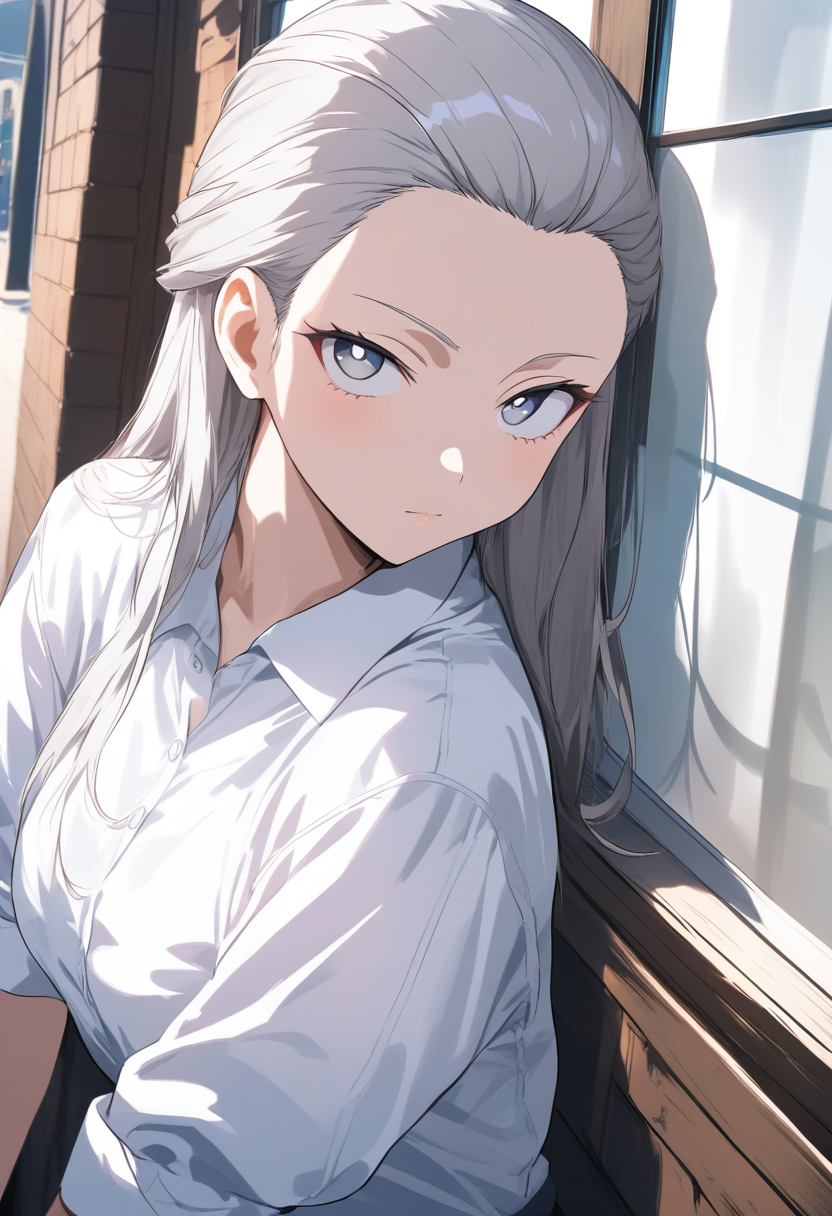
Why Anime and Manga Art Upscales Well
Anime and manga art is particularly well-suited to AI upscaling for several reasons:
| Characteristic | Why It Helps Upscaling |
|---|---|
| Clean edges and defined lines | High-contrast boundaries are unambiguous -- a blurry dark line clearly should be a sharp dark line |
| Flat color regions | Large uniform areas are easy to handle -- just smooth color at higher resolution |
| Predictable style conventions | Eyes, hair, shading conventions are consistent across millions of training images |
| Limited color palettes | More saturated, fewer subtle gradations means more reliable color preservation |
These characteristics mean AI upscaling of anime art typically produces cleaner, more artifact-free results than upscaling photographs or painterly art.
Tips for Best Upscaling Results
1. Start with the Best Quality Source
Upscaling amplifies everything in the source image, including defects. JPEG compression artifacts, color banding, and noise all get amplified alongside actual image content.
- Use PNG or lossless formats as your upscaling source
- If you only have a JPEG, use the highest quality version available
- Always export at the highest quality setting before upscaling
2. Do Not Over-Upscale
There is a practical limit to how far you can upscale:
| Scale Factor | Typical Quality | Notes |
|---|---|---|
| 2x | Excellent | Doubling dimensions, minimal artifacts |
| 4x | Good | Some minor artifacts possible |
| Beyond 4x | Degraded | Model invents too much detail, looks artificial |
💡 Tip: For extreme resolution increases, do it in stages. Upscale 2x, review, then upscale the result another 2x. This gives the model a better source at each step.
3. Match the Model to Your Content
Models trained on photographs may over-sharpen anime linework or add photographic texture to flat color regions. Oniichan's upscaling pipeline uses models well-suited to anime and manga art, so this is handled automatically within the platform.
4. Pre-Clean Your Source Image
Clean artifacts before upscaling rather than after. It is much easier to remove a small JPEG artifact from a 512px image than the larger version from a 2048px image.
Common pre-cleaning steps:
- Light denoising to remove JPEG artifacts
- Adjusting levels for clean blacks and whites
- Removing stray pixels or dust spots from scans
- Cropping borders or edge artifacts
5. Consider Your Output Use Case
| Use Case | Recommended Resolution |
|---|---|
| Web display (even high-DPI) | 2048-3000px on long side |
| Print at manga size (5x7") | ~1500x2100px (300 DPI) |
| Poster prints / large format | 4000px+ on long side |
Upscale to what you need, not to the maximum the tool supports.
Upscaling in the Oniichan Workflow
Oniichan integrates upscaling as a natural part of the manga creation pipeline.
Automatic Generation Quality
When you generate manga pages through Oniichan's pipeline, the system produces output at a resolution appropriate for the target format -- balancing quality against generation speed.
Enhancing Pages for Export
When ready to export for distribution or print, the editor provides options for enhancing page resolution. This is useful when:
- Preparing pages for print publication at sizes larger than generation resolution
- Creating high-resolution versions for poster prints or promotional materials
- Exporting for platforms that require specific minimum resolution standards
Enhancing Character Reference Art
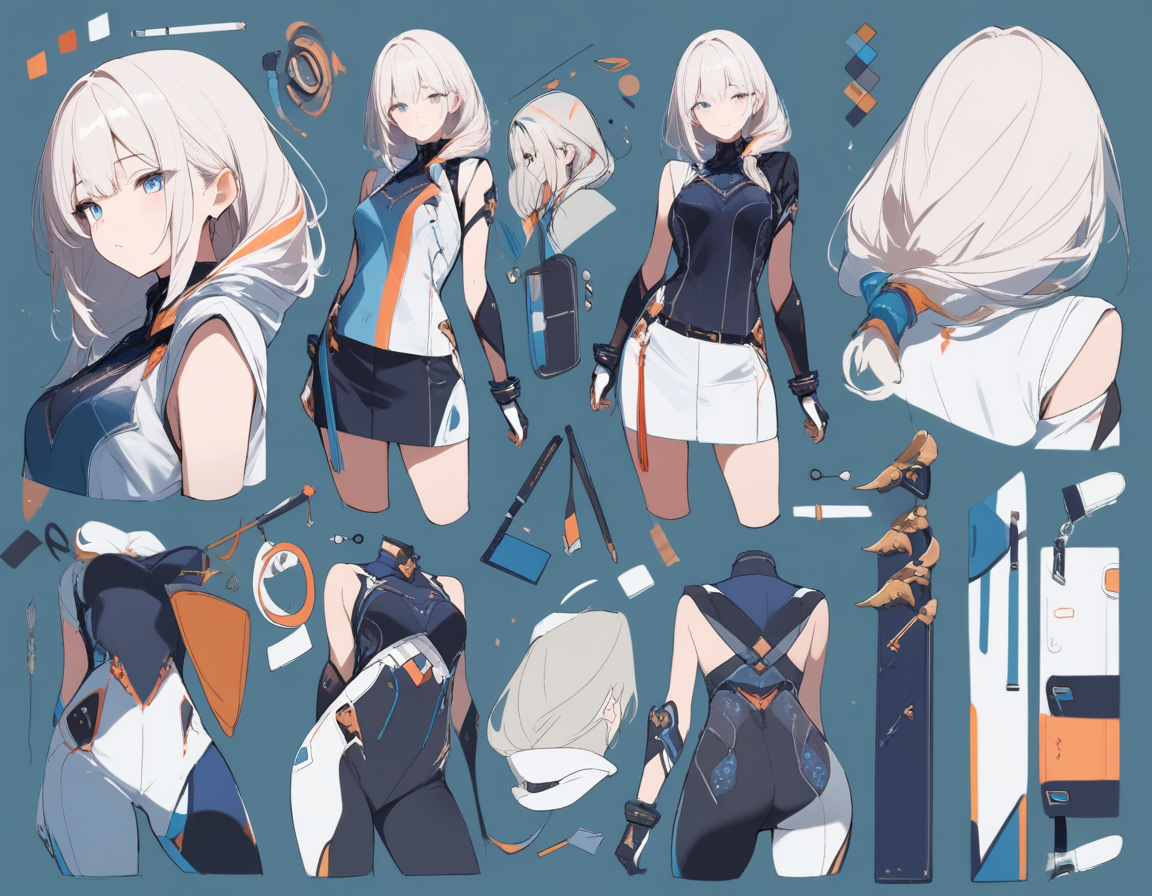
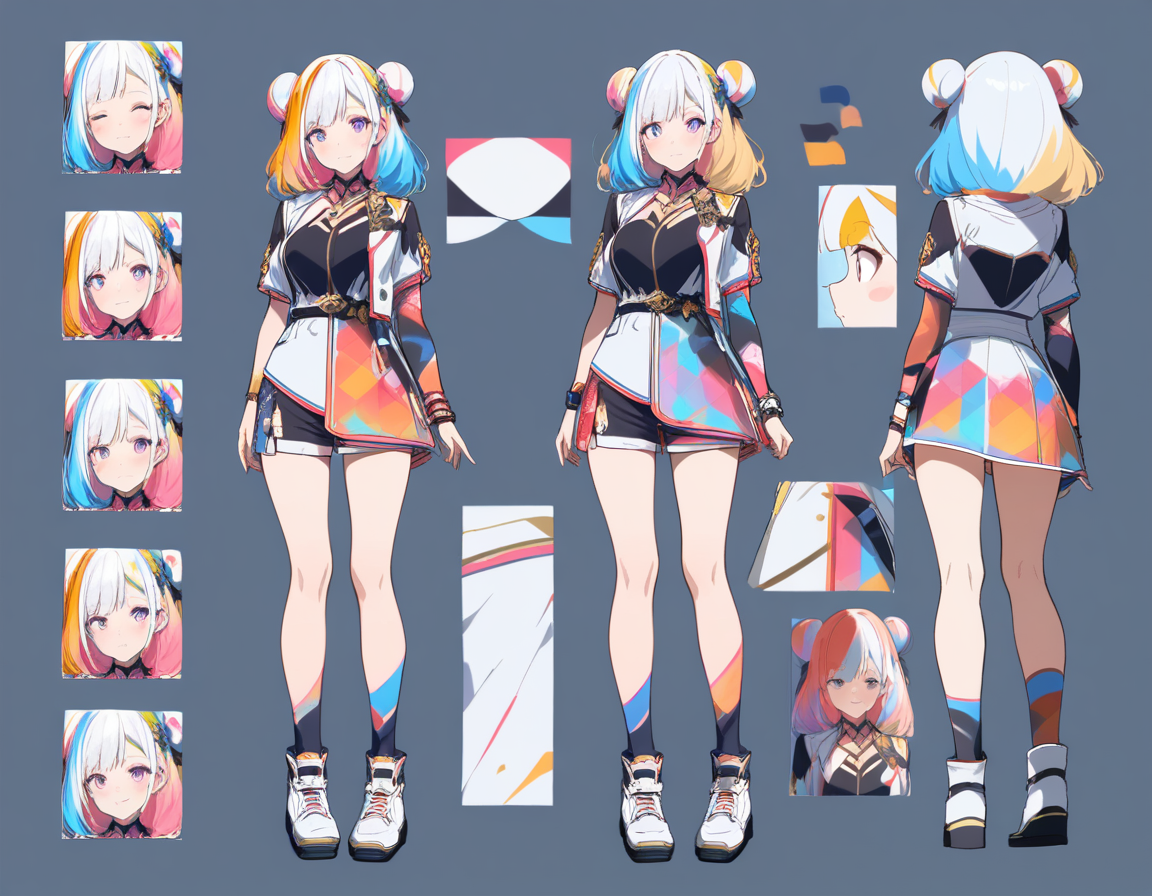
Character reference images from the character lab can be upscaled for use outside of Oniichan -- as references for traditional art, profile pictures, or portfolio presentations. Learn more about the role of reference images in our article on anime character reference sheets.
Working with Imported Art
External artwork brought into Oniichan can be enhanced during import or editing, ensuring all art in your project meets a consistent quality baseline regardless of original source resolution.
Common Upscaling Issues and Solutions
Oversharpening
Problem: Results look artificially sharp with exaggerated edges and halos around high-contrast boundaries.
Solution: Reduce sharpening settings or use a model designed for illustration content. This is more common with photography-trained models.
Texture Hallucination
Problem: The model adds texture to areas that should be smooth -- slight grain or texture in flat color areas.
Solution: A light post-processing pass with selective smoothing can clean this up without affecting linework.
Color Shifts
Problem: Minor color shifts in gradients and where multiple colors meet.
Solution: A quick curves or levels adjustment in any image editor corrects these shifts. Typically only noticeable in production work requiring exact color matching.
The Practical Limits of Upscaling
AI upscaling is powerful, but it is not magic:
- A very low-resolution source (64x64) does not contain enough information for quality upscaling
- Minimum practical source: at least 256px on the short side for usable results
- Upscaling cannot fix fundamental composition or quality issues
Getting Started
If you have manga pages or anime art that would benefit from higher resolution, the process is straightforward:
- Start with your best quality source
- Choose an appropriate target resolution for your use case
- Let the AI handle the detail generation
If you are working with black-and-white line art that also needs coloring, our guide on how to colorize line art with AI covers the full colorization workflow. Try Oniichan's manga creation and editing tools to see how AI upscaling integrates into a complete manga production workflow. Whether you are enhancing AI-generated pages for print, upscaling character designs for portfolio use, or bringing old artwork up to modern resolution standards, AI super-resolution makes it possible without redrawing a single line.
Ready to create your own character?
Turn your OC ideas into polished anime character art with consistent designs. No drawing skills needed.