 Oniichan
Générateur de manga IA
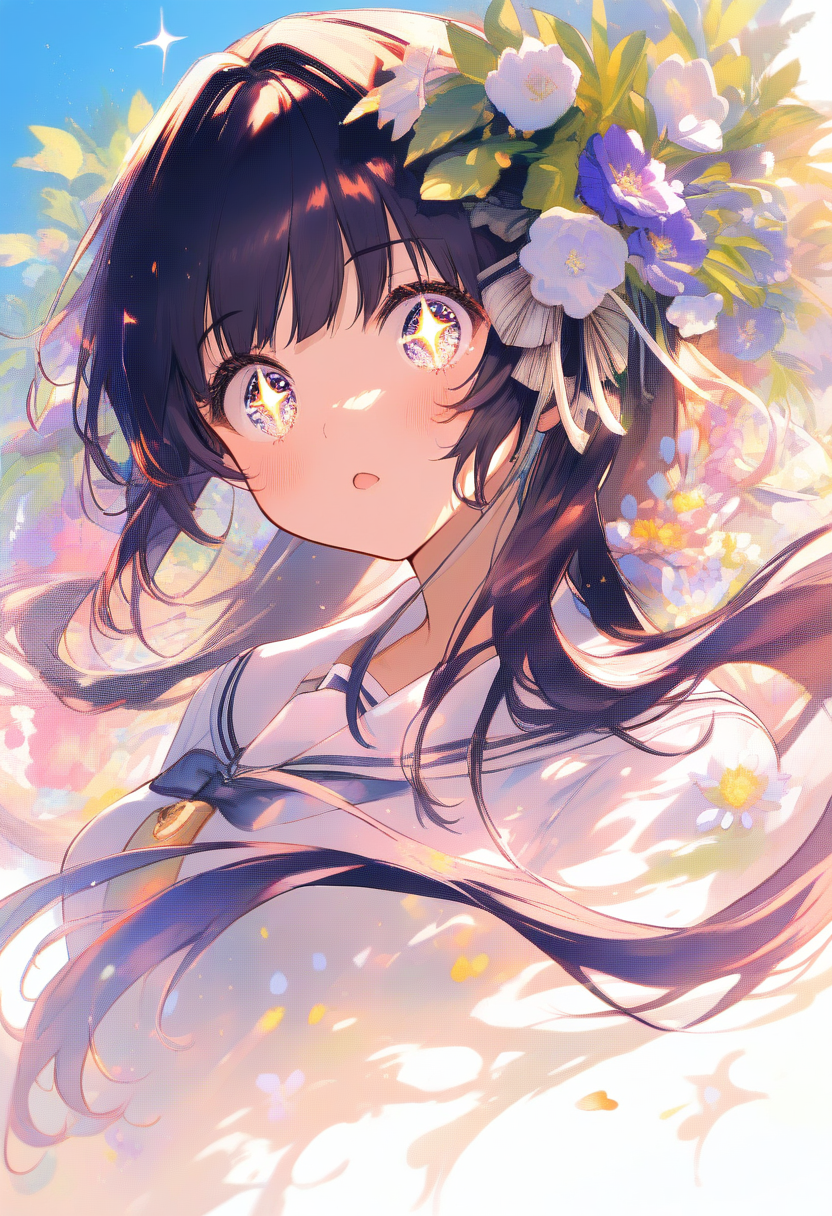
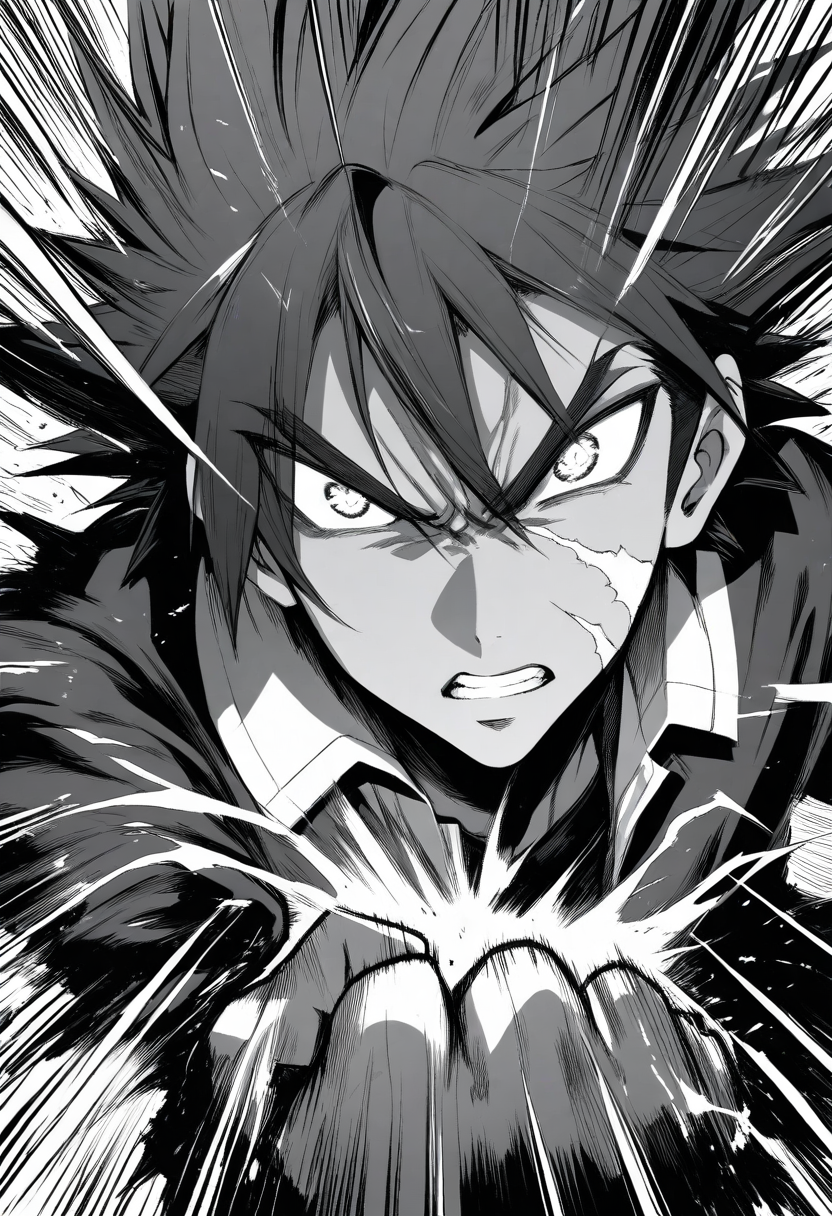
Style manga, tramage, cheveux hérissés, bras bandés, cape déchirée, yeux intenses, aura de combat, poing serré, angle dramatique
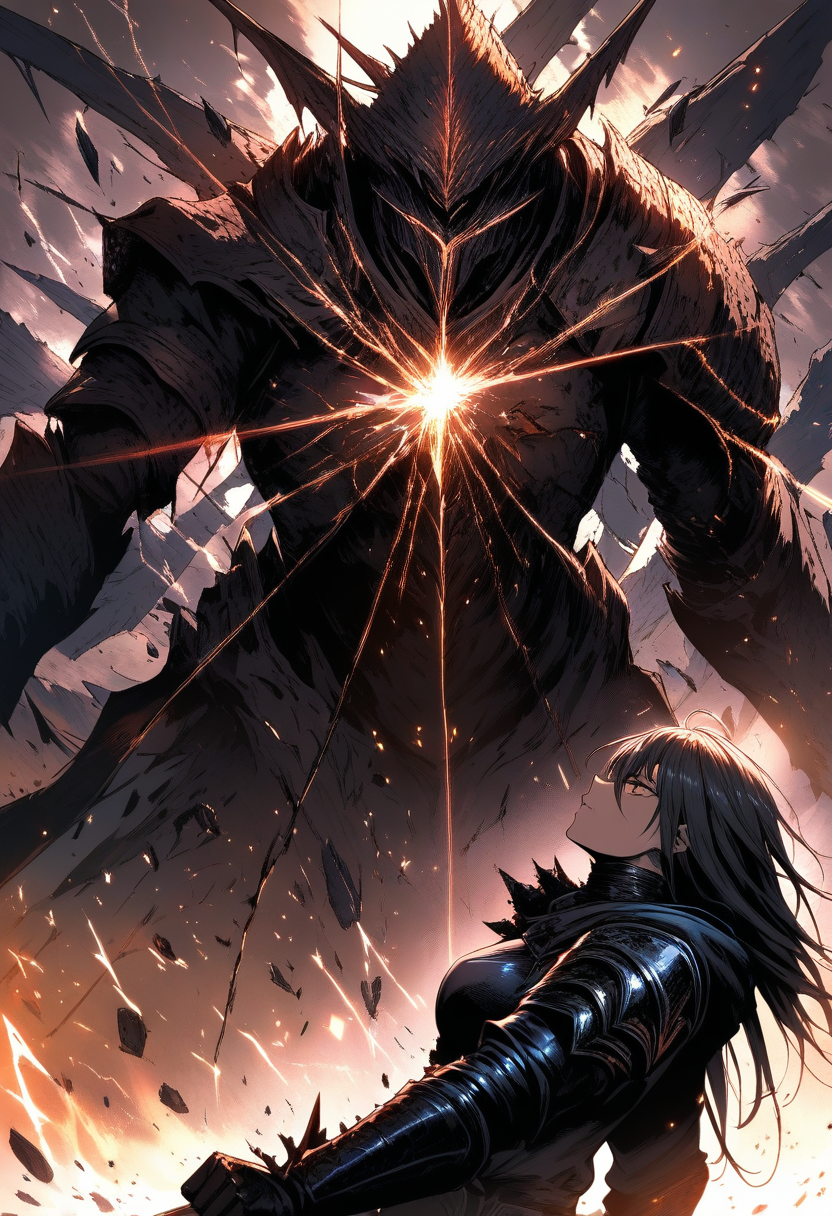
Style manga, tramage prononcé, cache-œil, longs cheveux argentés, uniforme sombre, fourreau de katana, expression pensive, effet de vent
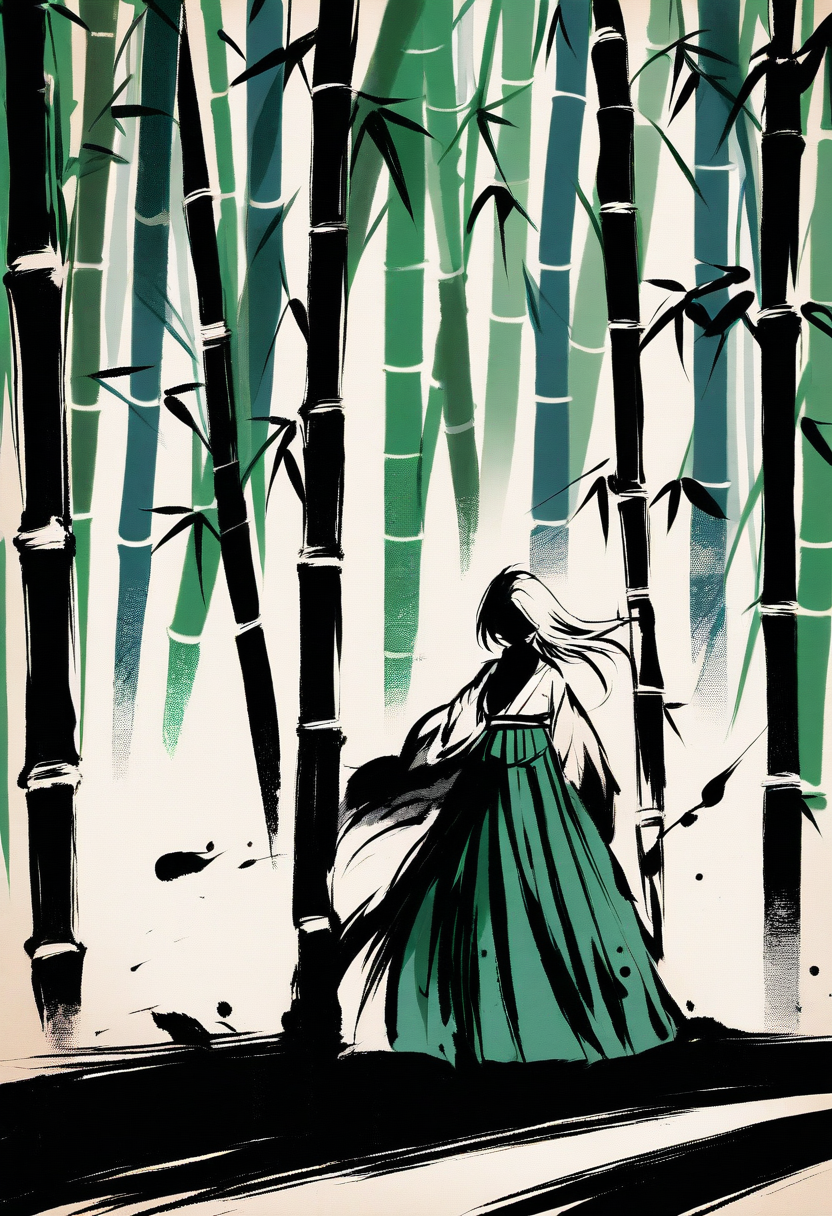
Style manga, lavis à l'encre, longs cheveux lisses, kimono, ombrelle en papier, pluie douce, expression mélancolique, pose élégante
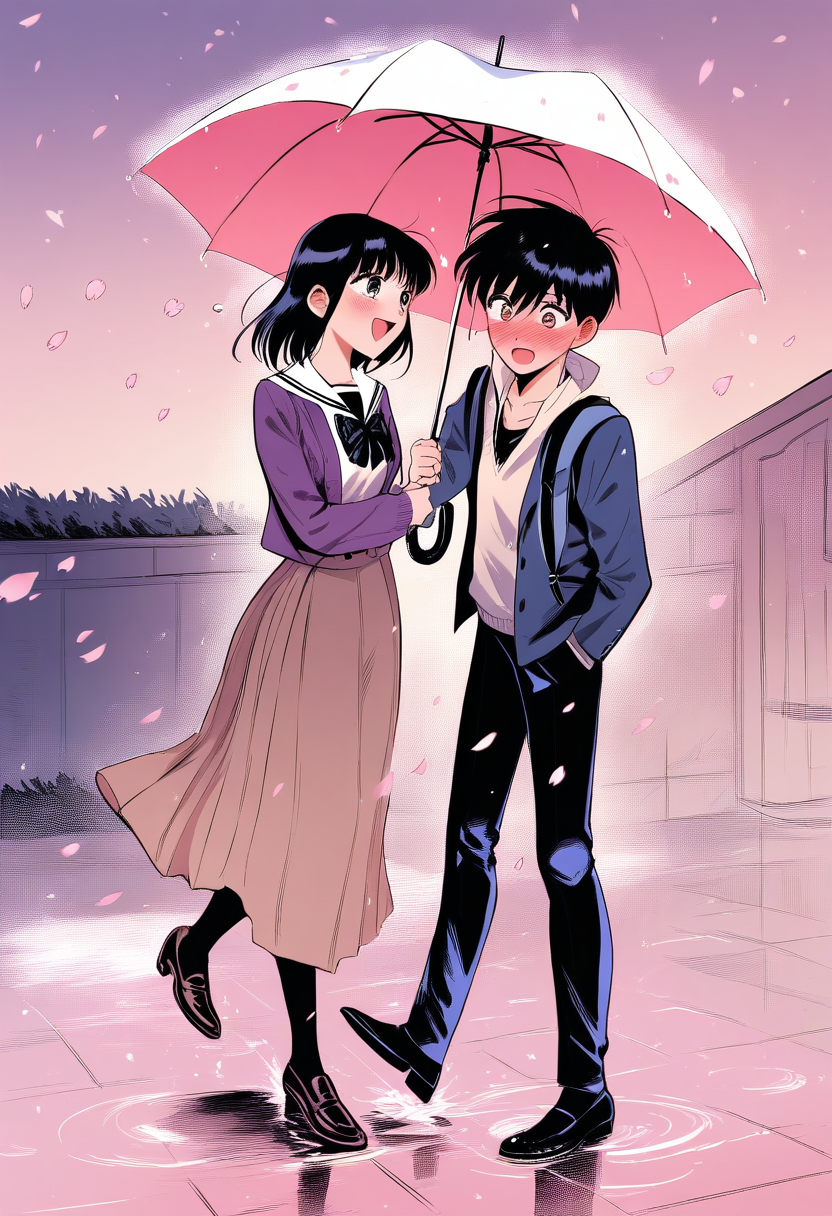
Style manga, étincelles shojo, cheveux blonds ondulés, ruban, cardigan d'école, lettre d'amour à la main, rougissant, pose timide
Style manga, tramage, couettes, uniforme scolaire, col marin, pose de course, lignes de mouvement, expression surprise
Style manga, lignes épurées, cheveux courts avec pinces, uniforme de chef, tablier, tenant un fouet, farine sur la joue, sourire joyeux
Style manga, tramage, look de délinquant, pompadour, long manteau sur les épaules, collier chaîne, sourire intimidant, mains dans les poches
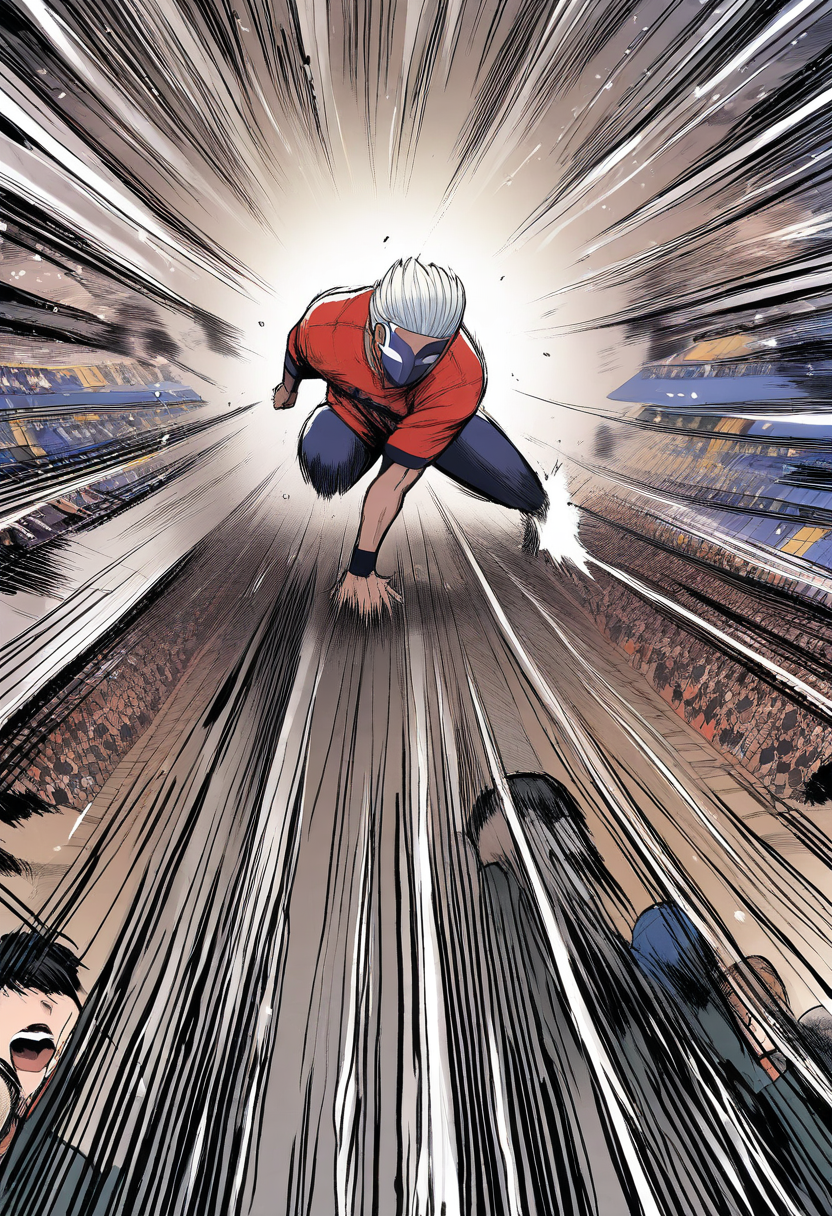
Style manga, lignes d'action, corpulence athlétique, maillot de basket, coupe en brosse courte, bandeau, pose de dribble, expression concentrée
From Script to Page in Minutes
Looking for the best AI manga generator? Traditional manga production follows a pipeline that hasn't changed much since the 1960s: script, storyboard (name), pencil draft, inking, toning, lettering. A single page takes a professional manga-ka anywhere from 8 to 20 hours. Serialized artists like Eiichiro Oda regularly work 18-hour days to hit weekly deadlines.
An AI manga page generator compresses the visual production step — not the creative one. You still need a story worth telling. The AI handles rendering. Oniichan is an ai manga generator free to start with — no drawing skills, no downloads, just text to manga in minutes.
How AI Manga Actually Works
Most AI manga generators and manga maker tools (including Oniichan) follow a two-stage architecture:
- Text understanding — A language model parses your scene description, identifies characters, determines panel composition, and plans dialogue placement
- Image synthesis — A diffusion model renders the actual manga page based on that plan, using character reference sheets to maintain visual consistency
The quality difference between tools comes down to how well those two stages communicate. Cheap generators treat each panel as an independent image. Better systems carry context — previous pages, character sheets, world style — into every panel.
What Makes Manga Different From Comics
If you're coming from a Western comics background, manga has structural conventions that affect how AI needs to render pages:
| Aspect | Western Comics | Manga |
|---|---|---|
| Reading direction | Left to right | Right to left |
| Panel flow | Z-pattern | Reverse Z |
| Speech bubbles | Rounded, tailed | Varied — oval, spiky, cloud, square |
| Toning | Full color or flat B&W | Screentone gradients |
| Sound effects | Separate from art | Integrated into the art itself |
| Page ratio | Variable | Standard B5 (182 × 257mm) |
Understanding these differences helps you write better prompts. "Draw an action scene" gives generic results. "Draw a full-page spread with speed lines radiating from center, the protagonist mid-leap in the upper third, with large katakana sound effects" gives manga.
Panel Layout Matters More Than You Think
Professional manga-ka spend significant time on their name (storyboard) before ever drawing a finished panel. Layout controls pacing:
Full-page spread — Maximum impact. Used for reveals, climactic attacks, or emotional peaks. If you use it too often, nothing feels special.
Standard grid (2×2 or 3×2) — Steady pacing for dialogue, exposition, or travel sequences. The bread-and-butter of any manga chapter.
Vertical panels — Height creates tension. A character falling, a sword being drawn, rain pouring down. Vertical panels naturally draw the eye downward.
Diagonal cuts — Energy and motion. Fights, chases, anything with momentum. The panel border itself becomes part of the action.
Borderless panels — Timelessness or dreamlike quality. Flashbacks, memories, surreal moments. The absence of a frame says "this isn't happening right now."
When prompting the AI, specifying layout alongside content produces dramatically better results than just describing what happens.
Writing Prompts That Produce Publishable Pages
Weak prompts produce generic manga. Strong prompts think like a manga editor.
Weak: "A girl fights a dragon"
Better: "A young swordswoman in torn armor lunges at a serpentine dragon, dynamic diagonal composition, speed lines emphasizing forward motion, screentone shading on the dragon's scales, dramatic shadow across the swordswoman's face, panel shows the moment of clash, debris flying"
The difference is specificity across five dimensions:
- Who — not "a girl" but "a young swordswoman in torn armor"
- What — not "fights" but "lunges at, moment of clash"
- How it looks — screentone shading, dramatic shadow
- Composition — diagonal, speed lines, debris
- Mood — the description implies desperation and intensity
Character Consistency Across Pages
The hardest problem in AI manga is keeping the same character recognizable across multiple pages. Real manga-ka draw from mental muscle memory built over years. AI needs explicit anchoring.
Character reference sheets solve this. Before generating pages, generate a reference sheet that establishes:
- Face structure and eye style from multiple angles
- Hair in both calm and action states
- Core outfit with color/tone callouts
- Signature accessories or features
- Height relative to other characters
Feed these references into every page generation. The AI uses them as a visual anchor, producing characters that look like the same person rather than a new interpretation each time.
Genres That Work Well With AI Manga
Not all manga genres are equally suited to current AI capabilities.
Strong results:
- Shounen action — Dynamic poses, effects, and clear character designs translate well
- Fantasy/isekai — Elaborate costumes and environments play to AI's strength in detail
- Slice of life — Simple compositions with emotional subtlety in expressions
- Horror — Atmospheric shading and unsettling imagery land naturally
More challenging:
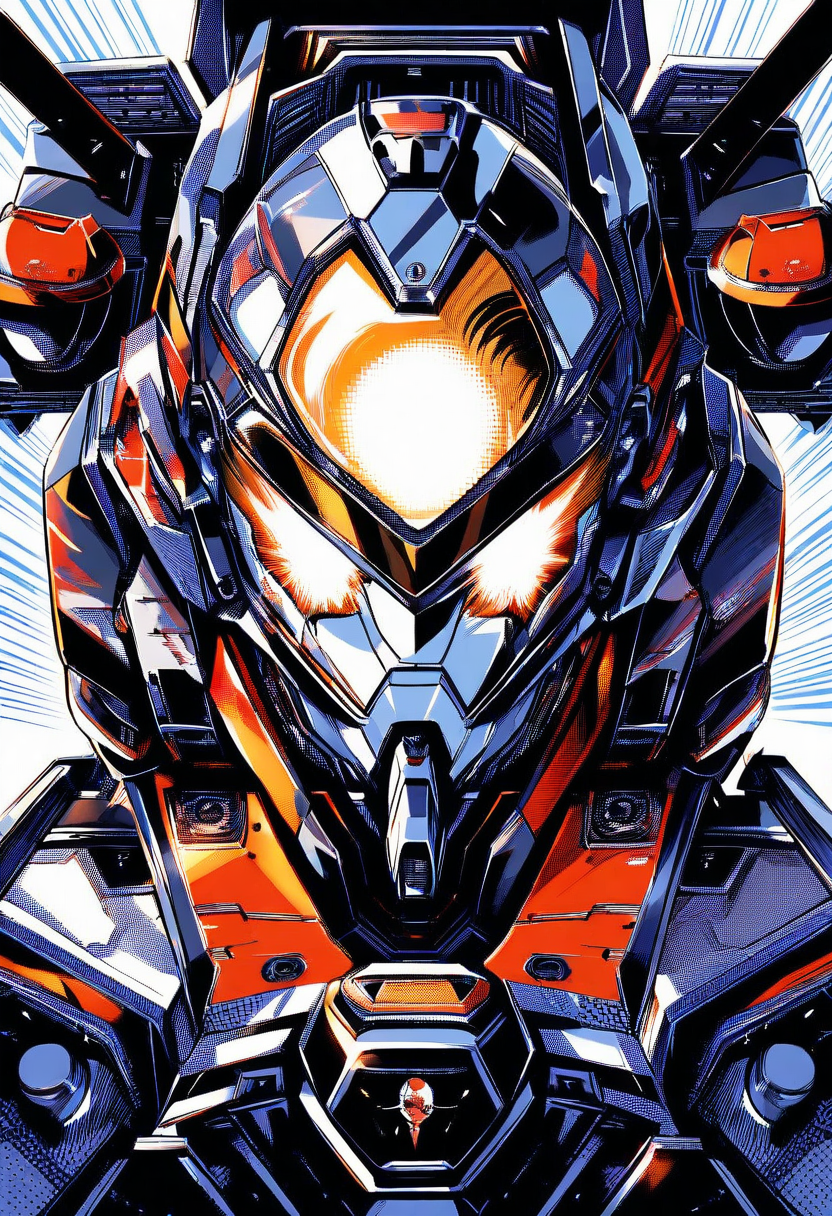
- Mecha — Consistent complex mechanical designs across panels is still difficult
- Sports manga — Anatomically precise motion sequences require careful prompting
- Highly stylized art (Junji Ito, ONE) — Unique styles need extensive reference training
The Manga Production Workflow
Here's how experienced users structure their Oniichan workflow for a full chapter:
- Write the outline — Scene descriptions, dialogue, and pacing notes for each page
- Generate character sheets — Lock in every character's visual design before touching pages
- Generate pages sequentially — Each page uses the previous page as context for consistency
- Edit panels individually — Refine faces, fix hands, adjust compositions on a per-panel basis
- Add speech bubble text — The AI places empty bubbles; text rendering fills them with formatted dialogue
- Review flow — Read the whole sequence in presentation mode to check pacing
Steps 4 and 5 are where most time goes. Experienced users spend 2-3 minutes generating a page and 5-10 minutes refining it — still dramatically faster than traditional production.
Frequently Asked Questions
How long does it take to generate a manga page? A single page renders in 30-90 seconds depending on complexity. A full chapter of 20 pages, including editing, typically takes 2-4 hours.
Can the AI match a specific manga art style? You can influence the style through your prompt (mention "Akira Toriyama style" or "shojo soft-focus aesthetic"), but the AI won't perfectly replicate a named artist's style. It will capture the general feel.
Do I need drawing skills? No. The generator works entirely from text descriptions. Drawing skills help if you want to hand-edit panels after generation, but they're not required.
Can I use AI-generated manga commercially? Images generated through Oniichan are yours to use. Check your local jurisdiction for specific rules about AI-generated content in commercial products, as regulations vary by country.
Is this the best AI manga generator? Oniichan is built specifically for manga creation — not general image generation repurposed for comics. It maintains character consistency across pages, handles panel layouts natively, and places speech bubbles automatically. Most text to manga tools treat each panel independently; Oniichan carries context from page to page.
What resolution are the output pages? Pages render at print-quality resolution suitable for both digital distribution and physical printing. Pro plan users get full resolution exports.
Related Tools
AI Comic Generator
Create comic book pages with dynamic panels, speech bubbles, and sequential art.
AI Illustration Generator
Generate detailed anime and manga-style illustrations from text descriptions.
AI Character Creator
Design original anime characters with unique outfits, hairstyles, and expressions.
AI Anime Art Generator
Create stunning anime artwork and illustrations with AI-powered generation.
OC Generator
Create original characters for any fandom or original universe with AI.
Naruto OC Maker
Create original Naruto ninja characters with village affiliations and jutsu styles.
Commencez à créer de l'art manga dès aujourd'hui
Transformez vos idées de manga en superbes œuvres en quelques secondes. Essayez le Générateur de manga IA maintenant et créez des illustrations authentiques de style manga à partir d'un simple prompt textuel.
Créer de l'art manga gratuit